Physical Address
304 North Cardinal St.
Dorchester Center, MA 02124
Physical Address
304 North Cardinal St.
Dorchester Center, MA 02124


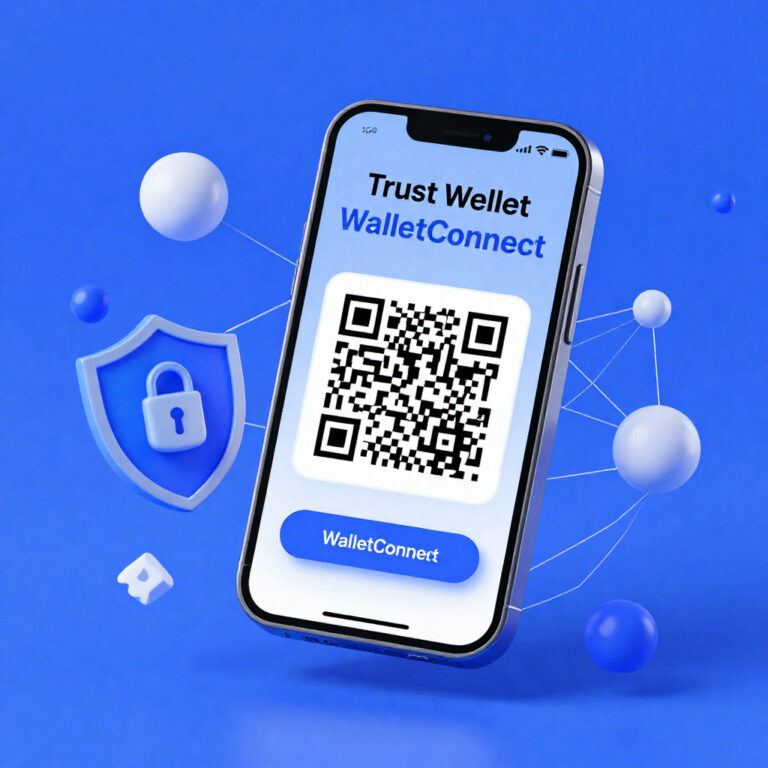
Trust Wallet connects to DApps using WalletConnect or a built-in DApp browser.Trust Wallet enables blockchain interaction. WalletConnect creates encrypted sessions. DApps request wallet authorization for transactions, swaps, and NFT actions. What Does “Connect Trust Wallet” Mean? Connecting Trust Wallet means…
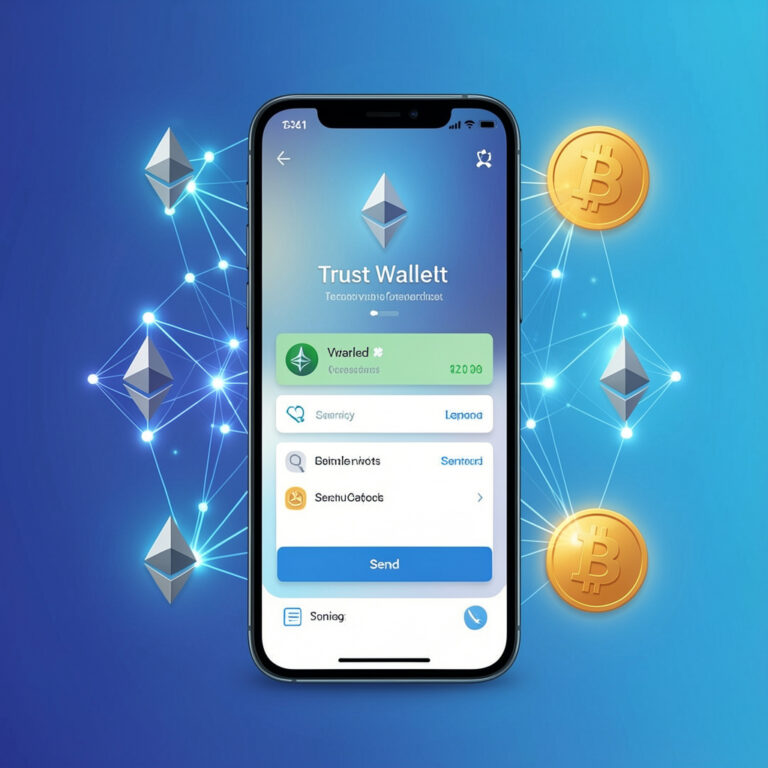
Sending cryptocurrency with Trust Wallet means you transfer digital assets from your wallet address to another wallet address on a blockchain network. The transaction uses your private key for signing and a public key for destination verification. Trust Wallet →…

You set up a TradingView chart by selecting the timeframe, chart type, and trading symbol. These elements control data precision and signal clarity. Element Function Example Timeframe Defines detail level 1H for intraday Chart Type Displays price data Candlestick Symbol…

A TradingView account enables chart analysis, indicators, alerts, and social trading. You use it to analyze markets and share ideas. How do you create a TradingView account? You create a TradingView account via the official sign-up page or app. You…
TradingView Replay Mode replays historical price data candle-by-candle to simulate live market conditions.TradingView provides a controlled environment where you analyze price action without hindsight bias. Example: You test EUR/USD on a 1H chart and validate breakout behavior across 200 candles.…
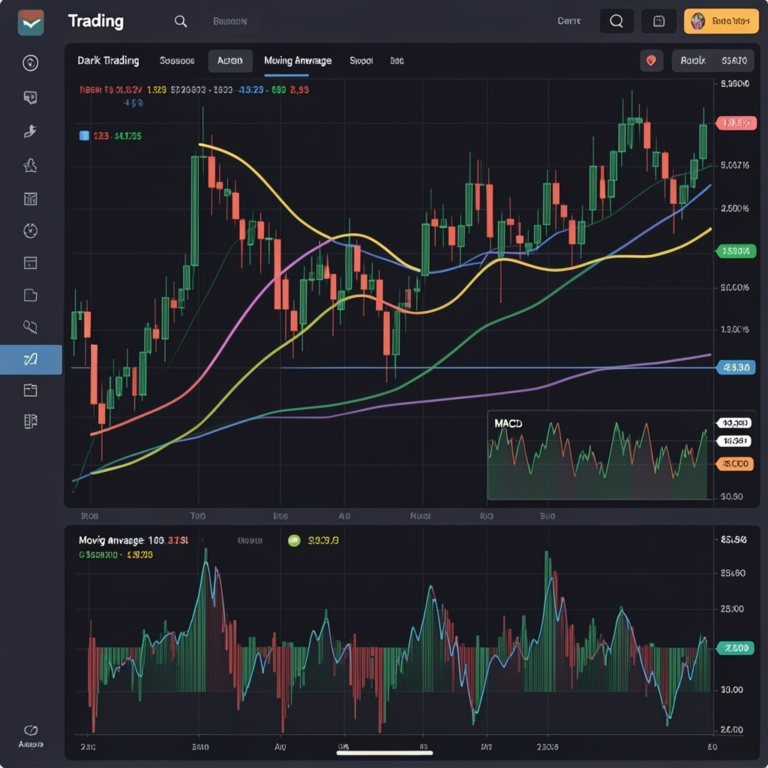
RSI measures momentum strength using price changes over a fixed period (default 14).Traders use RSI on TradingView to time entries by detecting reversals, divergences, and trend continuations with numeric thresholds between 0 and 100.TradingView calculates RSI using average gains and…
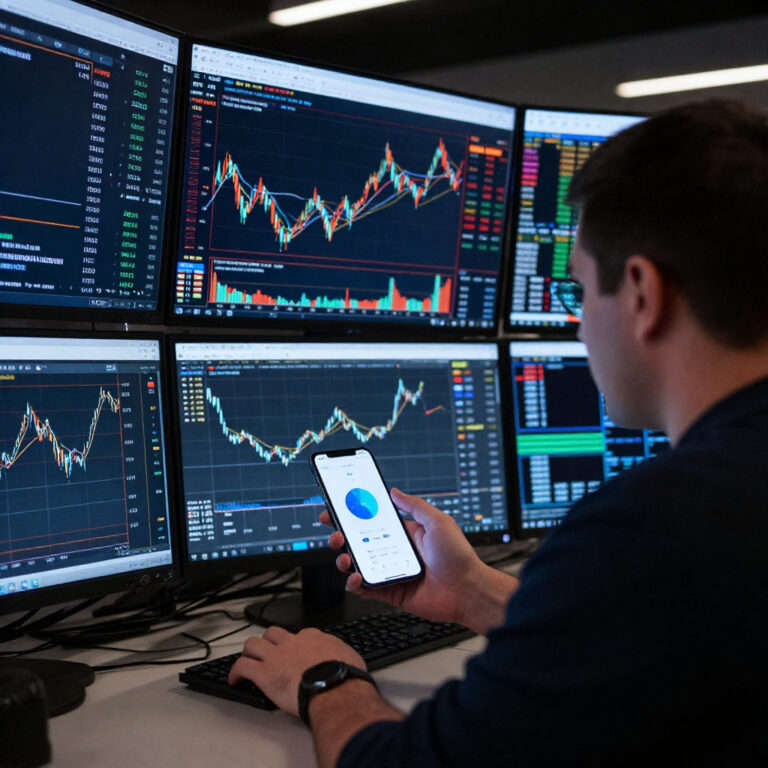
TradingView alerts help traders capture breakout opportunities by notifying them the moment price or indicator conditions are met. In breakout trading, timing determines whether you enter early or miss the move entirely. Markets can shift quickly, and predicting the exact…
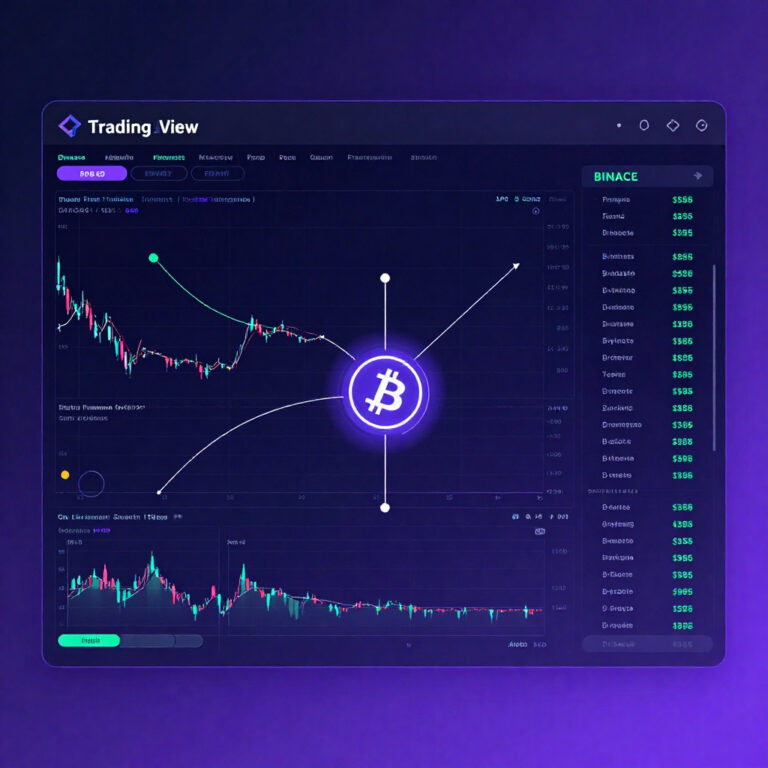
Connecting TradingView to Binance requires API keys and third-party automation tools such as 3Commas or WunderTrading. TradingView generates trading alerts, which are sent via webhooks to these tools, and they execute trades on Binance automatically. This integration allows traders to…
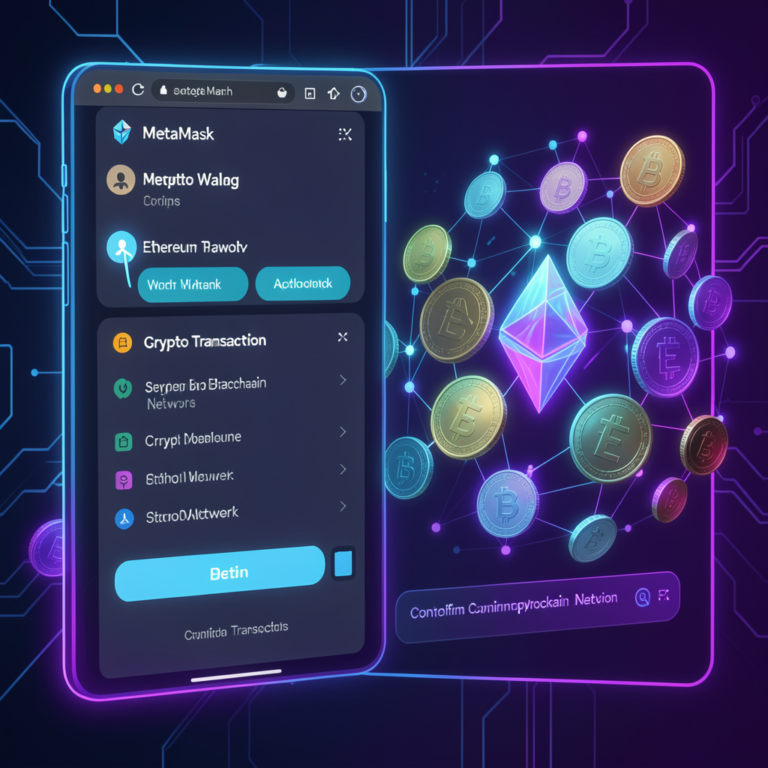
MetaMask sends crypto by signing a transaction with a private key and broadcasting it to a blockchain network. The wallet validates inputs, calculates gas fees, and confirms execution on-chain. Next, define required conditions What Conditions Must Exist Before Sending Crypto…
You connect to MetaMask Wallet by opening a Web3 site, clicking “Connect Wallet,” selecting MetaMask, and approving the connection request. MetaMask signs transactions locally while the dApp interacts with blockchain nodes. MetaMask acts as a client-side cryptographic signer that connects…
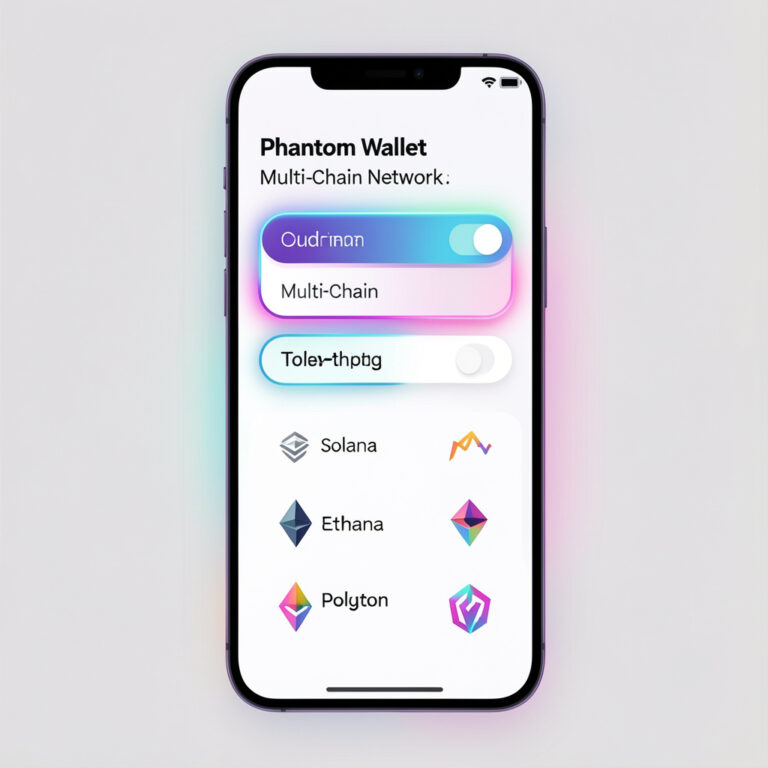
You add a network in Phantom Wallet by opening Settings → Manage Networks → Toggle network on. Phantom activates Ethereum or Polygon instantly without RPC input. Phantom Wallet supports multi-chain interaction through built-in network toggles. The wallet removes manual configuration…
Recovering a Phantom Wallet means restoring access to your crypto assets using your secret recovery phrase (seed phrase). Phantom Wallet uses this phrase to regenerate your private keys, wallet addresses, and blockchain accounts across supported networks like Solana, Ethereum, and…
Users connect Phantom Wallet by installing the Phantom extension, unlocking the wallet, opening a supported decentralized application (dApp), and approving the connection request in the Phantom interface. Phantom Wallet functions as a browser extension wallet and mobile crypto wallet that…
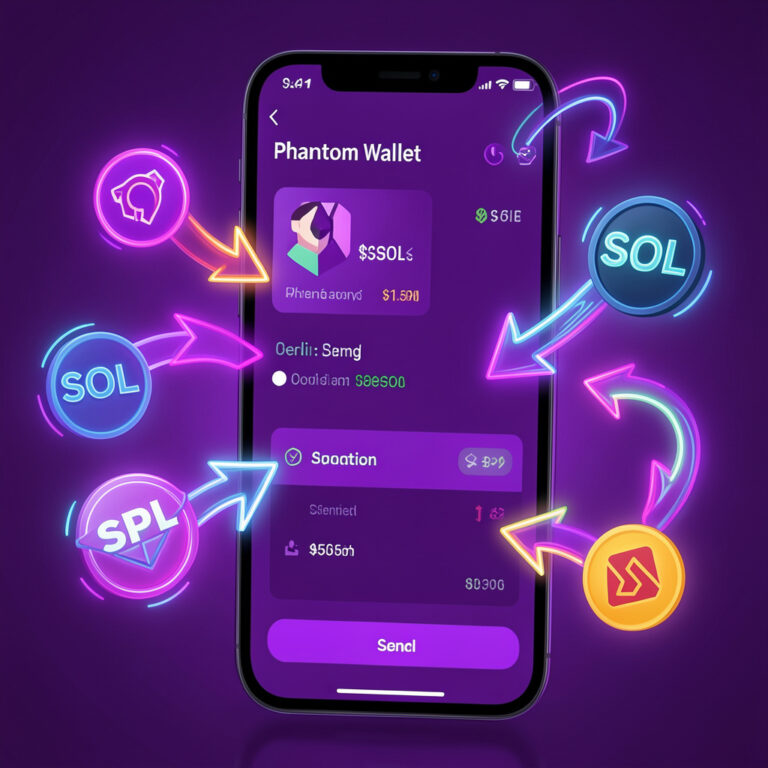
Sending cryptocurrency is one of the most basic yet important actions in the blockchain ecosystem. Whether you’re transferring tokens to an exchange, paying someone, or interacting with a decentralized application, knowing how to send assets safely is essential. Phantom Wallet…

Prediction markets – decentralized platforms where participants trade outcomes based on real-world events – have emerged as one of the most interesting applications of blockchain technology. While early platforms faced challenges in liquidity, UX, and transparency, a new entrant is…



