How to Add a Network in Phantom Wallet: Complete Guide
How to Add a Network in Phantom Wallet: Complete Guide
CrisCoin 9 min readPhantom
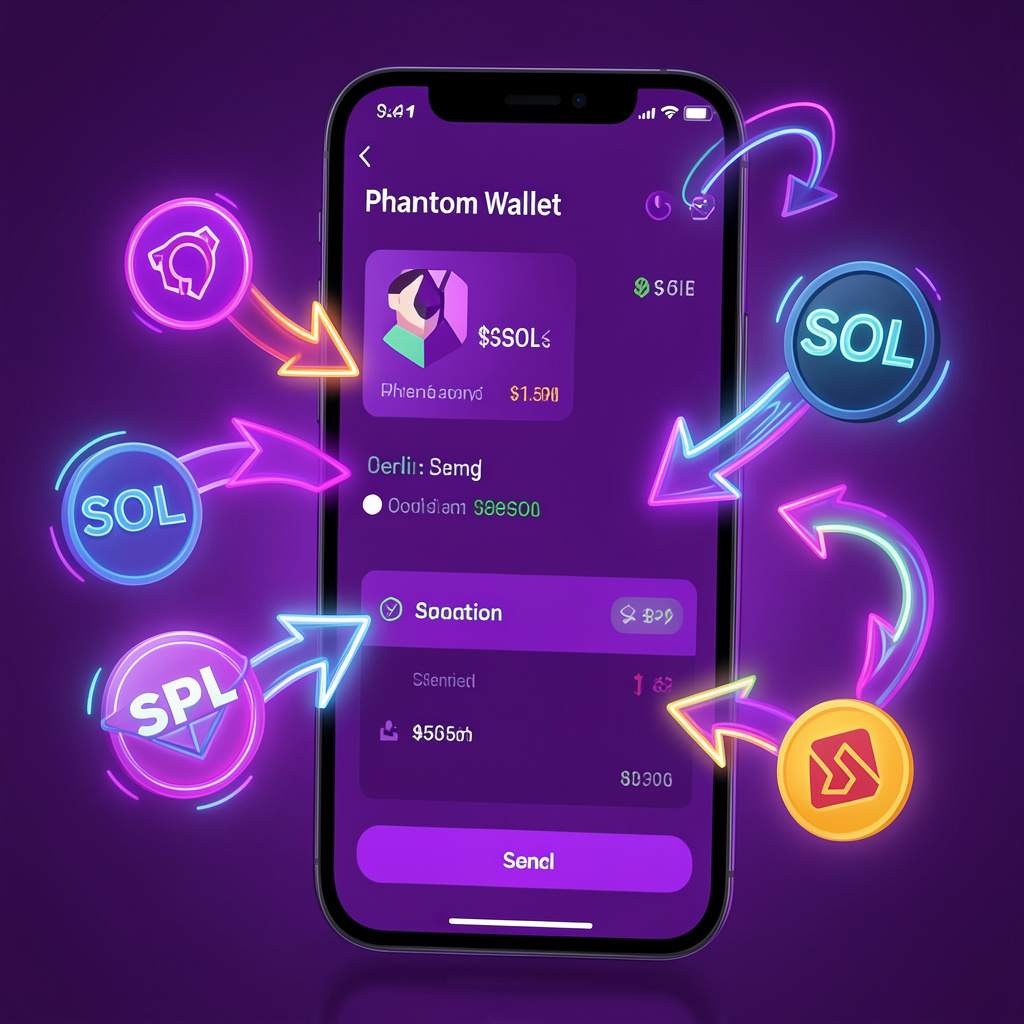
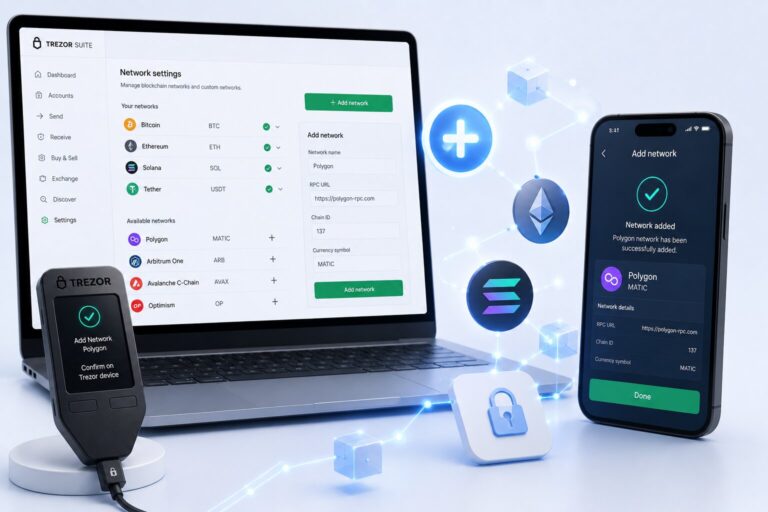
You add a network in Phantom Wallet by opening Settings → Manage Networks → toggling the network on. Phantom activates Ethereum or Polygon instantly, without needing any manual RPC input.
Phantom uses one seed phrase to derive addresses across every supported chain, so enabling a network never requires a separate wallet.
Network
Role
Avg Fee
Solana
High-speed L1
<$0.01
Ethereum
Smart contract L1
$1–$50+
Polygon
Scaling L2
<$0.01
What Does Adding a Network in Phantom Mean?
Adding a network means enabling blockchain interaction inside the wallet interface — the blockchain provides the assets and transactions, and the wallet interface displays network-specific balances.
One Seed Phrase, Multiple Chains
Seed phrase derives a Solana address
Same seed phrase derives an EVM address
Which Networks Does Phantom Wallet Support?
Phantom supports Solana, Ethereum, and Polygon because they represent high-usage ecosystems with different strengths — Solana optimizes throughput, Ethereum executes complex smart contracts, and Polygon scales Ethereum transactions.
Where Is the Manage Networks Option?
You manage networks inside the settings layer of the wallet UI.
UI Path
Wallet Dashboard → displays assets
Settings Menu → controls preferences
Manage Networks → lists blockchain toggles
How Do You Enable a Network Step by Step?
You enable Ethereum or Polygon by switching the network toggle to “on”.
1
Open Phantom Wallet
Launch the extension or mobile app.
2
Click Settings
Open the settings menu from the dashboard.
3
Select Manage Networks
This lists every available blockchain toggle.
4
Toggle Ethereum or Polygon
Switch the toggle to “enabled”.
5
Wait for the interface to refresh
Phantom connects to the RPC endpoint and updates balances, typically in under 2 seconds.
Does Phantom Wallet Allow Custom RPC Networks?
Phantom Wallet restricts custom RPC input — it uses predefined, trusted RPC endpoints instead, which reduces misconfiguration risk.
Wallet
Custom RPC Support
Phantom
Limited
MetaMask
Full
Do Wallet Addresses Change Across Networks?
Yes — each network uses a different address format, even though a single private key can derive all of them.
Network
Encoding
Prefix
Length
Solana
Base58
None
32–44
Ethereum
Hex
0x
42
Polygon
Hex
0x
42
How Does Phantom Use Private Keys Across Chains?
Phantom uses one seed phrase for all networks — the seed phrase generates a master private key, which derives per-chain addresses. Ethereum uses derivation path m/44’/60’/0’/0, while Solana uses m/44’/501’/0’/0.
Critical FactLoss of the seed phrase removes access to all assets across every chain — there is no chain-by-chain backup.
Why Does a Network Not Appear or Fail to Activate?
Cause
Fix
Toggle state disabled
Re-enable the network
Wallet version outdated
Update wallet version
RPC endpoint fails
Check internet connection
Feature rollout restricted
Restart wallet session
What Changes Immediately After Enabling a Network?
Enabling a network updates wallet state, UI, and blockchain connectivity all at once — token balances load, the gas fee module activates, and the dApp browser starts supporting that network. For example, enabling Ethereum unlocks Uniswap access, while enabling Polygon unlocks low-fee swaps.
What Is the Core Benefit of Multi-Chain Support?
Multi-chain support lets you manage assets across ecosystems from a single interface instead of juggling multiple wallets. Web3 UX research from 2024 suggests multi-chain wallets can reduce wallet-switching friction by over 60% in user flows.
Frequently Asked Questions
Open Settings, select Manage Networks, and toggle the network — such as Ethereum or Polygon — to “on”. No RPC input is needed.
No, Phantom restricts custom RPC entry and instead relies on its own predefined, trusted endpoints for supported networks.
You’re likely viewing the wrong network for that asset. Switch to the correct chain and the balance should reappear.
Yes. A single seed phrase derives separate addresses for Solana, Ethereum, and Polygon using different derivation paths.
Update the wallet to the latest version, restart your session, check your internet connection, and re-enable the toggle.