How to Add a Network to Trezor Wallet Using Trezor Suite and MetaMask (2026 Guide)
Trezor Wallet supports EVM networks through either Trezor Suite or MetaMask. Trezor Suite adds native networks directly using the [+] account selector β no RPC configuration needed. MetaMask enables any unsupported Ethereum-based chain through custom RPC URL entry, using EIP-3085 to register network parameters. Trezor signs all transactions on the hardware device regardless of which interface initiates them.
| Path | When to Use | RPC Required | Browser Extension |
| Trezor Suite [+] | Natively supported chains | No | No |
| MetaMask + Trezor | Any unlisted EVM chain | Yes | Yes |
How Trezor Network Support Works – Architecture Overview
Understanding the three-layer architecture explains why some chains need MetaMask while others appear directly in Trezor Suite.
| Layer | Function | User Action |
| Trezor firmware | Signs transactions β isolates private keys on Secure Element | Physical button confirmation |
| Trezor Suite | Displays and manages natively supported networks | [+] to add supported chains |
| MetaMask | Configures custom EVM chains via JSON-RPC RPC endpoints | Add custom network + Chainlist.org |
| RPC endpoint | JSON-RPC server connecting wallet to blockchain nodes | Sourced from Chainlist.org or official docs |
- Trezor firmware supports every EVM-compatible chain β the hardware device signs any valid EVM transaction regardless of the network.
- Trezor Suite displays a curated subset of supported chains β it connects through Trezor’s own verified node infrastructure, not user-specified endpoints.
- MetaMask broadcasts transactions to blockchain nodes via JSON-RPC through the configured RPC endpoint – Trezor’s hardware provides signing isolation throughout.
- Seed phrase isolation is maintained across all three layers β private keys never leave the Secure Element regardless of which network interface is used.
Key Terms for Adding Networks to Trezor Wallet
| Term | Definition |
| EVM Compatible | A blockchain running the Ethereum Virtual Machine β shares Ethereum’s 0x address format and transaction signing standard |
| JSON-RPC | Protocol used to communicate with blockchain nodes β MetaMask sends JSON-RPC requests through the configured RPC endpoint |
| RPC Endpoint | The URL address of a blockchain node β MetaMask uses this to broadcast transactions and query balances |
| EIP-3085 | Ethereum standard for wallet_addEthereumChain β enables Chainlist.org to add networks to MetaMask with one click |
| Chain ID | Unique integer identifying an EVM network β prevents replay attacks and distinguishes chains with identical address formats |
| Chain ID Mismatch | Configuration error where the entered Chain ID doesn’t match the actual network β causes transaction failures |
| Add Account [+] | The [+] symbol in Trezor Suite’s left sidebar for adding new network accounts |
| Trezor Connect | Trezor’s open-source API enabling third-party wallets to request hardware device transaction signatures |
| WalletConnect | Protocol for connecting wallets to dApps via QR code β built into Trezor Suite for DeFi access |
| Mainnet | Live production blockchain with real assets β distinct from Testnet used for development |
| Optimistic Rollup | Layer 2 architecture (Arbitrum, Base, Optimism) batching transactions and posting proofs to Ethereum |
| Hardware Wallet Signing | Transaction authorization performed inside the Secure Element β prevents private key exposure to connected software |
Does Trezor Suite Support Custom RPC URLs?
No. Trezor Suite does not accept custom RPC URL input. Network access in the companion application is provided through Trezor’s own verified node infrastructure β this architecture eliminates the malicious RPC endpoint attack vector present in software wallets.
- A malicious RPC endpoint can intercept JSON-RPC requests, read transaction data, and in some implementations substitute transaction destinations β Trezor Suite prevents this by not accepting user-specified endpoints.
- For chains not listed in Trezor Suite, MetaMask handles the RPC endpoint configuration while the hardware device maintains transaction signing isolation.
How Does Trezor Add EVM Networks Natively?
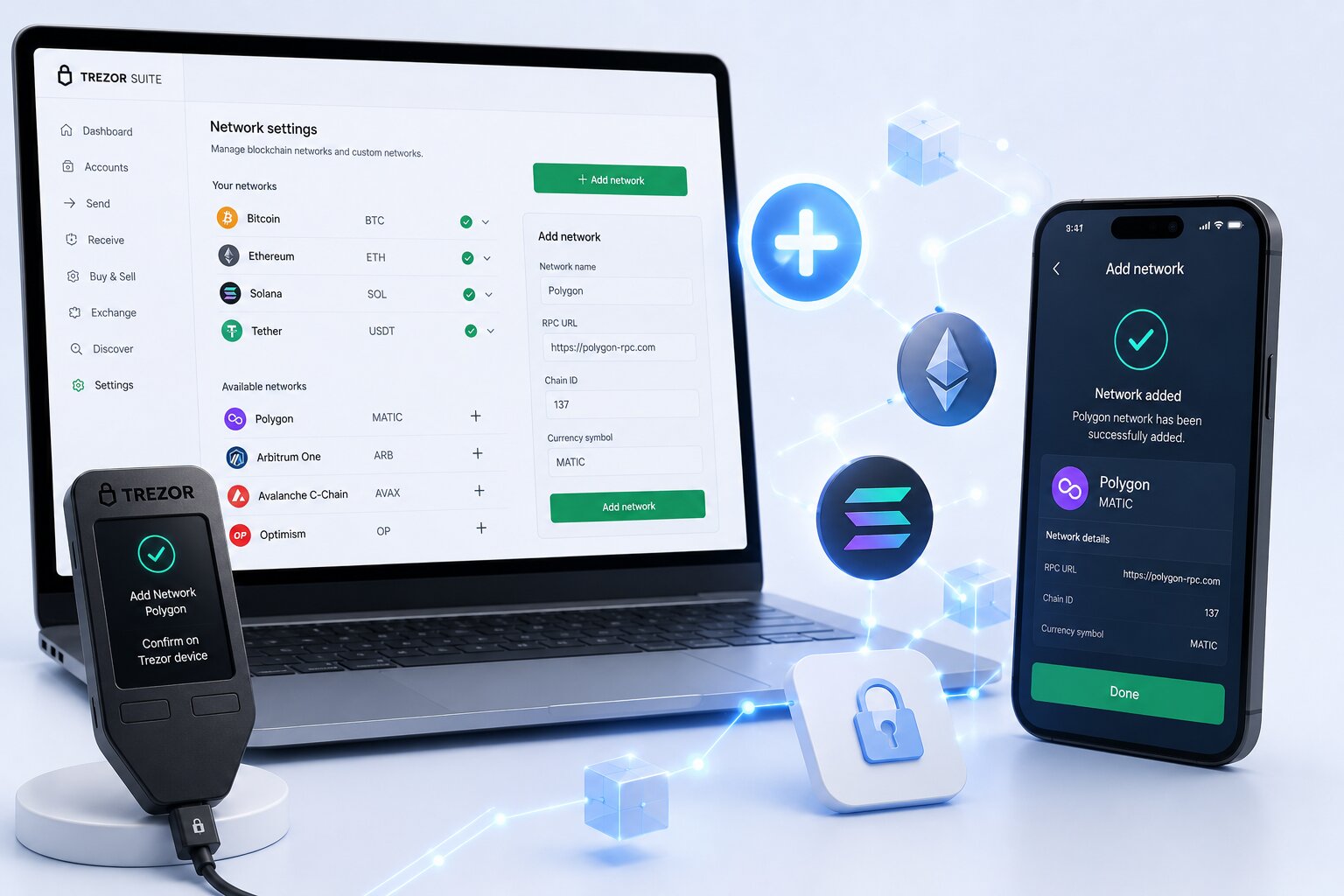
Trezor Suite adds natively supported EVM networks through the [+] account selector β no Chain ID, RPC URL, or network parameters are required. The companion application connects to these networks through pre-configured infrastructure.
Steps β Add natively supported network:
- Connect the Trezor device via USB and unlock with PIN.
- Open Trezor Suite β Accounts page.
- Click the [+] symbol in the left sidebar.
- Find the target network β Arbitrum One, Base, Optimism, Polygon PoS, or BNB Smart Chain.
- Select the assets to track β click Add Account.
- The new network account appears with its own balance display β using the same 0x address as the Ethereum account.
What Networks Does Trezor Suite Support Natively in 2026?
| Network | Type | Gas Token | Model Support |
| Bitcoin | L1 non-EVM | BTC | All |
| Ethereum | L1 EVM | ETH | All |
| Litecoin | L1 | LTC | All |
| Dogecoin | L1 | DOGE | All |
| Ethereum Classic | L1 EVM | ETC | All |
| Bitcoin Cash | L1 | BCH | All |
| XRP | L1 | XRP | Safe 3/5/7, Model T |
| Cardano | L1 | ADA | Safe 3/5/7, Model T |
| Solana | L1 | SOL | Safe 3/5/7, Model T |
| Polygon PoS | L2 Sidechain | POL | All |
| BNB Smart Chain | L1 EVM | BNB | All |
| Arbitrum One | L2 Rollup | ETH | All |
| Base | L2 Rollup | ETH | All |
| Optimism | L2 Rollup | ETH | All |
- All EVM-compatible networks in this table share the same 0x address as the Ethereum account β adding Arbitrum does not create a new address.
- Arbitrum, Base, and Optimism are Optimistic Rollups that use ETH as their gas token β the OP and ARB tokens are ERC-20 governance tokens that cannot pay gas fees.
Why Does Trezor Require MetaMask for Some Chains?
Trezor firmware supports all Ethereum-based chains β the limitation is in Trezor Suite’s curated interface, not the hardware. Chains like zkSync Era, Linea, Scroll, and Celo are EVM-compatible but not yet listed in Trezor Suite β they require MetaMask as the network configuration layer.
- Trezor firmware speaks the EVM transaction language natively β any valid EVM transaction can be signed by the Secure Element regardless of which network originated it.
- Trezor Suite’s network list grows through official firmware and software updates β chains that require MetaMask today may be natively supported in future Suite versions.
Should You Use Trezor Suite or MetaMask to Add a Network?
| Situation | Best Choice | Reason |
| Arbitrum, Base, Optimism, Polygon, BNB | Trezor Suite [+] | Natively listed β no RPC needed |
| zkSync Era, Linea, Scroll, Celo | MetaMask + Trezor | Not in native list β custom RPC required |
| DeFi on listed chains | Trezor Suite WalletConnect | Direct dApp connection β no browser extension |
| DeFi on unlisted EVM chains | MetaMask + Trezor | MetaMask handles network + DeFi interface |
| Maximum security isolation | Trezor Suite | No browser extension dependency |
| Custom RPC endpoint control | MetaMask | Full RPC configuration available |
| Testnet access | MetaMask + Trezor | Testnets typically require custom RPC configuration |
How Do You Add an Unsupported EVM Network to Trezor Using MetaMask?
Steps β Connect Trezor to MetaMask for custom EVM chains:
- Install MetaMask from metamask.io β unlock it.
- Connect Trezor via USB β unlock with PIN.
- MetaMask β account selector β Add account or hardware wallet β Hardware wallet β Trezor.
- Approve the export public key request on the Trezor device screen.
- Select the Ethereum account β click Unlock.
- MetaMask β network selector β Add a custom network.
- Enter: Network Name, RPC URL, Chain ID, Currency Symbol, Block Explorer URL β from official docs or Chainlist.org.
- Click Save β switch to the new network.
- All transactions on the custom chain route to the Trezor device for physical button confirmation.
How Does Chainlist.org Simplify Adding EVM Networks?
Chainlist.org aggregates verified RPC endpoints and Chain IDs for hundreds of EVM networks β triggering MetaMask’s EIP-3085 wallet_addEthereumChain standard for one-click network registration.
Steps β Chainlist.org method:
- Open MetaMask in the browser with Trezor connected.
- Navigate to chainlist.org β search the network by name or Chain ID.
- Click Connect Wallet β Add to MetaMask.
- MetaMask displays the pre-filled EIP-3085 approval dialog β click Approve.
- Chainlist.org uses community-verified RPC endpoints β safer than manually searching unknown network configurations.
- Never add RPC endpoints received via Discord, Telegram, or social media β malicious JSON-RPC servers can intercept transaction data.
Does Trezor Support zkSync?
Yes β through MetaMask. zkSync Era (Chain ID 324) is an EVM-compatible Layer 2 rollup not yet in Trezor Suite’s native list. Add it via MetaMask: RPC URL https://mainnet.era.zksync.io, Chain ID 324, Currency Symbol ETH. Connect Trezor to MetaMask for hardware signing on zkSync Era transactions.
Why Does Trezor Use the Same Address on Every EVM Chain?
EVM address identity is the cryptographic property that all Ethereum-based chains derive wallet addresses from the same private key using identical algorithms β producing the same 0x address on every EVM network from a single Trezor seed.
- Ethereum and Avalanche C-Chain, for example, show the same 0x address in Trezor Suite even though they are completely separate blockchains with separate balances.
- This identical address format is the root cause of wrong network errors β the same address appears valid on Ethereum, Arbitrum, Polygon, and BNB Chain simultaneously.
Can You Recover Tokens Sent on the Wrong EVM Network?
Yes β in most cases. Assets sent to a Trezor address on the wrong Ethereum-based chain are not destroyed β they exist on the destination chain and can be accessed by enabling that network.
Recovery flow β wrong EVM network:
- Identify the network used β check the exchange withdrawal history or block explorer.
- If the network is in Trezor Suite’s native list β open Suite β [+] β add the network account β balance appears.
- If the network is not in Trezor Suite β connect Trezor to MetaMask β add the custom network using Chainlist.org β the balance becomes visible.
- If the token is not auto-detected β import the token contract address from the network’s block explorer.
- Verify the balance on the correct network account before attempting any further transfers.
What Is the Wrong Network Risk When Adding Networks to Trezor?
Wrong network errors occur when assets are sent on an Ethereum-based chain the receiving account is not configured to display β funds arrive at the correct address on an unintended blockchain.
| Scenario | What Happens | Recovery |
| ETH sent on Arbitrum β Ethereum account selected | ETH on Arbitrum β invisible in ETH account | Add Arbitrum [+] in Trezor Suite |
| USDC sent on Polygon β Ethereum account | USDC on Polygon β invisible in ETH account | Add Polygon [+] in Trezor Suite |
| Tokens sent on unlisted chain | Invisible in Trezor Suite | MetaMask + add custom network |
| BTC sent to ETH address format | Incompatible β rejected before broadcast | Transaction fails cleanly |
What Happens if You Send Assets on a Network Not Supported in Trezor Suite?
Assets sent to a Trezor address on an unsupported chain are not lost β they exist on the destination chain and can be recovered by connecting the hardware device to MetaMask and adding the correct custom network. Trezor’s official guidance confirms this recovery path.
Why Is My Balance Not Showing on Trezor After Adding a Network?
Missing balance after adding a network traces to five common causes β each with a direct fix.
| Symptom | Likely Cause | Fix |
| Balance zero after adding Arbitrum | Network account added but ETH on different chain | Verify which chain held the ETH β add that chain’s account |
| ERC-20 token not visible | Token not auto-detected in Suite | Import token contract address from block explorer |
| Balance visible in MetaMask but not Trezor Suite | MetaMask on custom chain not in Suite | Use MetaMask view for that chain’s balance |
| Correct network added but balance not loading | Network sync delay | Reload the account β allow 30-60 seconds |
| Wrong account type selected (Bitcoin) | Taproot vs SegWit mismatch | Settings β enable correct Bitcoin account type |
Common Error Messages When Adding Networks to Trezor
| Error | Cause | Fix |
| “Chain ID does not match” | Entered Chain ID differs from network’s actual ID | Verify Chain ID on Chainlist.org or official network docs |
| “Network already exists in MetaMask” | Network previously added with same Chain ID | Switch to existing network in MetaMask network selector |
| “Wrong RPC URL” | RPC endpoint unreachable or incorrect | Use Chainlist.org verified endpoint β test in browser first |
| “Transaction stuck pending” | Gas fee too low or wrong network selected | Check if correct network is active β use RBF or Speed Up |
| “Address not found on this network” | Account not added for the specific chain in Suite | Add account for that network via [+] in Trezor Suite |
| “Balance not showing after confirmed transaction” | Account not yet added in Suite or MetaMask | Add network account β refresh after 60 seconds |
What Trezor Suite Cannot Do When Adding Networks
Understanding Trezor Suite’s limitations prevents configuration errors and incorrect expectations.
- Trezor Suite cannot accept arbitrary RPC URL input β all supported networks connect through Trezor’s own verified infrastructure.
- Trezor Suite cannot directly support every EVM chain β chains outside the native list require MetaMask for network configuration.
- Trezor Suite cannot recover assets sent to a non-EVM address format β BTC sent to an ETH address format is permanently inaccessible.
- Trezor Suite cannot use ARB or OP as gas tokens β both are ERC-20 governance tokens; only ETH pays gas on Arbitrum, Base, and Optimism.
- Trezor Suite cannot configure testnet networks β testnet access requires MetaMask with custom RPC endpoint entry.
- Trezor Suite cannot add networks without the device connected β the [+] account selector requires physical device confirmation for account creation.
Trezor Suite vs MetaMask for EVM Network Support
| Feature | Trezor Suite | MetaMask |
| Custom RPC URL | Not available | Full control |
| Browser extension required | No | Yes |
| Native chain support | Curated 15+ chains | Unlimited EVM |
| JSON-RPC attack surface | None – own infrastructure | Present – user-specified |
| DeFi compatibility | Moderate – WalletConnect | High – direct dApp integration |
| Hardware wallet signing | Native | Via Trezor Connect |
| EIP-3085 support | No | Yes – Chainlist.org |
| Testnet access | Not available | Via custom RPC |
Trezor vs Ledger for Adding Custom EVM Networks
Both hardware wallets follow identical architecture β native chains via their companion apps, custom Ethereum-based chains via MetaMask. The primary differences are firmware transparency and which chains are in each native list.
| Feature | Trezor Suite | Ledger Wallet |
| Custom RPC in companion app | No | No |
| Native EVM networks (2026) | 5 L2 EVMs + BNB + ETH | 5 L2 EVMs + BNB + ETH |
| MetaMask integration | Via Trezor Connect | Via hardware wallet |
| Open-source firmware | Fully auditable | Closed-source SE |
| WalletConnect (built-in) | Yes | Yes |
| Chainlist.org support | Via MetaMask | Via MetaMask |
Common Mistakes When Adding Networks to Trezor Wallet
| Mistake | Result | Prevention |
| Expecting custom RPC in Trezor Suite | Feature not found | Use [+] for native chains; MetaMask for custom EVM |
| Using MetaMask for chains natively in Suite | Unnecessary complexity | Check [+] list first β Arbitrum/Base/Optimism/Polygon are native |
| Wrong Chain ID in MetaMask | Transaction failures or wrong chain | Verify on Chainlist.org before saving |
| Assuming same address = same balance | Empty balance confusion | Each network account shows separate balance |
| Using unverified RPC URL | JSON-RPC data interception risk | Source all endpoints from Chainlist.org or official docs |
| Not adding network account after recovery | Tokens remain invisible | Always add network account via [+] or MetaMask after identifying chain |
FAQ
How do I add a network to Trezor?
For natively supported chains (Arbitrum, Base, Optimism, Polygon, BNB): Trezor Suite β [+] in left sidebar β select network β Add Account. For unlisted EVM chains: connect Trezor to MetaMask β Settings β Add a custom network β enter RPC URL and Chain ID from Chainlist.org. Trezor signs all transactions via hardware device confirmation regardless of method.
Can I add Arbitrum to Trezor Suite?
Yes. Arbitrum One is natively supported. Trezor Suite β [+] β select Arbitrum β Add Account. The Arbitrum account uses the same 0x address as the Ethereum account with a separate balance. ETH on Arbitrum pays gas fees β the ARB token is an ERC-20 governance token and cannot be used for gas.
Does Trezor Support Custom Networks?
Yes β through MetaMask. Trezor firmware signs transactions on any EVM chain. Connect Trezor to MetaMask via Trezor Connect, add the custom network using Chainlist.org for verified RPC endpoints and Chain IDs. MetaMask handles network configuration via EIP-3085 while Trezor provides hardware wallet signing for all transactions.
How do I add Base network to Trezor?
Trezor Suite β [+] β select Base β Add Account. Base is natively supported β no RPC URL or Chain ID entry required. The Base account shares the same 0x address as the Ethereum account. ETH on Base is required for all gas fees β Base does not use a separate native token.
Can I use Trezor with MetaMask for custom EVM networks?
Yes. MetaMask β account selector β Add account or hardware wallet β Trezor β approve public key export on device. Then MetaMask β Add a custom network β enter network details from Chainlist.org using EIP-3085 one-click addition. Every transaction routes to the Trezor device for Secure Screen verification and physical button confirmation.
How do I add Polygon to Trezor?
Trezor Suite β [+] β select Polygon PoS β Add Account. Polygon PoS is natively supported β no MetaMask required. The Polygon account shares the same 0x address as Ethereum. POL is the native gas token on Polygon β ETH is not used for gas on Polygon unlike Arbitrum, Base, and Optimism.
Does Trezor support Optimism?
Yes. Optimism is natively supported in Trezor Suite as of 2026. Trezor Suite β [+] β Optimism β Add Account. The same 0x Ethereum address holds assets on Optimism with a separate balance. ETH pays all Optimism gas fees β the OP governance token is an ERC-20 and cannot be used for gas.
What networks does Trezor Suite support?
Natively in 2026: Bitcoin, Ethereum, Litecoin, Dogecoin, Ethereum Classic, Bitcoin Cash, XRP (Safe 3/5/7/Model T), Cardano (Safe 3/5/7/Model T), Solana (Safe 3/5/7/Model T), Polygon PoS, BNB Smart Chain, Arbitrum One, Base, and Optimism. All other EVM chains are accessible via MetaMask + Trezor Connect using custom RPC endpoints from Chainlist.org.