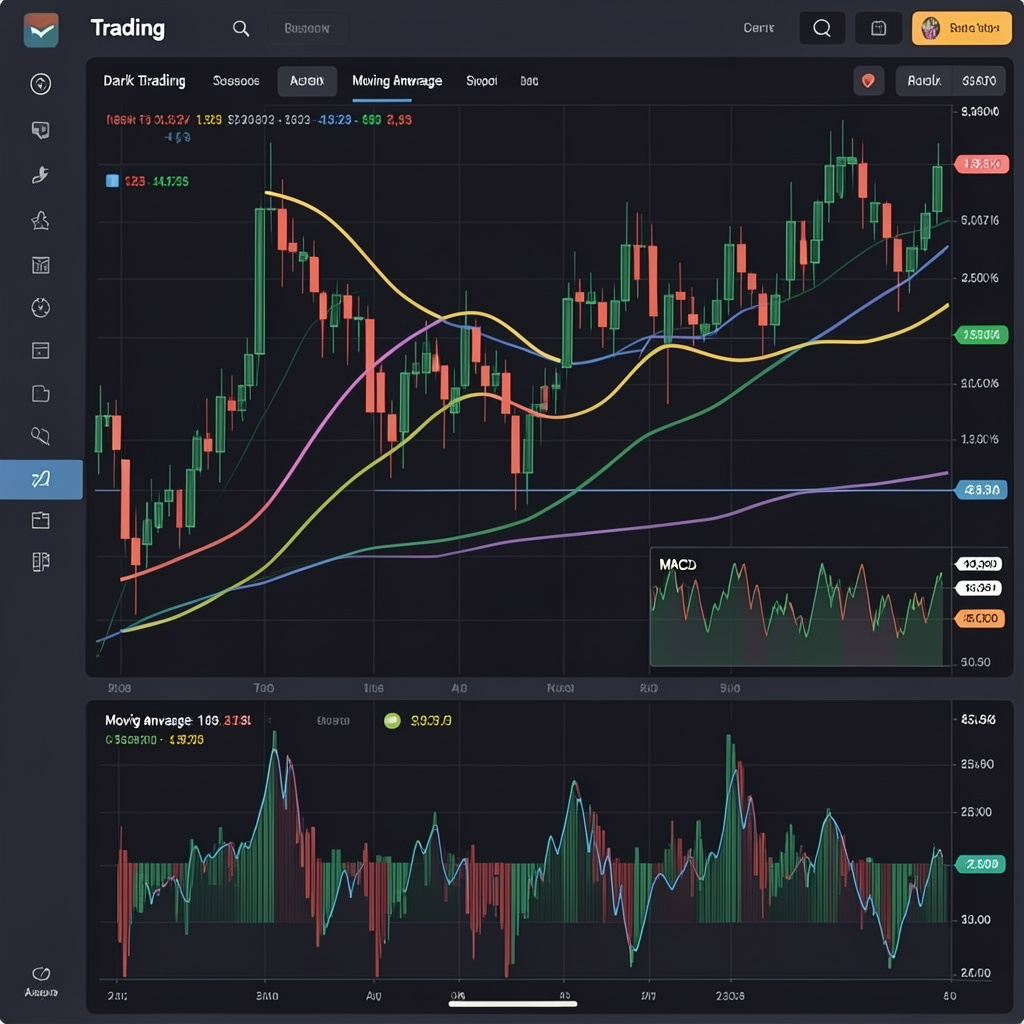
How to Use RSI on TradingView for Better Entry Timing
How to Use RSI on TradingView for Better Entry Timing
CrisCoin 12 min readTradingView
RSI measures momentum strength using price changes over a fixed period, defaulting to 14 — traders use it on TradingView to time entries by detecting reversals, divergences, and trend continuations.
RSI works on a 0–100 scale: above 70 signals overbought conditions, while below 30 signals oversold — but it works best when combined with structure and confirmation.
RSI Basics
Calculated using average gains and losses
Indicates overbought conditions above 70
Signals oversold conditions below 30
Uses a fixed 0–100 scale
How Do You Add RSI on TradingView?
1
Open a TradingView chart
Start from any asset chart.
2
Click “Indicators”
Open the indicator search panel.
3
Search “RSI”
Type it into the search bar.
4
Select “Relative Strength Index”
TradingView displays it below the price chart as a separate oscillator panel.
Setting
Default Value
Function
Length
14
Defines the calculation period
Source
Close
Uses the closing price
Bands
30/70
Defines the thresholds
How Do You Read RSI Signals for Better Entries?
RSI signals entries using overbought, oversold, and midline behavior.
Key RSI Signals
RSI crosses above 30 → signals a potential bullish reversal
RSI crosses below 70 → signals a potential bearish reversal
RSI stays above 50 → confirms bullish momentum
RSI stays below 50 → confirms bearish momentum
Example: Bitcoin’s RSI moving from 28 to 35 preceded an upward reversal within 3 candles on the 1H timeframe.
What Is RSI Divergence and How Does It Signal Entries?
RSI divergence identifies trend reversals by comparing price action with momentum.
Divergence Type
Pattern
Bullish divergence
Price forms lower lows, RSI forms higher lows
Bearish divergence
Price forms higher highs, RSI forms lower highs
Where It Appears MostRSI divergence shows up frequently before reversals in volatile assets like crypto and forex pairs.
What RSI Settings Work Best on TradingView?
The default RSI length of 14 works for most traders, but adjustments can improve precision for specific styles.
Strategy Type
RSI Length
Use Case
Scalping
7
Faster signals
Day trading
14
Balanced signals
Swing trading
21
Smoother trends
A shorter RSI reacts faster but increases noise, while a longer RSI reduces false signals but delays entries.
How Do You Combine RSI With Other Indicators for Better Entries?
You combine RSI with other indicators to confirm signals and reduce false entries.
Effective Combinations
RSI + Moving Average → confirms trend direction
RSI + MACD → confirms momentum shifts
RSI + Support/Resistance → validates entry zones
Example strategy: RSI below 30, price touching the lower Bollinger Band, plus a bullish MACD crossover — RSI crossing back above 30 near support signals a higher-probability bullish entry.
How Does RSI Work With Support and Resistance Levels?
RSI improves entry timing when it aligns with support and resistance zones.
Condition
Signal
RSI oversold near support
High-probability buy
RSI overbought near resistance
High-probability sell
Example: ETH hitting a support level with an RSI of 28 signals a strong bounce probability.
How to Create an RSI Entry Strategy Step by Step?
1
Identify the trend using a 50 EMA
Establish overall direction first.
2
Wait for RSI to reach 30 or 70
Let the oscillator reach its extreme zone.
3
Confirm with price action
Check support or resistance alignment.
4
Enter on RSI crossover
Wait for the candle close confirmation.
5
Set a stop-loss
Place it below or above the nearest structure.
What Are the Best Timeframes for RSI Entry Timing?
RSI works across all timeframes, but reliability generally increases with higher timeframes.
Timeframe
RSI Length
Use Case
1–5 min
7–9
Scalping
15–60 min
14
Intraday
4H–1D
14–21
Swing trading
Swing traders often prefer the 4H and daily RSI because of reduced noise and clearer trends.
What Mistakes Should You Avoid When Using RSI?
Common Mistakes
Ignoring trend direction — RSI can stay overbought for a long time in strong uptrends
Entering without confirmation — increases false entries
Using fixed levels blindly — markets adapt dynamically
What Is the RSI Entry Timing Workflow on TradingView?
1
Identify the trend
Use a moving average for direction.
2
Mark support and resistance
Locate the key price zones.
3
Add RSI (14)
Apply the default setting to the chart.
4
Wait for oversold/overbought or divergence
Let a clear signal develop.
5
Confirm and execute
Use MACD or Bollinger Bands to confirm, then execute based on price action.
Frequently Asked Questions
Open your chart, click Indicators, search RSI, and select Relative Strength Index — it appears below the price chart as a separate oscillator panel.
Above 70 signals overbought conditions and below 30 signals oversold conditions, both indicating a potential reversal zone.
It’s when price and RSI move in opposite directions — bullish divergence is lower price lows with higher RSI lows, and bearish divergence is the reverse.
The default length of 14 is balanced for day trading; scalpers often use 7 for faster signals, and swing traders use 21 for smoother trends.
No. RSI works best combined with trend direction, support/resistance, or other indicators like MACD to confirm the signal and reduce false entries.