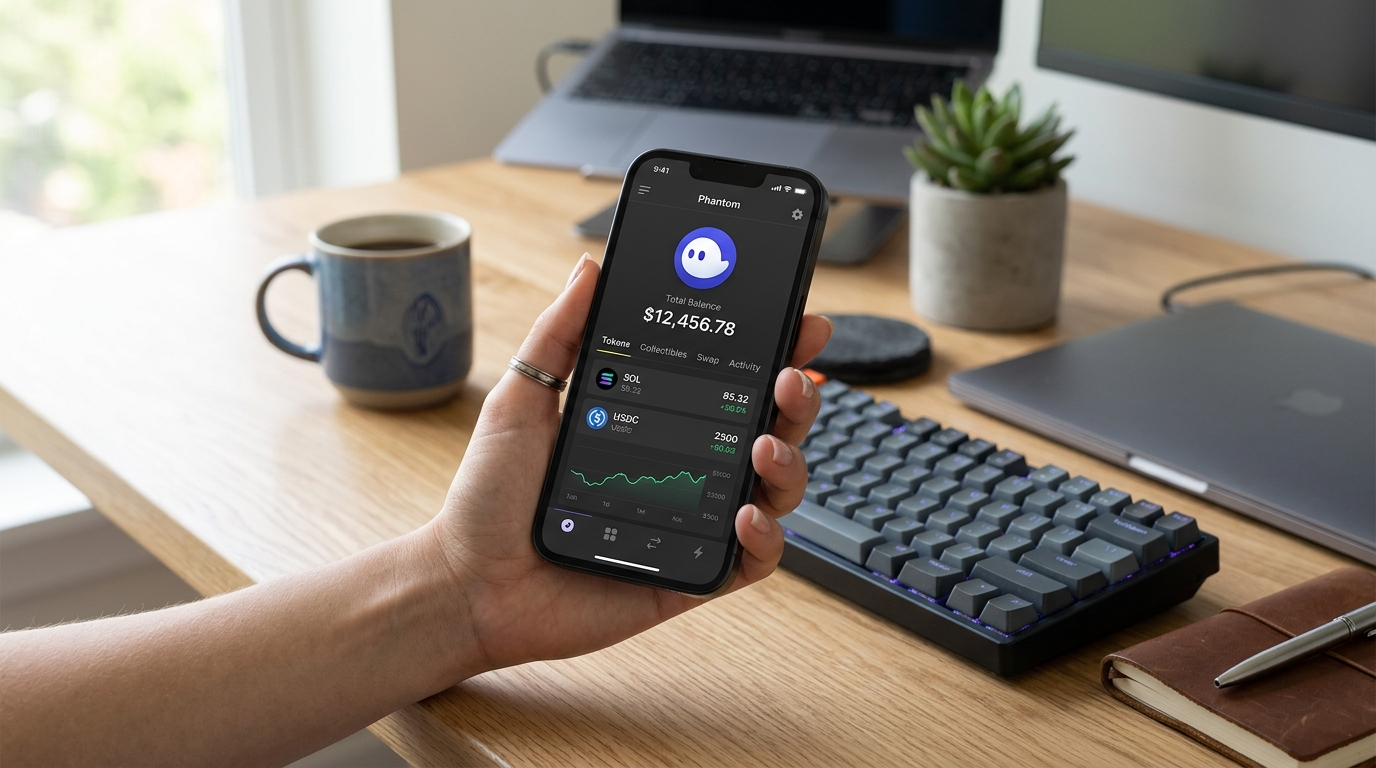
How to Transfer from Phantom Wallet: Send Tokens to an Exchange or Another Wallet
Transferring from Phantom Wallet usually means sending cryptocurrency from your Phantom account to an exchange, another wallet address, or a different Phantom account. The core flow is simple: open Phantom Wallet, select the token, click Send, enter the recipient’s wallet address, and confirm the transfer.
If your goal is to cash out, the most common path is to transfer the crypto from Phantom Wallet to an exchange or platform that supports withdrawals. If your goal is to move funds between wallets you control, Phantom also supports importing and managing multiple wallets through its account settings.
How to send tokens from Phantom Wallet
The standard transfer flow in Phantom Wallet is built around the Send button. That is the starting point for sending tokens to an exchange, another wallet, or any other valid recipient address.
Open your Phantom Wallet.
Select the cryptocurrency you want to transfer.
Click the Send button.
Enter the recipient’s wallet address.
Review the details carefully before confirming.
This same process applies whether you are moving a token out of Phantom Wallet or sending it to another wallet you own. The most important detail is the recipient’s wallet address, because that is where the cryptocurrency will go once the transfer is confirmed.
For token transfers to an exchange, use the deposit address provided by that exchange. For wallet-to-wallet transfers, use the exact address of the receiving wallet.
One of the most common reasons people transfer from Phantom Wallet is to send tokens to an exchange. That is the normal route when you want to trade, sell, or cash out your cryptocurrency.
The general flow is:
Open the exchange and copy the deposit address for the token you want to send.
Go back to Phantom Wallet and select the same cryptocurrency.
Click Send and paste the exchange’s wallet address.
Confirm the transfer from Phantom Wallet.
Before you send, make sure the exchange supports the cryptocurrency you are transferring. This matters because cashing out only works when the receiving platform supports the asset you are moving.
After the transfer reaches the exchange, you can typically use that platform’s tools to trade the token or withdraw funds according to its rules.
If you want to cash out from Phantom Wallet, the practical method is to move your cryptocurrency to an exchange or platform that supports cashing out. From there, you can complete the sale or withdrawal on that platform.
The transfer itself still starts in Phantom Wallet:
Open Phantom Wallet and choose the asset you want to cash out.
Click Send.
Enter the exchange or platform wallet address.
Confirm the transfer.
This is the same process many users describe when asking how to withdraw funds from Phantom Wallet. Phantom is the sending wallet; the exchange is usually the place where the cash-out happens.
If you are moving out of Solana-based tokens, the workflow is still the same: choose the token, send it, and use the destination address provided by the platform you are transferring to.
Managing multiple wallets in Phantom Wallet
If you use more than one wallet, Phantom Wallet lets you import and manage multiple accounts. That is useful when you transfer funds between your own wallets or keep separate wallets for different purposes.
This makes it easier to move tokens between accounts without switching apps or juggling separate browser wallets. If you are transferring funds to yourself, managing multiple wallets inside Phantom can save time and reduce confusion.
What to check before you transfer from Phantom Wallet
A clean transfer depends on getting the recipient details right. The most important step is entering the correct wallet address before you confirm the send.
Keep these checks in mind:
Confirm the recipient’s wallet address before sending.
Make sure you are transferring the cryptocurrency you actually want to move.
Use the correct address from the exchange or wallet you are sending to.
Double-check everything before final confirmation.
If you are sending to an exchange, always use the exchange’s deposit address for that specific token. If you are sending to another wallet, use the address from that wallet directly.
Fastest way to move funds into Phantom Wallet
Some users search for the fastest way to fund your Phantom Wallet. In practice, the speed of a transfer depends on where the funds are coming from and how quickly the sending platform processes the transaction.
If you already have crypto in another wallet or exchange, the fastest route is usually to send it directly to your Phantom Wallet address. If the funds are in a checking account or another bank-linked account, you usually need an extra step through a platform that converts fiat into cryptocurrency before it can reach Phantom.
For intermediate users, the key is choosing the shortest path between the source of funds and the wallet that will receive them.
FAQ about transferring from Phantom Wallet
To cash out from Phantom Wallet, transfer your cryptocurrency to an exchange or platform that supports cashing out, then complete the withdrawal or sale there. In Phantom Wallet, that process starts by selecting the asset, clicking Send, and entering the recipient address. The exchange is usually where the conversion to cash happens.
To send tokens to an exchange, open Phantom Wallet, choose the token, click Send, and paste the exchange’s deposit address. Then review the details and confirm the transfer. The exchange address must be the one provided for that specific asset.
The fastest way to fund your Phantom Wallet is usually to transfer crypto directly from another wallet or exchange to your Phantom address. If your money is still in a checking account, you normally need an extra step before it can reach Phantom Wallet. The fastest route is the one with the fewest conversion steps.
To import and manage multiple wallets with Phantom, go to Settings, open Manage Accounts, choose Add/Connect Account, and then select Import. This lets you keep multiple accounts inside Phantom Wallet and transfer between them more easily.
Before you transfer from Phantom Wallet, you need the correct recipient wallet address and the token you want to send selected in Phantom. You should also verify that the receiving exchange or wallet supports the cryptocurrency you are transferring. A wrong address can send funds to the wrong destination.
Whether you are sending tokens to an exchange, moving funds to another wallet, or cashing out, the Phantom Wallet transfer process comes down to the same core steps: choose the asset, click Send, enter the recipient address, and confirm the transaction carefully.