How to Receive Crypto Using Phantom Wallet
Receiving cryptocurrency in Phantom Wallet requires sharing your wallet address with the sender on the correct blockchain network. Phantom Wallet supports Solana, Ethereum, and Polygon, allowing users to receive tokens, NFTs, and other digital assets securely.
Phantom Wallet enables users to receive Solana-based tokens, ERC-20 assets, and NFTs simply by sharing a wallet address or QR code. This guide explains the step-by-step receiving process, network compatibility rules, transaction verification, and security practices to help users receive crypto safely.
What Is a Phantom Wallet?
Phantom Wallet is a non-custodial cryptocurrency wallet that stores private keys locally and enables users to send, receive, stake, swap, and manage digital assets across supported blockchain networks.
Phantom Wallet provides direct control of digital assets without relying on centralized exchanges.
- Phantom Wallet stores private keys locally.
- Phantom Wallet supports Solana, Ethereum, and Polygon networks.
- Phantom Wallet generates a public wallet address for receiving crypto.
- Phantom Wallet interacts with decentralized applications and NFT marketplaces.
Phantom Wallet Entity Attributes
| Attribute | Phantom Wallet Value |
|---|---|
| Wallet type | Non-custodial |
| Primary blockchain | Solana |
| Additional networks | Ethereum, Polygon |
| Token standards | SPL, ERC-20 |
| NFT support | Yes |
| Platforms | Browser extension, mobile |
These attributes define Phantom Wallet as a multi-chain non-custodial wallet used for managing digital assets and interacting with decentralized applications.
Which Blockchain Networks Does Phantom Wallet Support?
Phantom Wallet originally focused on the Solana ecosystem, but it now supports additional blockchain networks.
Supported networks include:
- Solana blockchain
- Ethereum network
- Polygon network
Phantom also supports common blockchain token standards such as:
- SPL tokens on Solana
- ERC-20 tokens on Ethereum
- ERC-721 NFTs
- compressed NFTs on Solana
This multi-chain capability allows Phantom users to manage assets from several blockchain ecosystems inside a single wallet.
Which Assets Can Phantom Wallet Receive?
Phantom Wallet can receive multiple digital asset types depending on the selected network.
| Asset Type | Example | Network |
| SPL Tokens | SOL, USDC (Solana) | Solana |
| ERC-20 Tokens | ETH, USDT | Ethereum |
| NFTs | Solana NFTs | Solana |
For example:
- SOL transfers arrive on the Solana network
- ETH transfers arrive on the Ethereum network
- Polygon tokens appear when Polygon network is selected
Phantom automatically detects supported tokens associated with the wallet address.
What Do You Need Before Receiving Crypto in Phantom Wallet?
Before receiving cryptocurrency, several conditions must be satisfied to ensure the transfer works correctly.
Requirements checklist
- Install Phantom Wallet extension or mobile app
- Create or import a wallet
- Backup the secret recovery phrase
- Select the correct blockchain network
- Ensure the sender uses the same network
These steps ensure your wallet address is ready to receive assets.
How Do You Receive Crypto Using Phantom Wallet?
You receive crypto in Phantom Wallet by copying your public wallet address, selecting the correct blockchain network, and sharing the address with the sender. After blockchain confirmation, the transferred tokens automatically appear in your Phantom Wallet balance.
How Do You Receive Crypto Using Phantom Wallet? (Step-by-Step)
Receiving cryptocurrency using Phantom Wallet requires only a few simple actions.
Step 1: Open the Phantom Wallet Application
Launch Phantom using either:
- the browser extension
- the mobile wallet application
The wallet dashboard displays your token balances, NFTs, and network selection.
Step 2: Select the Correct Blockchain Network
Before receiving assets, choose the network where the transfer will occur.
Phantom allows switching between:
- Solana
- Ethereum
- Polygon
Choosing the correct network ensures the wallet generates the correct receiving address.
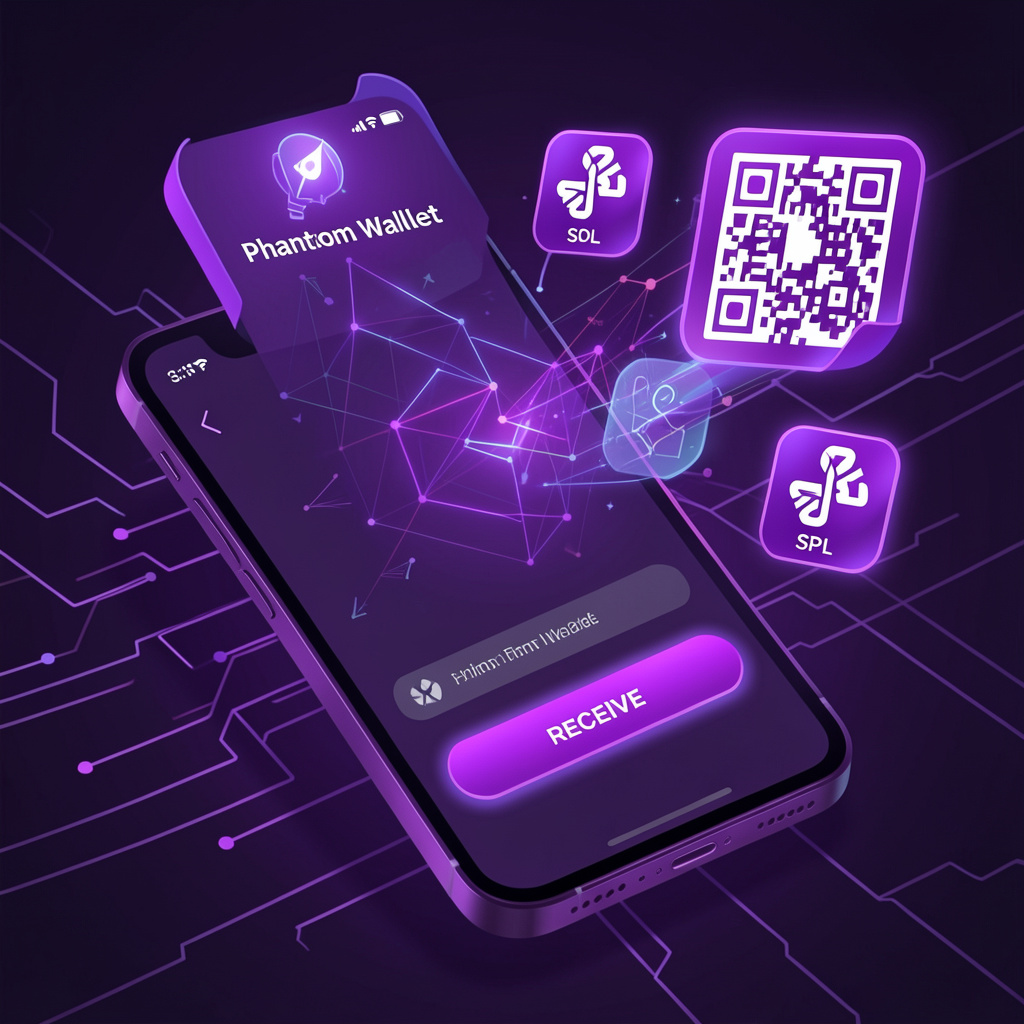
Step 3: Click the “Receive” Button
Click the Receive button on the wallet interface.
Phantom will automatically display:
- your public wallet address
- a QR code
Both represent the same receiving address.
Step 4: Copy Your Wallet Address
Next, copy the wallet address generated by Phantom.

Example structure:
Each network uses a different address format, so always confirm the correct blockchain network.
Step 5: Share the Address with the Sender
Provide the wallet address to the sender.
Common methods include:
- messaging apps
- exchange withdrawal forms
- QR code scanning
Once the sender broadcasts the transaction, the blockchain processes it and records it on the network ledger.
How Do You Confirm That Funds Arrived in Phantom Wallet?
You confirm incoming transactions by checking your wallet balance or verifying the transaction on a blockchain explorer.
Where Can You Check Transaction Status?
| Network | Explorer |
| Solana | Solscan.io |
| Ethereum | Etherscan.io |
| Polygon | Polygonscan.com |
To verify a transaction:
- Obtain the transaction hash (TXID) from the sender.
- Paste the TXID into the blockchain explorer.
- Review the transaction status.
Explorers display:
- transaction confirmations
- sender and receiver addresses
- transferred asset amount
- timestamp
This confirms the blockchain recorded the transfer.
How to Receive NFTs in Phantom Wallet
Phantom Wallet supports NFT transfers on Solana and Ethereum networks.
NFTs are transferred using the same wallet address used for cryptocurrency transfers.
Steps to receive NFTs
- Open Phantom Wallet
- Copy your wallet address
- Sender transfers NFT
- Check the Collectibles or NFT tab
Phantom supports NFT frameworks such as:
- Metaplex NFTs
- compressed NFTs on Solana
Once confirmed, NFTs appear automatically in the wallet interface.
What Problems Can Occur When Receiving Crypto in Phantom Wallet?
Most receiving issues occur due to network mismatches, unsupported tokens, or transaction delays.
Network Mismatch
Network mismatches occur when the sender uses a different blockchain than the receiver.
Example:
A sender transfers tokens using Ethereum, but the receiver expects a Solana transfer.
Because the networks are different, the wallet cannot display those assets properly.
Unsupported Tokens
Sometimes tokens do not appear immediately because Phantom does not automatically detect the token contract.
In these cases users may need to manually add the token.
Delayed Transactions
Transactions may take longer due to network congestion.
For example:
- Ethereum gas spikes can delay confirmations
- network validators may require multiple confirmations
Usually the transaction completes once the network processes it.
Why Must the Sender Use the Same Blockchain Network?
A wallet address can receive assets only from the same blockchain network.
Sending tokens from Ethereum to a Solana address creates a network mismatch.
In these situations:
- the wallet cannot display the asset
- recovery may require bridging tools
- funds may become inaccessible
Therefore, always confirm the network compatibility before transferring assets.
What Security Practices Protect Incoming Transactions in Phantom Wallet?
Users should follow strong security practices to protect their digital assets.
Recommended practices include:
- verify wallet addresses before sharing
- never share the secret recovery phrase
- consider hardware wallet integration
- confirm the source of incoming transfers
- avoid interacting with spam NFTs or fake airdrops
Phantom Wallet gives users full control of private keys, which also means users are responsible for protecting them.
How to Receive Crypto from an Exchange to Phantom Wallet
Many users transfer cryptocurrency from centralized exchanges to Phantom Wallet.
Popular exchanges include:
- Coinbase
- Binance
- Kraken
- Bybit
Example Withdrawal Flow
| Steps | Action |
| Step 1 | Copy Phantom wallet address |
| Step 2 | Open exchange withdrawal page |
| Step 3 | Paste wallet address |
| Step 4 | Select blockchain network |
| Step 5 | Confirm withdrawal |
Once confirmed, the exchange sends the funds to your Phantom wallet. After blockchain confirmation, the assets appear in your wallet balance.
FAQ About Receiving Crypto in Phantom Wallet
Can Phantom Wallet Receive Multiple Cryptocurrencies?
Yes. Phantom Wallet supports multiple assets including:
SOL and SPL tokens
ETH and ERC-20 tokens
Polygon assets
NFTs
Is It Safe to Share a Phantom Wallet Address?
Yes. Wallet addresses are public identifiers used to receive cryptocurrency.
However, never share your secret recovery phrase or private keys.
How Long Does It Take to Receive Crypto?
| Network | Typical Time |
| Solana | 5–20 seconds |
| Ethereum | 15 seconds – 5 minutes |
| Polygon | 2–60 seconds |
Transaction times may vary depending on network congestion.
What Are the Steps to Receive Crypto in Phantom Wallet?
Quick recap:
- Install Phantom Wallet
- Select the correct blockchain network
- Click Receive
- Copy wallet address
- Share the address with the sender
- Verify the transaction using a blockchain explorer
By following these steps, users can safely receive cryptocurrency, tokens, and NFTs using Phantom Wallet across supported blockchain networks.