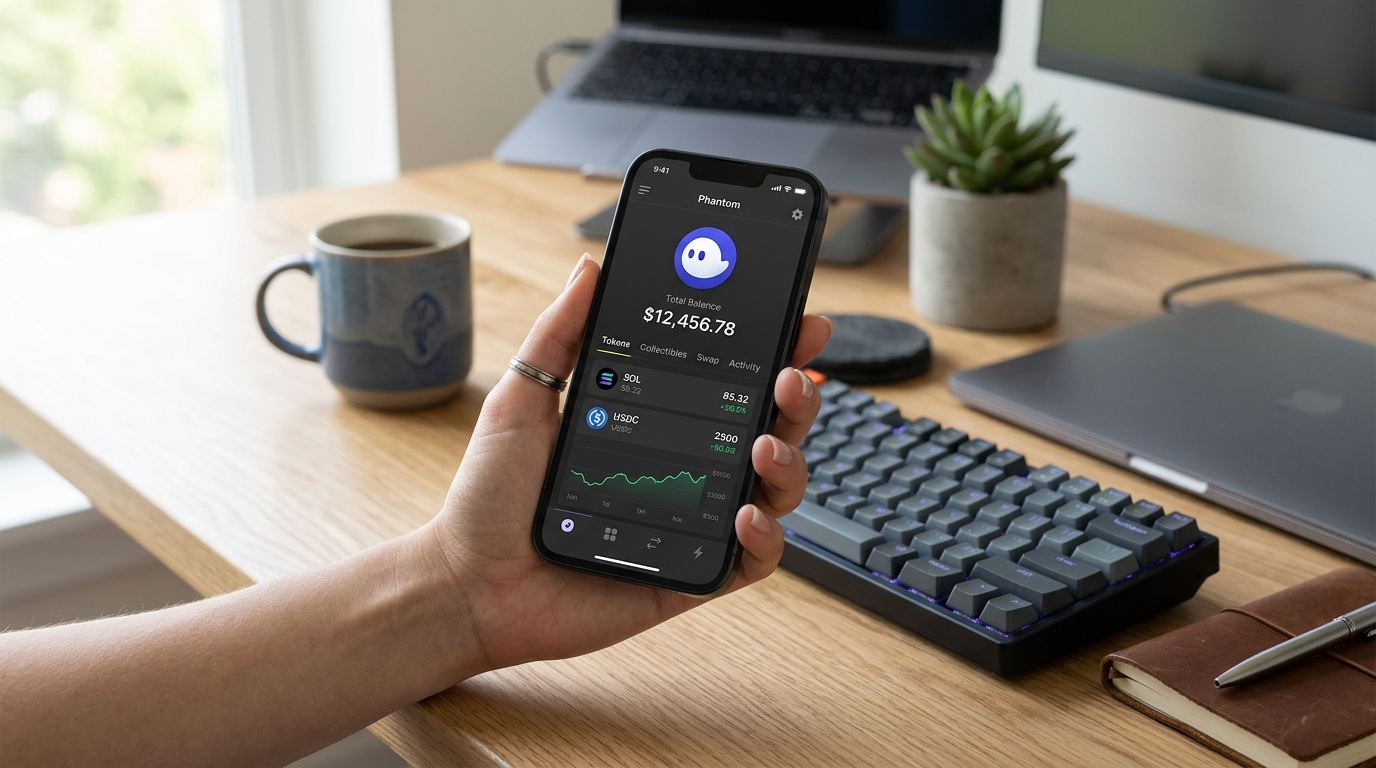
How to Transfer Crypto from Phantom Wallet
Phantom Wallet lets you transfer crypto by sending tokens to another wallet address or to an exchange deposit address. For intermediate users, the key is to match the correct token, copy the correct recipient address, and confirm the transfer before you submit it.
How to Send Tokens from Phantom Wallet
The basic transfer flow in Phantom Wallet is simple: open your Phantom Wallet, select the cryptocurrency you want to move, click the Send button, and enter the recipient’s wallet address.
That recipient can be another wallet you control, a friend’s wallet, or an exchange deposit address. Before you confirm, double-check that the address belongs to the correct destination, because a transfer to the wrong address is hard to reverse.
- Open Phantom Wallet.
- Select the token you want to transfer.
- Click Send.
- Enter the recipient’s wallet address.
- Review the transfer details.
- Confirm the transaction.
How to Send Tokens to an Exchange from Phantom Wallet
Phantom’s transfer guide specifically covers sending tokens to an exchange. The process starts on the exchange, where you copy the deposit address for the token you want to receive, then paste that address into Phantom Wallet when you send the funds.
This is the standard path if you want to move crypto out of Phantom Wallet before selling it or withdraw it to cash. In practice, the exchange becomes the receiving wallet, so the deposit address must match the token you are transferring.
- Get the correct deposit address from the exchange.
- Paste that address into Phantom Wallet.
- Send the matching token.
- Wait for the transfer to appear on the exchange.
How to Cash Out from Phantom Wallet
If you want to cash out from Phantom Wallet, you generally need to transfer your crypto to an exchange or platform that supports withdrawal to fiat. The transfer itself happens in Phantom Wallet, but the cash-out step usually happens after the tokens arrive at the exchange.
A common workflow is to send your token from Phantom Wallet to your exchange account, then sell it there and withdraw the proceeds using the exchange’s supported cash-out method.
Phantom users often ask how to “get money out” of the wallet, and the answer is usually the same: move the crypto to a platform that can convert it into cash.
Fastest Way to Fund Phantom Wallet by Transfer
If you already have crypto elsewhere, the fastest way to fund Phantom Wallet is usually to receive crypto from another wallet or exchange that you already use. That avoids starting from scratch inside Phantom and lets you move an existing balance directly into the wallet.
If you are trying to move money from a checking account, the path depends on the service you use to buy crypto first. After the crypto is purchased, you can transfer it into Phantom Wallet.
- Buy crypto on an exchange or platform you already have access to.
- Send it from that platform to your Phantom Wallet address.
- Confirm the transfer once the address and token match.
Import and Manage Multiple Wallets in Phantom
Phantom Wallet also supports managing multiple wallets from one interface. According to Phantom’s guide, you can go to Settings, select Manage Accounts, choose Add/Connect Account, and then import an account.
This is useful if you transfer between several wallets or keep separate accounts for different purposes. It lets you manage more than one wallet without switching apps.
- Navigate to Settings.
- Select Manage Accounts.
- Choose Add/Connect Account.
- Select Import.
- Follow the prompts to add the wallet.
What to Check Before You Transfer from Phantom Wallet
Before you send a transfer, verify the token, the recipient address, and the destination platform. These are the details that matter most when you move assets out of Phantom Wallet or into another wallet.
If you are sending to an exchange, make sure the deposit address is for the same token you are transferring. If you are sending to another wallet, confirm that the address is correct before you approve the transaction.
- Confirm the token you selected.
- Confirm the recipient wallet address.
- Confirm the destination is ready to receive the transfer.
- Review the details one last time before sending.
Why Phantom Wallet Users Transfer to Exchanges
Many Phantom Wallet users transfer tokens to exchanges because that is usually the final step before cashing out. Phantom handles the send, while the exchange handles the sale and withdrawal process.
This makes exchanges the bridge between on-chain crypto storage and cash withdrawal. If your goal is to move from Phantom Wallet to cash, the exchange step is usually unavoidable.
Common Phantom Wallet Transfer Questions
How do I cash out from Phantom Wallet?
To cash out from Phantom Wallet, you usually transfer your crypto to an exchange or platform that supports converting it to cash. First send the token from Phantom Wallet, then sell or withdraw it on the receiving platform.
How do I send tokens to an exchange from Phantom?
Open Phantom Wallet, select the token, click Send, and paste the exchange deposit address. Phantom’s send process works the same way whether you are transferring to another wallet or to an exchange.
What is the fastest way to fund my Phantom Wallet?
The fastest way to fund Phantom Wallet is usually to transfer crypto from another wallet or exchange you already use. If you need to buy crypto first, you can then send it into Phantom Wallet.
Can I manage multiple wallets in Phantom?
Yes. Phantom supports importing and managing multiple wallets through Settings and Manage Accounts. This is useful if you transfer funds between different accounts often.
What should I do if I want to get my money out of Phantom?
You need to transfer the crypto from Phantom Wallet to an exchange or platform that can cash it out. Phantom is the sending wallet; the conversion to cash usually happens elsewhere.
Transfer Crypto from Phantom Wallet the Right Way
Phantom Wallet transfer steps are straightforward, but accuracy matters. Select the right token, use the correct recipient address, and send it to the right destination, whether that is another wallet or an exchange.
If your goal is to cash out, remember the typical path: transfer from Phantom Wallet to an exchange, then sell or withdraw there. If your goal is to move funds between wallets, Phantom gives you the send flow you need in just a few clicks.