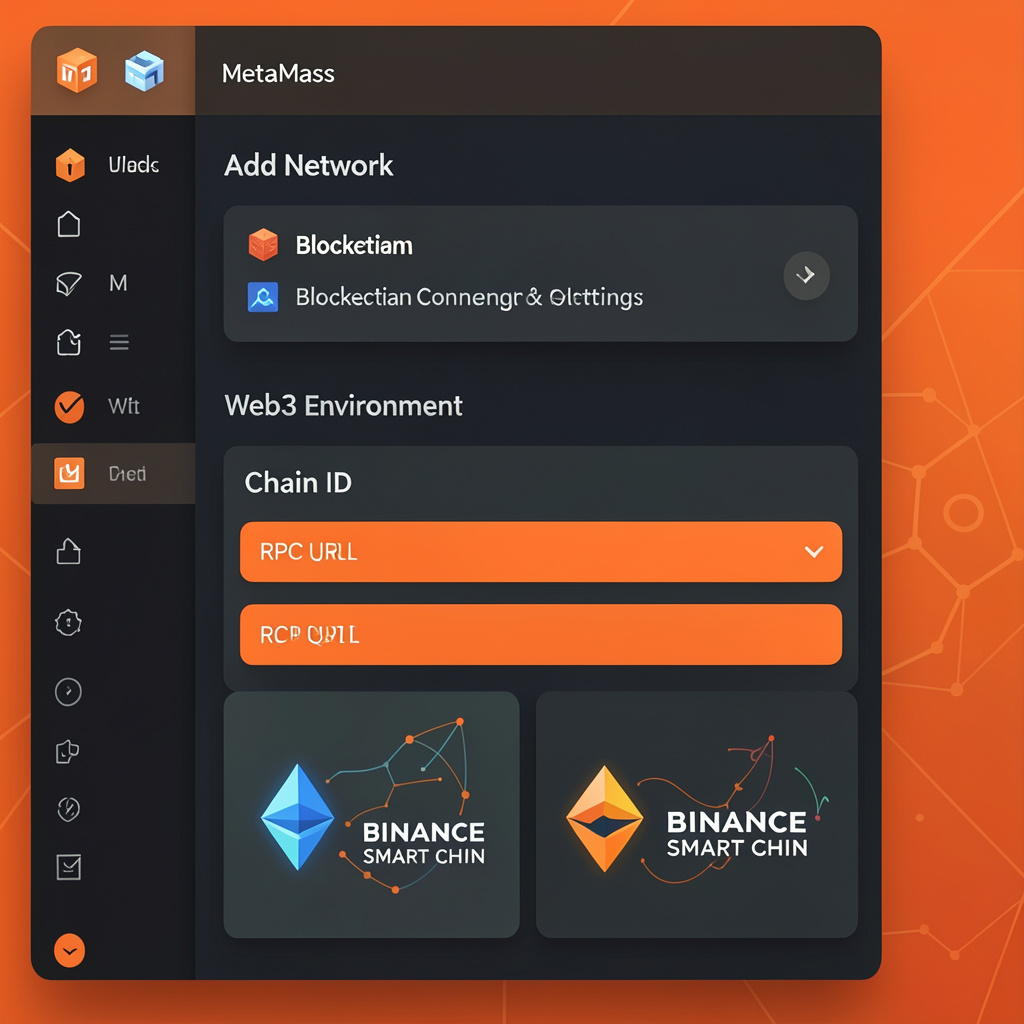
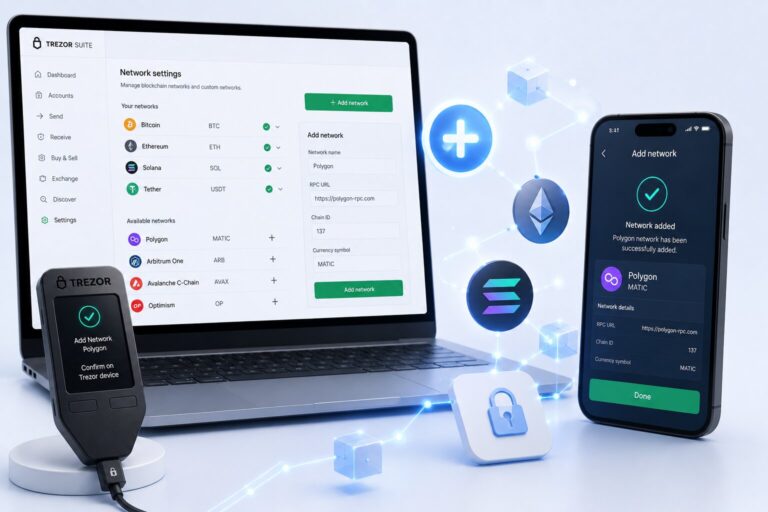
You add a network to MetaMask by entering a valid RPC URL, Chain ID, and network details in the “Add Network” settings — MetaMask connects to blockchain nodes through RPC endpoints.
This enables Web3 access across Ethereum, BNB Chain, Polygon, and other EVM-compatible chains.
How to Add a Network — Step by Step
Browser Extension
1
Open the network dropdown
Click it at the top center of the MetaMask extension.
2
Select “Add network”
Then click “Add a network manually.”
3
Enter RPC URL, Chain ID, and details
Fill in the network name, symbol, and block explorer.
4
Click “Save”
The network is now available in your selector.
Mobile App
Open the MetaMask app → tap menu → Settings → Networks → Add Network → enter network credentials → tap Save.
Required Network Parameters
Parameter
Description
Example (BSC)
Network Name
User-defined blockchain name
BNB Smart Chain
RPC URL
Node endpoint for blockchain access
https://bsc-dataseed.binance.org
Chain ID
Unique blockchain identifier
56
Currency Symbol
Native token ticker
BNB
Block Explorer
Transaction explorer URL
https://bscscan.com
MetaMask validates Chain ID uniqueness before saving to prevent network conflicts.
Example Networks You Can Add
Network
RPC URL
Chain ID
Symbol
Binance Smart Chain
https://bsc-dataseed.binance.org
56
BNB
Polygon Mainnet
https://polygon-rpc.com
137
MATIC
Ethereum Sepolia Testnet
Infura or public RPC providers
11155111
ETH
Why Add a Custom Network?
Network
Typical Gas Fee
Use Case
Ethereum Mainnet
$5–$50 (can exceed $100)
High-value DeFi, NFTs
Polygon
<$0.01
Microtransactions, gaming
BSC
~$0.05–$0.30
Trading, DeFi, staking
Only Use Trusted RPC SourcesMalicious RPC endpoints can log requests. Always verify the Chain ID and explorer URL against official project documentation.
What Is an RPC URL?
An RPC URL is a gateway connecting MetaMask to blockchain nodes. Infura provides Ethereum RPC endpoints, public RPCs offer free but rate-limited access, and private RPCs improve speed and reliability. Incorrect RPC URLs cause transaction failures.
Common Network Errors and Fixes
Error
Cause
Network conflict
Wrong Chain ID entered
Connection failure or timeout
Invalid RPC URL
Reduced transaction visibility
Missing block explorer
Network not switching
Cached state or UI sync issue
Fix by re-entering the correct RPC URL, Chain ID, and symbol, verifying details against official documentation, and restarting the extension or app if the issue persists.
Mainnet vs Testnet
Type
Purpose
Token Value
Mainnet
Real transactions
Real value
Testnet
Development/testing
No real value
Frequently Asked Questions
Open the network dropdown, select “Add network” → “Add a network manually,” and enter the RPC URL, Chain ID, currency symbol, and block explorer URL.
Yes, if you use trusted RPC sources. MetaMask never exposes your private key when adding a network, but malicious RPC endpoints can log your requests.
This usually happens when the Chain ID entered doesn’t match the network, or conflicts with an already-added network.
Yes, dApps can trigger a wallet_addEthereumChain request, which you approve, and MetaMask saves the configuration automatically.