How to Add a Network to Ledger Wallet: Complete 2026 Guide
How to Add a Network to Ledger Wallet: Complete 2026 Guide
CrisCoin 13 min readLedger
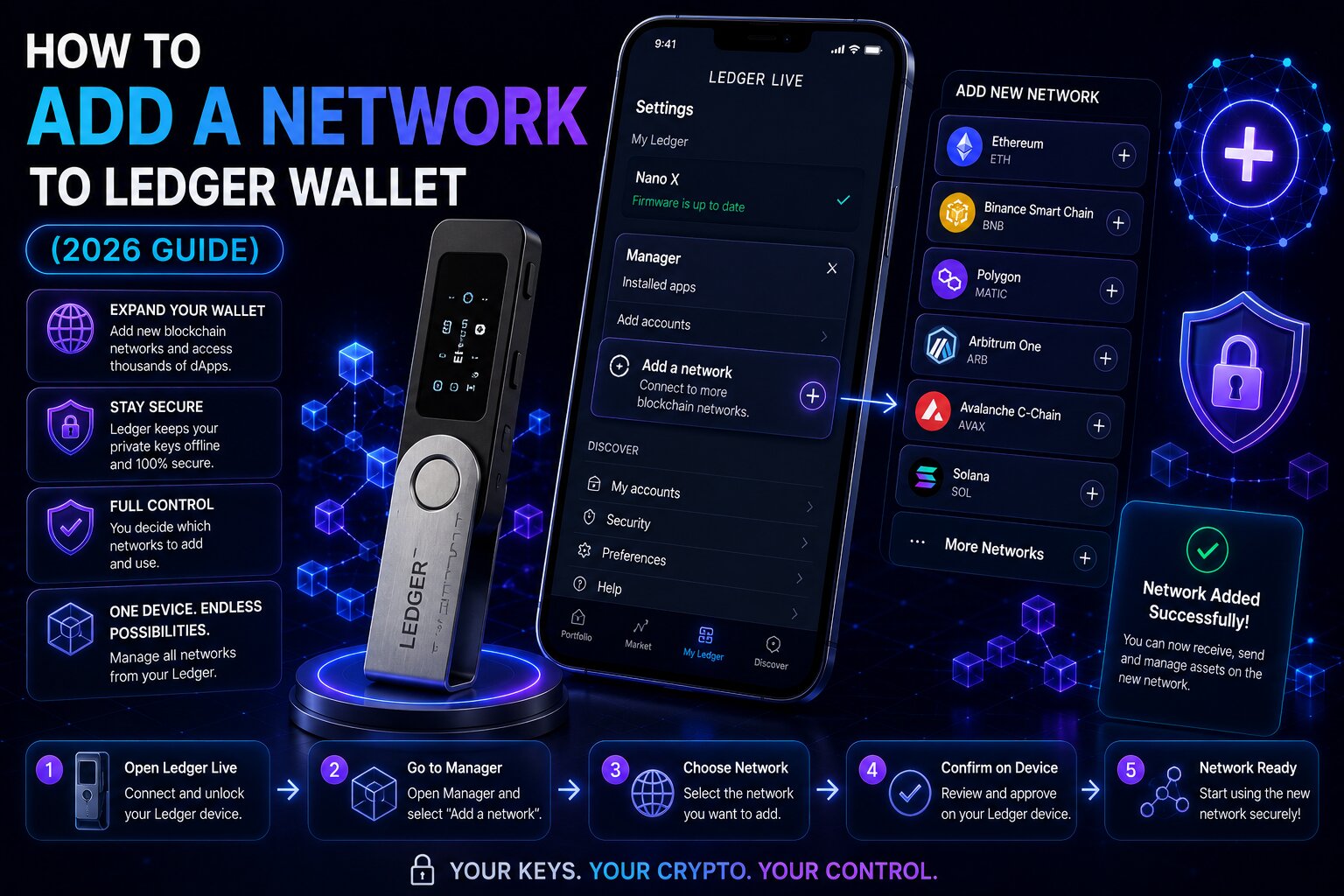
Ledger Wallet has no custom RPC URL field — networks are accessed through four architectures depending on how the blockchain is supported.
The Secure Element Chip handles private key authorization regardless of which access method is used, keeping the hardware security model constant across every path.
Method
Network Type
Setup Required
Blind Signing
Add Account
Officially supported (90+)
Asset App install + Add Account
Not needed
MetaMask + Ledger
Any EVM chain via custom RPC
MetaMask + Ethereum App
Often required
WalletConnect
Any dApp-connected network
WalletConnect session in app
Often not needed
Li.Fi / THORChain
Cross-chain bridging
Built into Ledger Wallet 4.0 Swap
Not needed
90+ Native ChainsLedger Wallet 4.0 supports 15,000+ coins across 90+ blockchains natively — most users never need custom network configuration at all.
Key Terms for Adding Networks
Term
Definition
Asset App
Chain-specific app installed on the signer with the signing logic for that chain
Ethereum App
Universal EVM signer supporting all EVM-compatible chains via EIP-155
EIP-155
Embeds Chain ID into signatures — prevents cross-chain replay attacks
Clear Signing
Full transaction details rendered in human-readable form before approval
Blind Signing
Signs raw/undecoded transaction data — needed when Clear Signing can’t parse it
Chainlist
Community aggregator of verified RPC URLs and Chain IDs
Which Method Should You Use?
Use Add Account If
The network appears in Ledger Wallet’s account search
The blockchain is officially supported natively
You want full Clear Signing with readable transaction details
Use MetaMask + Ledger If
The chain is EVM-compatible but not listed in Ledger Wallet
It requires a custom RPC URL and Chain ID
The dApp does not support WalletConnect
Use WalletConnect If
The dApp already supports WalletConnect
You want dApp access without MetaMask or a custom RPC
Why Doesn’t Ledger Have a Custom RPC Field?
Ledger Wallet separates network configuration from transaction signing. MetaMask configures the network layer through RPC URLs while Ledger secures private key authorization through the Secure Element Chip — Ledger routes blockchain requests through its own node infrastructure and verified partner integrations, eliminating user-side RPC configuration and its associated attack surface.
Feature
Ledger Wallet
MetaMask (Browser Wallet)
RPC URL configuration
Not user editable
User editable
Signing method
Secure Element Chip (hardware)
Software wallet (device memory)
Malicious RPC exposure
Not applicable
Present
Hardware key isolation
Yes
No
Adding a Natively Supported Network — Step by Step
1
Connect and unlock
Connect the Ledger signer via USB-C and unlock it with your PIN.
2
Install the Asset App
My Ledger → App Catalog → find the correct app (Ethereum app covers all EVM chains) → Install.
3
Add the account
Accounts tab → ‘+’ → search the target network, e.g. “Base (ETH)”.
4
Verify on Secure Screen
Verify every character of the new address and press both buttons to confirm before depositing funds.
Adding Base, Arbitrum, Polygon, or BNB Chain
Network
Add Account Search Term
Gas Fee Token
Base
“Base (ETH)”
ETH
Arbitrum One
“Arbitrum (ETH)”
ETH
Polygon
“Polygon (POL)”
POL
BNB Chain
“BNB Chain (BNB)”
BNB
Optimism
“Optimism (ETH)”
ETH
All four are EVM-compatible and use the same Ethereum App already installed on the signer — if it’s already installed, only the Add Account step is required.
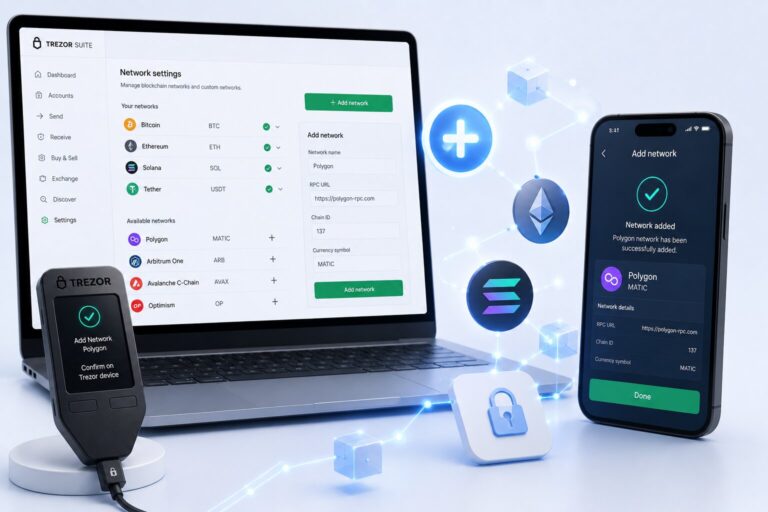
Adding an Unsupported EVM Network via MetaMask
For EVM chains not natively listed, MetaMask acts as the network configuration layer while the Ledger signer handles all signing via the Secure Element Chip.
1
Enable Blind Signing
In the Ethereum App settings on the Ledger device — required for custom EVM contract interactions.
Account selector → Add hardware wallet → Ledger → connect via USB-C and select the account.
4
Sign via Secure Screen
All MetaMask transactions on this network route to the Ledger signer for Physical Confirmation.
Malicious RPC RiskA fraudulent RPC URL can intercept JSON-RPC requests, read transaction data, and in some implementations alter displayed data before signing. Always source RPC URLs from official docs or Chainlist — never social media or DMs.
WalletConnect — No RPC Setup Needed
WalletConnect connects Ledger Wallet directly to dApps on any supported network without MetaMask or custom RPC configuration. Open Ledger Wallet → My Apps/Discover → WalletConnect, then scan the dApp’s QR code or paste the connection URI. Every transaction still routes to the signer for Secure Screen verification.
Cross-Chain Access via Li.Fi and THORChain
Feature
Li.Fi
THORChain
Chain scope
EVM-to-EVM bridging
BTC, ETH, SOL, AVAX + others
Asset type
ERC-20 and native EVM tokens
Native Layer 1 assets
Wrapped tokens required
No
No
Best for
Moving USDC/ETH across L2s
Swapping BTC for ETH/SOL natively
Why Isn’t a Network Showing?
Cause
Symptom
Fix
Asset App not installed
Add Account can’t detect device
My Ledger → install correct Asset App
Asset App outdated
Account creation fails
My Ledger → update Asset App
Add Account step skipped
No account visible
Accounts → ‘+’ → search and create
Wrong EVM account selected
Zero balance despite funds
Base and Ethereum share address but are separate accounts
Network only dApp-accessible
Not in native list
Use WalletConnect or MetaMask + Ledger
Frequently Asked Questions
For natively supported networks: Accounts → ‘+’ → search → install the Asset App → verify on the Secure Screen. For unsupported EVM chains: connect Ledger to MetaMask and add a custom RPC there. For dApp access: use WalletConnect without any configuration.
Yes — through MetaMask. The Ethereum App is a universal EVM signing engine. Configure the network in MetaMask using the RPC URL and Chain ID from official docs or Chainlist, connect the device, and the Secure Element Chip signs every transaction.
Accounts → ‘+’ → search “Base (ETH)” → ensure the Ethereum App is installed → verify the address on the Secure Screen. Base is natively supported with full Clear Signing — no MetaMask or custom RPC required.
Ledger Wallet does not support direct RPC entry. Install MetaMask → Settings → Networks → Add Network → enter the RPC URL from Chainlist or official docs → connect the Ledger signer via hardware wallet integration for signing.
Blind Signing allows signing raw transaction data the Clear Signing parser cannot decode — needed for complex contracts on custom EVM networks via MetaMask. Disable it after the specific interaction to reduce exposure.