How to Recover Coinbase Wallet: Complete 2026 Guide
How to Recover Coinbase Wallet: Complete 2026 Guide
CrisCoin 13 min readCoinbase Wallet
Coinbase Wallet recovery requires the 12-word Recovery Phrase or an encrypted cloud backup — there is no alternative.
Coinbase Wallet is a Non-custodial Wallet — it stores no user credentials, cannot access the Recovery Phrase, and cannot restore access for any user under any circumstances.
Recovery Method
What You Need
Works On
Recovery Phrase (12 words)
Exact words in exact order
Mobile app + Browser Extension
Cloud Backup (iCloud/Google Drive)
Backup file + separate password
Mobile app only
Smart Wallet Passkey recovery
Recovery Phrase + network fee
Smart Wallet only
Recovery Scam WarningCoinbase will never call you, never ask for your Recovery Phrase, and no service of any kind can recover a lost 12-word phrase. Sharing it with anyone gives them permanent, complete control of all funds.
Why Recovery Depends Entirely on the Phrase
Private keys are generated locally on the user’s device and never transmitted to Coinbase servers. The Recovery Phrase is the sole cryptographic key that regenerates all wallet addresses — losing it without a backup means permanent, irrecoverable fund loss. The phrase is a BIP-39 standard mnemonic, so it restores identically in any BIP-39-compatible wallet including MetaMask, Trust Wallet, and Ledger.
Coinbase Wallet vs Coinbase Exchange Recovery
Feature
Coinbase Exchange
Coinbase Wallet
Asset custody
Coinbase holds keys
User holds keys
Password reset
Yes — via email
No — not applicable
Recovery without phrase
Yes — email/ID verification
No — phrase is the only path
Support can restore access
Yes — custodial
No — non-custodial
Many users confuse the two products — a Coinbase exchange password reset does not restore Coinbase Wallet access. The two can be used entirely independently.
Recovery Phrase Restore — Step by Step
1
Download the app
Install Coinbase Wallet from the official App Store or Google Play Store — never any other source.
2
Select restore, not new
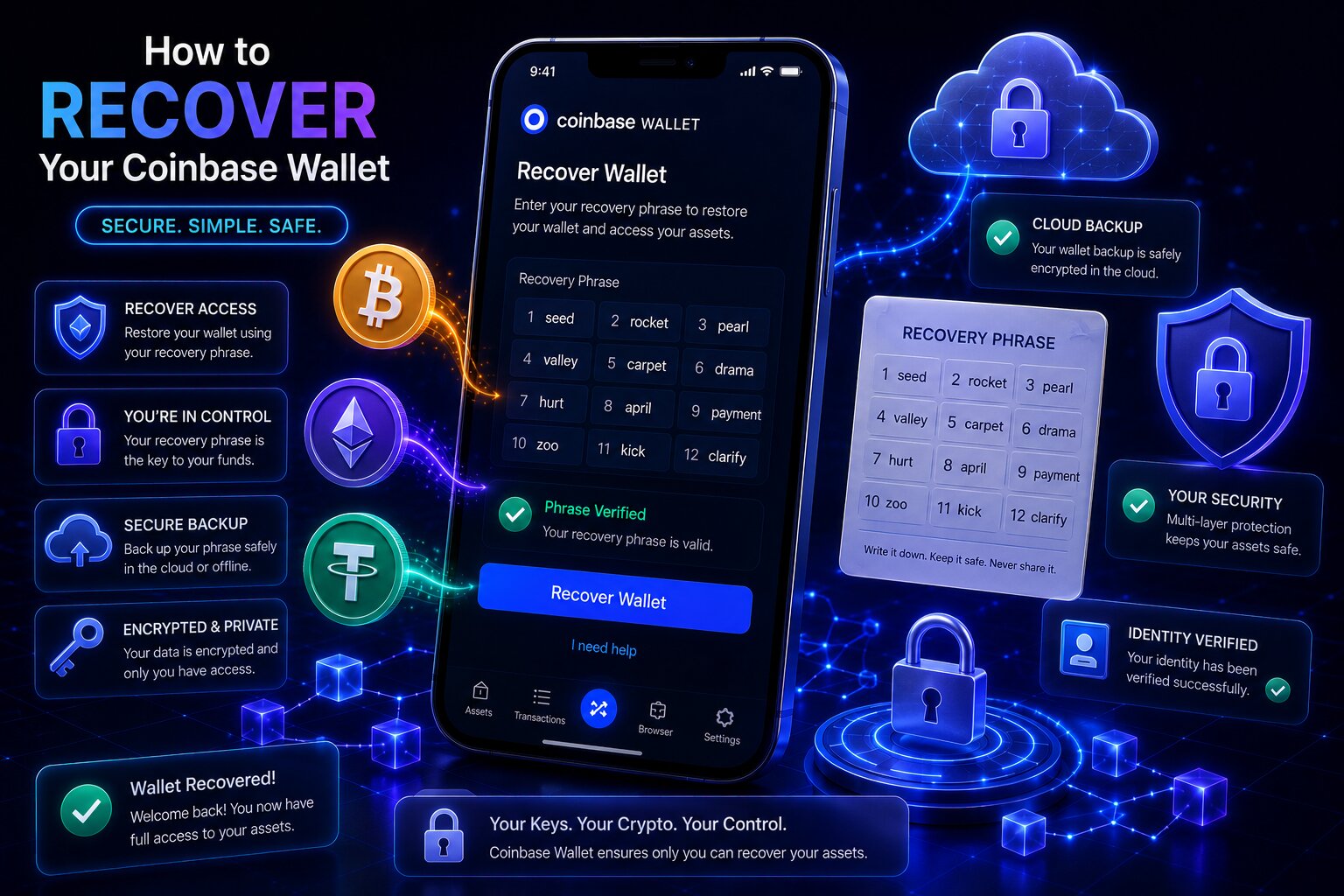
Tap “I already have a wallet,” then “Restore with Recovery Phrase.”
3
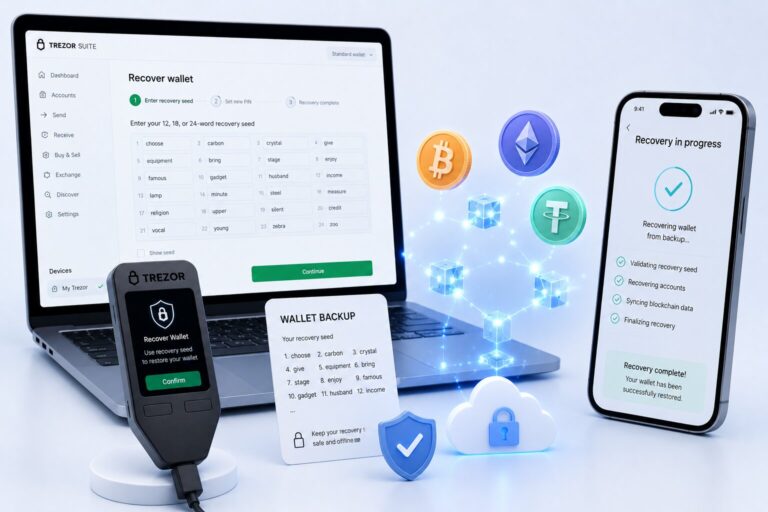
Enter all 12 words
Type each word carefully in exact sequence — the app validates against the BIP-39 word list.
4
Set up security
Choose Biometrics or a passcode. The restored wallet appears with balances loading after blockchain sync.
Only Type the Phrase in the Official AppNever paste it into a website, a support chat, or any messaging app — sharing it with any party under any circumstances gives them permanent control of all funds.
What if the words are in the wrong order?
The BIP-39 standard generates addresses deterministically from the word sequence — every unique ordering produces a unique, unrelated wallet. A zero balance after entering the phrase almost always means the words were entered out of order, not that funds were lost. Re-enter the phrase following the original numbered backup.
Restoring from iCloud or Google Drive Cloud Backup
Coinbase Wallet offers an optional encrypted cloud backup of the Recovery Phrase. Restoring requires both the backup file and the separate password created when the backup was first set up — not the device PIN or Coinbase account password.
1
Open the app, tap restore
“I already have a wallet” → “Restore from iCloud” (iOS) or “Restore from Google Drive” (Android).
2
Enter the backup password
This is the unique password set specifically for the cloud backup — Coinbase does not store or retrieve it.
3
Decrypt and restore
The backup decrypts automatically. Set up biometric authentication or a passcode on the new device.
Situation
Recovery Possible
Have Recovery Phrase — no backup password needed
Restore directly with phrase
Have backup password only
Restore from cloud backup
Have neither phrase nor backup password
Permanent loss — no recovery path
Coinbase Smart Wallet Passkey Recovery
Coinbase Smart Wallet is secured by a Passkey instead of a traditional Recovery Phrase. If the Passkey is lost or the device changes, recovery uses a separately generated recovery phrase to authorize a new Passkey — and requires paying a network fee since the Smart Wallet is a smart contract.
Passkey Type
Syncs Across Devices
Recovery Phrase Needed
iCloud Keychain
Yes — Apple devices
Usually not needed
Google Password Manager
Yes — Android/Chrome
Usually not needed
Chrome profile passkey
No — device bound
Yes — required
Hardware security key
No — device bound
Yes — required
The network fee reflects the gas cost of the on-chain signer change — it is paid to Base network validators, not to Coinbase. The Smart Wallet recovery phrase must be generated before the device or Passkey is lost; it cannot be set up retroactively.
Backing Up the Recovery Phrase Before It’s Lost
Two Backup Methods — Do Both
Manual paper backup — protects against device loss, app deletion, or failure
Encrypted cloud backup — protects against paper loss or home disaster; store the password separately
If Your Recovery Phrase Is Compromised
Step
Action
Why
1
Create a new wallet — generates a new phrase
New private keys the attacker doesn’t have
2
Transfer all crypto to the new wallet immediately
Move faster than the attacker
3
Transfer NFTs and tokens too
Any remaining asset is at risk
4
Revoke token approvals via revoke.cash
Prevents draining of approved balances
5
Never use the compromised wallet again
A phrase cannot be changed once generated
Signs of a Coinbase Wallet Recovery Scam
Red Flag
What It Means
Claims to recover a lost 12-word phrase
Technically impossible
Asks for the phrase to “verify” ownership
Sharing gives full wallet control
Provides a phone number for support
Coinbase has no wallet recovery phone line
Charges an upfront fee
Scam — legitimate services charge only on success
Contacts via Telegram/Discord/social media
Coinbase does not initiate contact this way
Frequently Asked Questions
Open the app, tap “I already have a wallet,” select “Restore with Recovery Phrase,” and enter all 12 BIP-39 words in exact order. Or restore from iCloud/Google Drive using the backup password. No other recovery method exists.
No. Coinbase has no access to private keys or Recovery Phrases. Without the 12-word phrase or an encrypted cloud backup with its password, access cannot be restored by any party. Any service claiming otherwise is a scam.
Tap “I already have a wallet” → “Restore from iCloud” or “Restore from Google Drive” → enter the backup password created when the backup was first enabled. This password is separate from the device PIN and Coinbase password.
Without an encrypted cloud backup, this results in permanent, irrecoverable loss. If the app is still installed on an existing device, view the phrase in Settings → Security → Recovery Phrase before it’s too late.
No. Coinbase Wallet is non-custodial — email and password aren’t used for wallet access. The Recovery Phrase is the only authentication credential. Email/password recovery only applies to the separate Coinbase exchange account.