How to Send Crypto in Trust Wallet: Step-by-Step Guide
How to Send Crypto in Trust Wallet: Step-by-Step Guide
CrisCoin 12 min readTrust Wallet
Sending cryptocurrency with Trust Wallet transfers digital assets from your wallet address to another address on a blockchain network, signed by your private key.
The transaction generates a TxID (hash) that the blockchain network records permanently — this hash is what lets you track and verify the transfer afterward.
Double-Check Before You ConfirmA confirmed blockchain transaction cannot be reversed. Always verify the recipient address and network before sending.
What Do You Need Before Sending Crypto in Trust Wallet?
You need a funded Trust Wallet, the recipient’s wallet address, and enough balance to cover network fees. You must also select the correct blockchain network matching the asset standard, such as ERC-20 or BEP-20.
Required Elements
Ensure your wallet holds enough cryptocurrency to fund the transaction
Verify the recipient address to prevent loss
Match the network type to avoid failed transfers
Maintain a gas fee balance to execute the transaction
How to Send Crypto in Trust Wallet Step-by-Step
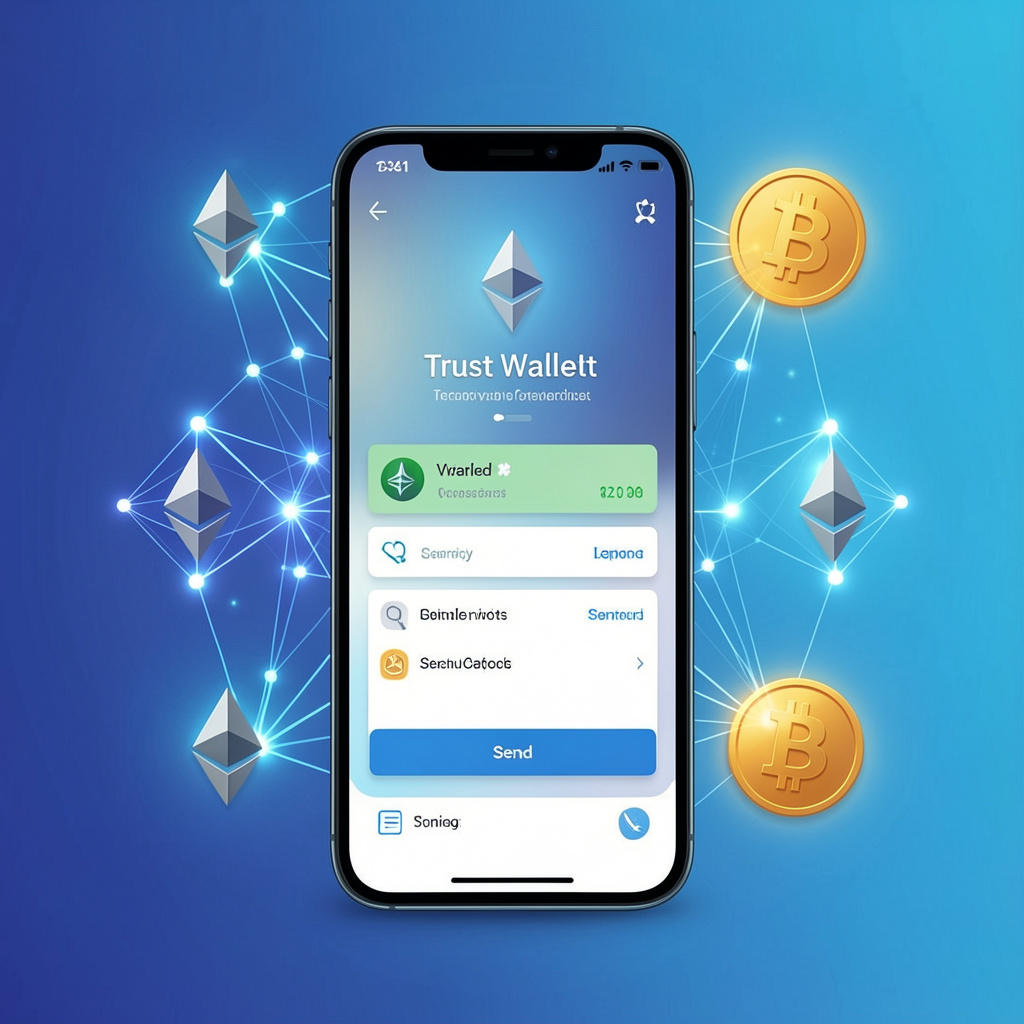
You send crypto in Trust Wallet by selecting the asset, entering the recipient address, choosing the amount, and confirming the transaction with the applicable network fee.
1
Open Trust Wallet and access the asset list
Navigate to your list of held cryptocurrencies.
2
Select the cryptocurrency
Choose the token you want to send, e.g. ETH or BNB.
3
Tap “Send”
This opens the transfer interface.
4
Enter the wallet address
Paste it manually or scan the recipient’s QR code.
5
Input the amount
Define exactly how much you want to transfer.
6
Review the network fee
Confirm the gas cost before proceeding.
7
Confirm and sign
Trust Wallet signs the transaction with your private key and broadcasts it to the network.
What Is a Wallet Address and How Do You Use It?
A wallet address is a public key-derived string that identifies a destination on a blockchain. You use it to receive or send cryptocurrency.
Network
Example Prefix
Standard
Ethereum
0x…
ERC-20
BSC
0x…
BEP-20
Bitcoin
1 / bc1
BTC
Why Does Network Selection Matter in Trust Wallet?
Network selection determines compatibility, fees, and whether the transaction succeeds at all.
Network
Standard
Fee Token
Speed
Ethereum
ERC-20
ETH
Medium
BSC
BEP-20
BNB
Fast
Polygon
ERC-20
MATIC
Fast
Sending to the wrong network causes fund inaccessibility, and Trust Wallet does not correct these mismatches automatically.
What Are Gas Fees in Trust Wallet Transactions?
A gas fee is the cost required to process a transaction on a blockchain network — validators or miners receive this fee for confirming transactions.
Fee CharacteristicsEthereum uses ETH for gas, BSC uses BNB, and the fee varies depending on network congestion — Ethereum gas can spike above 50 Gwei during periods of high demand.
How Do You Track a Transaction in Trust Wallet?
You track a transaction using a transaction hash (TxID), which uniquely identifies the transfer on the blockchain.
1
Copy the TxID
Find it directly in Trust Wallet’s transaction history.
2
Open a blockchain explorer
Use Etherscan or BscScan depending on the network.
3
Paste the TxID
View the live confirmation status: pending, confirmed, or failed.
How Do You Send Crypto Securely Using Trust Wallet?
You send crypto securely by protecting your private keys, verifying addresses, and avoiding phishing attempts.
Security Practices
Never share your private key
Double-check the wallet address to avoid irreversible loss
Use only the official Trust Wallet app
Avoid unknown DApps to reduce smart contract risk
Enable device security for an added encryption layer
What Happens If You Send Crypto to the Wrong Network?
Sending crypto to the wrong blockchain network causes asset inaccessibility or loss. Recovery depends on wallet compatibility and private key access.
Case
Outcome
ERC-20 sent to BEP-20
Recoverable via the same private key
Unsupported network
Funds may become inaccessible
How Do DApps Affect Sending Crypto in Trust Wallet?
Decentralized Applications (DApps) trigger smart contract transactions that send cryptocurrency automatically based on user approval.
1
Connect Trust Wallet
Authorize access from the DApp.
2
Approve the transaction
Sign it via your private key.
3
Execute the smart contract
Tokens transfer automatically once approved.
Example: swapping tokens on PancakeSwap uses BSC and consumes BNB for gas.
What Checklist Should You Follow Before Sending Cryptocurrency?
Final Checklist
Verify the recipient address
Confirm the blockchain network
Ensure your gas fee balance is enough
Review all transaction details
Track the TxID after sending
Frequently Asked Questions
Open the app, select the asset, tap Send, enter the recipient address, input the amount, review the network fee, and confirm — Trust Wallet signs and broadcasts the transaction automatically.
Sending to the wrong network can make funds inaccessible. Recovery depends on whether the destination wallet supports the same private key format.
Yes, sending always requires a network gas fee, which varies by blockchain and congestion level — Ethereum fees fluctuate more than BSC or Polygon.
Copy the TxID from your transaction history and paste it into a block explorer like Etherscan or BscScan to see its live status.
Yes, as long as it’s a legitimate DApp — always verify the domain, since approval only signs a transaction and never exposes your private key.