How to Stake Crypto on Coinbase Wallet: 2026 Guide
How to Stake Crypto on Coinbase Wallet: 2026 Guide
CrisCoin 14 min readCoinbase Wallet
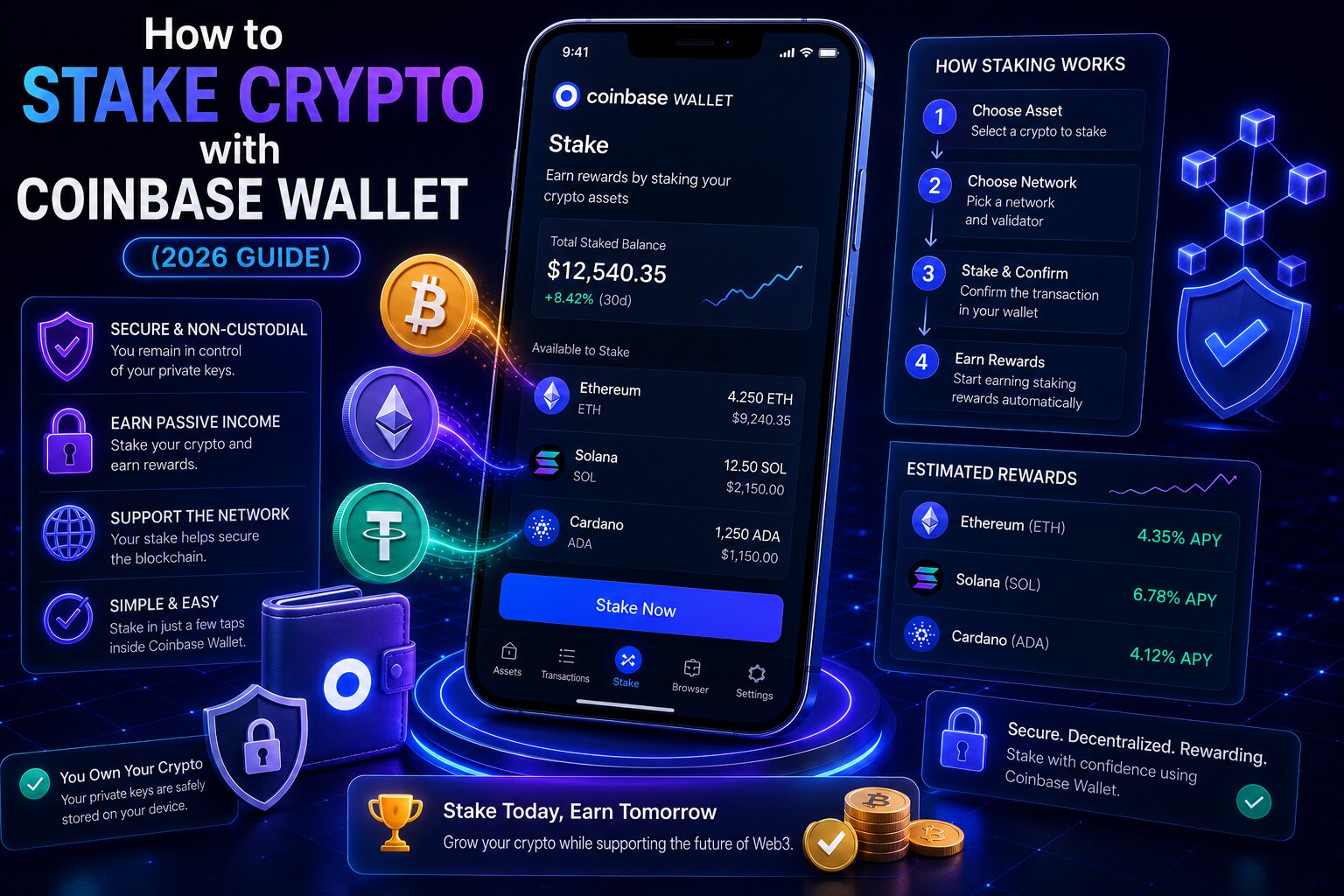
Coinbase Wallet stakes crypto through the built-in dApp Browser — connecting to DeFi protocols like Lido, Rocket Pool, and Jito while private keys stay on the user’s device.
This is fundamentally different from Coinbase exchange staking, where Coinbase holds the assets and manages Validators on the user’s behalf.
Staking Method
Custody
Net APY (May 2026)
KYC
Lido ETH (via Wallet)
Self-custodial
~2.16%
No
Rocket Pool ETH (via Wallet)
Self-custodial
~2.98%
No
Jito SOL (via Wallet)
Self-custodial
~5.34%
No
Coinbase Exchange ETH
Custodial
~1.88%
Yes
Coinbase Exchange SOL
Custodial
~4.88–5.63%
Yes
Key Staking Terms
Term
Definition
Liquid Staking
Issues a receipt token representing staked assets plus accrued rewards
TVL
Total Value Locked — total assets committed to a protocol
Validator
Node that confirms blocks and distributes staking rewards
Restaking
Using already-staked assets to secure additional protocols (EigenLayer)
Coinbase Wallet is self-custodial — it does not operate staking infrastructure. The dApp Browser connects to smart contracts; the wallet signs locally while the protocol manages Validator delegation on-chain, and private keys never transfer ownership to any protocol.
Native Staking vs Liquid Staking
Feature
Native Staking
Liquid Staking
Receipt token
None
stETH, rETH, JitoSOL
Liquidity
Locked until Unbonding ends
Tradeable anytime
DeFi usability
Limited
Full LSDfi access
Best for
Long-term holders
Active DeFi users
How to Stake ETH via Lido — Step by Step
1
Open the dApp Browser
Tap the Discover tab, type lido.fi, and press Go.
2
Connect and select
Tap Connect Wallet → Coinbase Wallet → Stake Now → Ethereum 2.0.
3
Enter amount
Any amount accepted — review the estimated APR (~2.4% gross, ~2.16% net) and gas fee.
4
Submit and confirm
Confirm the transaction approval screen — stETH appears in the wallet balance.
Keep ETH for GasRetain a small ETH balance after staking — gas fees for future transactions including stETH swaps must be paid in ETH.
How to Stake SOL via Jito — Step by Step
1
Open the dApp Browser
Type jito.network and press Go.
2
Connect and enter amount
Connect Wallet → Coinbase Wallet → enter the SOL amount, no minimum.
3
Review and stake
Check the estimated APY (~5.8% gross, ~5.34% net) and gas fee (~$0.001), then confirm.
JitoSOL captures both standard epoch rewards and MEV priority fees from Jito’s block engine — appreciating in value relative to SOL over time.
Lido vs Rocket Pool
Feature
Lido
Rocket Pool
Net APY (May 2026)
~2.16%
~2.98%
Liquid token
stETH (rebase)
rETH (value-accruing)
Commission
10%
14%
TVL
~$14B+
~$2B+
What Is cbETH?
cbETH is Coinbase’s Liquid Staking token — issued when staking ETH on the Coinbase exchange, not through the Wallet’s dApp Browser. It uses a value-accruing model with a 25–35% commission, but Coinbase covers Slashing losses — a protection Lido and Rocket Pool don’t provide.
What Permissions Do Staking Protocols Request?
Permission Type
What It Allows
Risk Level
Transfer to staking contract
Sends a specific amount
Expected for staking
Unlimited token approval
Unlimited spending on a token
High — set a specific amount instead
Specific amount approval
Limited spending
Lower risk
Wallet connection (read-only)
Shares Public Address
No fund access
Always review the permission scope before confirming — reject unlimited approvals and set specific amounts. Revoke leftover approvals via revoke.cash after each session.
Liquid staking token depeg — stETH dropped ~6% below spot ETH during the 2022 Terra collapse
Price depreciation — the underlying token falls while staking
Common Staking Mistakes
Mistake
Consequence
Prevention
Approving unlimited permissions
Unlimited spending rights granted
Set a specific amount in every approval
Forgetting gas reserves
Cannot unstake later
Keep ETH balance after every stake
Confusing gross with net APY
Overstated returns
Always apply Gross × (1 − commission)
Sending to the wrong network
Permanent loss
Confirm the network before every transaction
Frequently Asked Questions
Open the dApp Browser, navigate to lido.fi for ETH or jito.network for SOL, connect the wallet, enter the amount, and confirm. There’s no direct Stake button — all self-custodial staking runs through DeFi protocols.
cbETH is Coinbase’s Liquid Staking token for exchange-based ETH staking — a value-accruing token tradeable on Uniswap and usable as collateral on Aave. Coinbase covers Slashing losses for cbETH holders.
Yes. Lido and Rocket Pool both accept any ETH amount through pooled delegation. Open the dApp Browser, navigate to lido.fi or rocketpool.net, and stake any amount — both issue tokens swappable back to ETH without an Unbonding Period.
Private keys stay on the device and are never exposed to staking contracts. Main risks are Slashing, smart contract exploits, and Liquid Staking token depegs. Use only audited protocols like Lido and Jito.
Coinbase Wallet charges $0. DeFi protocol commissions apply separately — Lido charges 10%, Rocket Pool 14%, Jito ~8%. A one-time gas fee goes to the network when initiating staking.