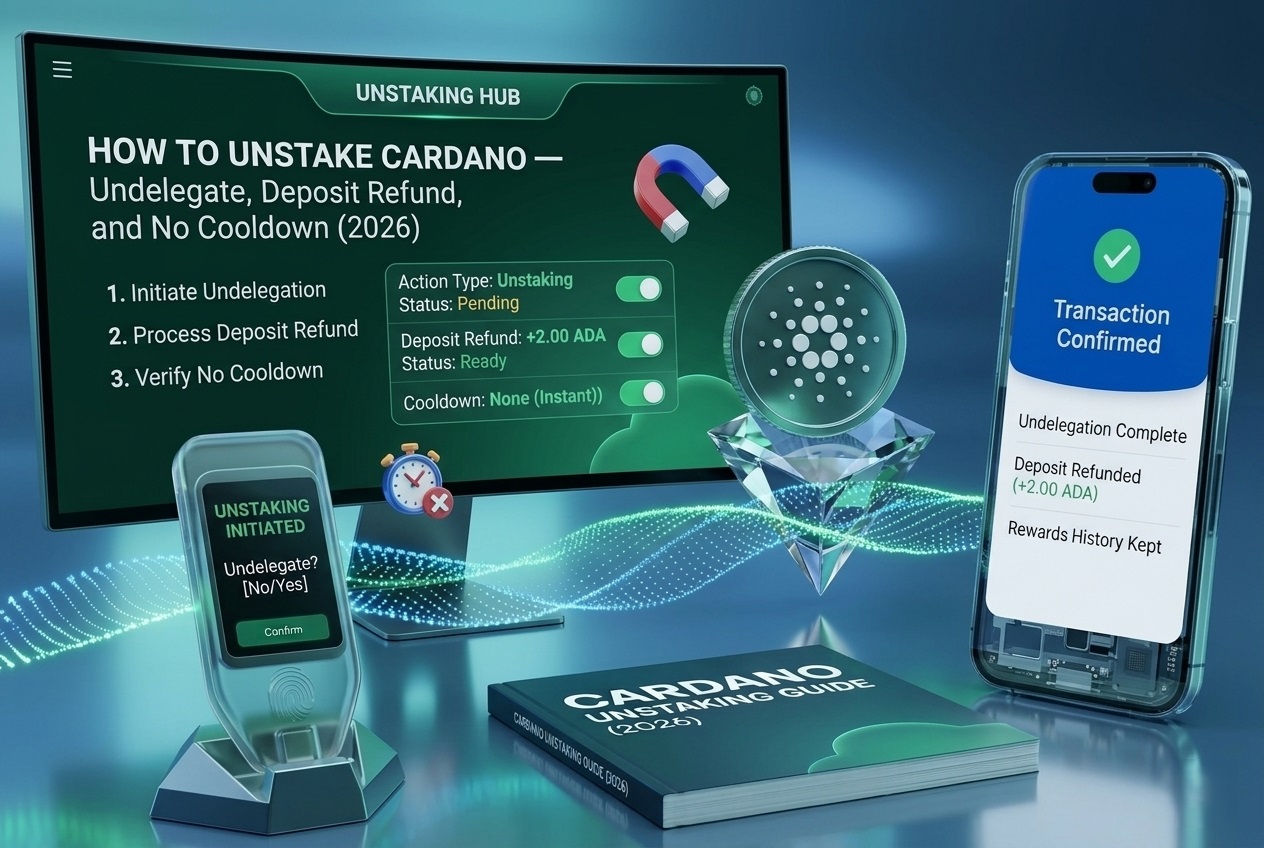
Unstaking Cardano is unusually simple because there is no cooldown and no unbonding period: your ADA is liquid the entire time it is staked.
The “unstaking process” really comes down to two different actions people constantly confuse — withdrawing your rewards versus deregistering your staking key to get your 2 ADA deposit back.
This guide explains exactly how to unstake Cardano, the difference between those two actions, how to recover your deposit, and the reward timing that affects when you should do it.
What “Cardano Unstaking Process” Actually Means
The Cardano unstaking process is different from almost every other proof-of-stake network because there is no cooldown or unbonding wait. You can withdraw your delegated ADA at any time, with no cool-down period, because your ADA never leaves your wallet when you stake. In a literal sense, staked ADA is always already liquid, so “unstaking” does not mean unlocking funds the way it does on Solana or Ethereum.
What unstaking actually refers to is ending or changing your delegation relationship. There are two distinct things you might want to do: withdraw the rewards you have accumulated, or deregister your staking key to stop delegating entirely and reclaim your 2 ADA registration deposit.
The Key Distinction at a Glance
Action
What It Does
Deposit
Keeps Staking?
Withdraw rewards
Moves accrued rewards to spendable balance
Not returned
Yes, stays delegated
Undelegate / deregister
Deregisters staking key, ends delegation
2 ADA returned
No, stops delegating
Switch pools (redelegate)
Moves stake to a different pool
Unaffected
Yes, new pool
Withdraw vs Undelegate — The Distinction That Trips People Up
The single biggest source of confusion in Cardano unstaking is the difference between withdrawing rewards and undelegating, because they sound similar but do very different things. When you open your wallet’s staking dashboard, you typically see both a Withdraw option and an Undelegate or deregister option, and choosing the wrong one leads to either lost deposits or unexpectedly ending your staking.
The Trap Most People Fall Into: Emptying your wallet to “unstake.” If you simply move all your ADA out, you stop benefiting from staking, but you do not automatically get your 2 ADA deposit back, because the staking key remains registered. You must explicitly deregister the staking key to recover it.
It helps to think of the 2 ADA deposit as a refundable registration bond rather than a fee. When you first delegated, you registered a staking key on-chain and posted that 2 ADA as a deposit; the network holds it for as long as your staking key is registered. The deposit is only returned at the moment you deregister the key.
For anyone who has registered multiple wallets over time, deliberately deregistering each unused staking key is the only way to recover what can add up to a meaningful sum of stranded deposits.
How to Unstake Cardano Step by Step
Unstaking natively takes only a couple of minutes in any Cardano wallet, since there is no waiting period to sit through. In wallets like Lace, Yoroi, Daedalus, or Eternl, you reach the unstaking controls through the staking section, and the exact path is similar across wallets.
1
Open the Staking Dashboard
Open the Staking or Delegation dashboard in your wallet, where your current delegation and rewards are shown.
2
Choose Your Action
Choose Withdraw to collect rewards while staying staked, or Undelegate to deregister and stop.
3
Deregister for Full Unstaking
For full unstaking, select deregister the staking key, which ends delegation and returns your 2 ADA deposit.
4
Confirm the Transaction
Confirm the transaction and pay the small network fee, signing on your hardware device if you use one.
5
Receive Your Funds
Receive your deposit and any withdrawn rewards in your spendable balance once the transaction settles.
On mobile wallets, the path is usually Menu, then Staking Center, then Withdraw or Undelegate. Because there is no cooldown, your ADA is immediately spendable; the only timing consideration is around pending rewards, covered next.
Unstaking With a Hardware Wallet
If you stake with a hardware wallet, unstaking follows the same logic with the device confirming the transaction. You connect your Ledger or Trezor to its companion app, open the Cardano staking interface, and select Withdraw or Undelegate as needed, approving on the device so your private keys never leave it.
The deposit and reward mechanics are identical regardless of hardware — the only added step is the physical confirmation on your device.
Reward Timing When You Unstake
The one timing nuance in Cardano unstaking concerns pending rewards. Rewards for the current epoch are calculated and paid roughly two epochs later, so at any moment you have rewards still in the pipeline. When you undelegate, you will not receive rewards in the next two epochs that would have come from your recently active stake.
Preserving Pending Rewards: Move your funds out of the wallet first, leaving about 1 ADA for a future transaction fee, then wait for another two epochs to pass so the pipeline rewards arrive, and only then withdraw your rewards and deregister the staking key.
For most stakers the pending amount is small and not worth the extra steps, but for large delegations the timing can be meaningful. Either way, your principal ADA is always immediately accessible; only the trailing rewards are subject to this two-epoch cycle.
How to Unstake Part of Your Cardano
A point that surprises many stakers is that Cardano staking is all-or-nothing per wallet, so you cannot partially unstake within a single wallet. Cardano staking mechanics stake the entire ADA balance in a wallet together; there is no way to unstake just a portion while leaving the rest delegated in the same wallet.
The workaround is to use multiple wallets. To effectively unstake part of your ADA, you transfer the amount you want to free up to a different wallet or address that is not delegated, which removes it from the staked balance while the remainder stays delegated. This same approach is how large holders manage stakes above a pool’s saturation level.
Because there is no cooldown, this multi-wallet approach is far less cumbersome than it would be on a network with unbonding periods — moving ADA between your own wallets is just an ordinary transaction that settles in moments.
Common Cardano Unstaking Mistakes
The errors below cause stakers to lose their deposit, forfeit rewards, or misunderstand the process, each with a simple fix.
Mistake
Result
Prevention
Emptying the wallet to unstake
2 ADA deposit not returned
Deregister the staking key to reclaim it
Confusing Withdraw with Undelegate
Wrong action, unexpected outcome
Know withdraw keeps staking, undelegate ends it
Deregistering with rewards in flight
Forfeit two epochs of pending rewards
Use the preserve-rewards sequence first
Expecting a partial unstake in one wallet
Whole balance is staked together
Move ADA to another wallet for partial
Forgetting governance for withdrawals
Cannot withdraw rewards
Delegate voting power to a DRep
Assuming a cooldown exists
Unnecessary waiting
Know ADA is liquid with no unbonding
What the Cardano Unstaking Process Cannot Guarantee
Cardano unstaking is simple and immediate for your principal, but a few things still sit outside your control. The reward cycle means trailing rewards arrive on the network’s two-epoch schedule, so you cannot accelerate pending rewards, and abruptly deregistering can forfeit them.
Governance requirements can also apply: since recent upgrades, withdrawing rewards generally requires having delegated your voting power to a DRep, so a missed governance step can block a withdrawal even though the unstaking itself has no cooldown.
What is genuinely guaranteed is liquidity of your principal: because there is no lockup or unbonding, your staked ADA is always immediately spendable. But the dollar value of that ADA depends on its market price, which can move at any time. This guide is educational and not financial advice.
Frequently Asked Questions
Open your wallet’s staking dashboard and choose your action: Withdraw to collect rewards while staying staked, or Undelegate to deregister your staking key, end delegation, and reclaim your 2 ADA deposit. There is no cooldown, so your ADA is immediately spendable after the transaction.
No. Cardano has no cooldown or unbonding period, so you can withdraw or move your delegated ADA at any time. Your ADA never leaves your wallet during staking, meaning it is always liquid; the only timing nuance involves trailing rewards on a two-epoch cycle.
Yes, but only if you properly deregister your staking key through the Undelegate action. Simply emptying your wallet does not return the deposit, because the staking key stays registered. Deregistering ends your delegation and refunds the 2 ADA.
Withdrawing moves your accrued rewards to your spendable balance while keeping you staked, so you continue earning. Undelegating deregisters your staking key, ends your delegation, and returns your 2 ADA deposit, meaning you stop earning until you register and delegate again.
Not within a single wallet, because Cardano stakes your entire wallet balance together. To unstake part of your ADA, transfer the amount you want to free up to a separate, non-delegated wallet, which removes it from the staked balance while the rest stays delegated.
Because rewards arrive about two epochs after they are earned, undelegating immediately can forfeit rewards still in the pipeline. To keep them, move your funds out leaving about 1 ADA for fees, wait two epochs for the rewards to arrive, then withdraw and deregister.
No undelegation is needed to switch pools. You simply delegate to a new pool from your wallet, and your stake moves at the next epoch boundary. Your 2 ADA deposit stays in place, your staking key remains registered, and you keep earning throughout the switch.
Since recent governance upgrades, you generally must delegate your voting power to a DRep before you can withdraw staking rewards. If a withdrawal is blocked, delegating to a DRep, or choosing the Abstain option to stay neutral, typically resolves it.
Final Tip: Know exactly which action you want before you tap anything — Withdraw keeps you staking, Undelegate ends it and refunds your 2 ADA deposit.