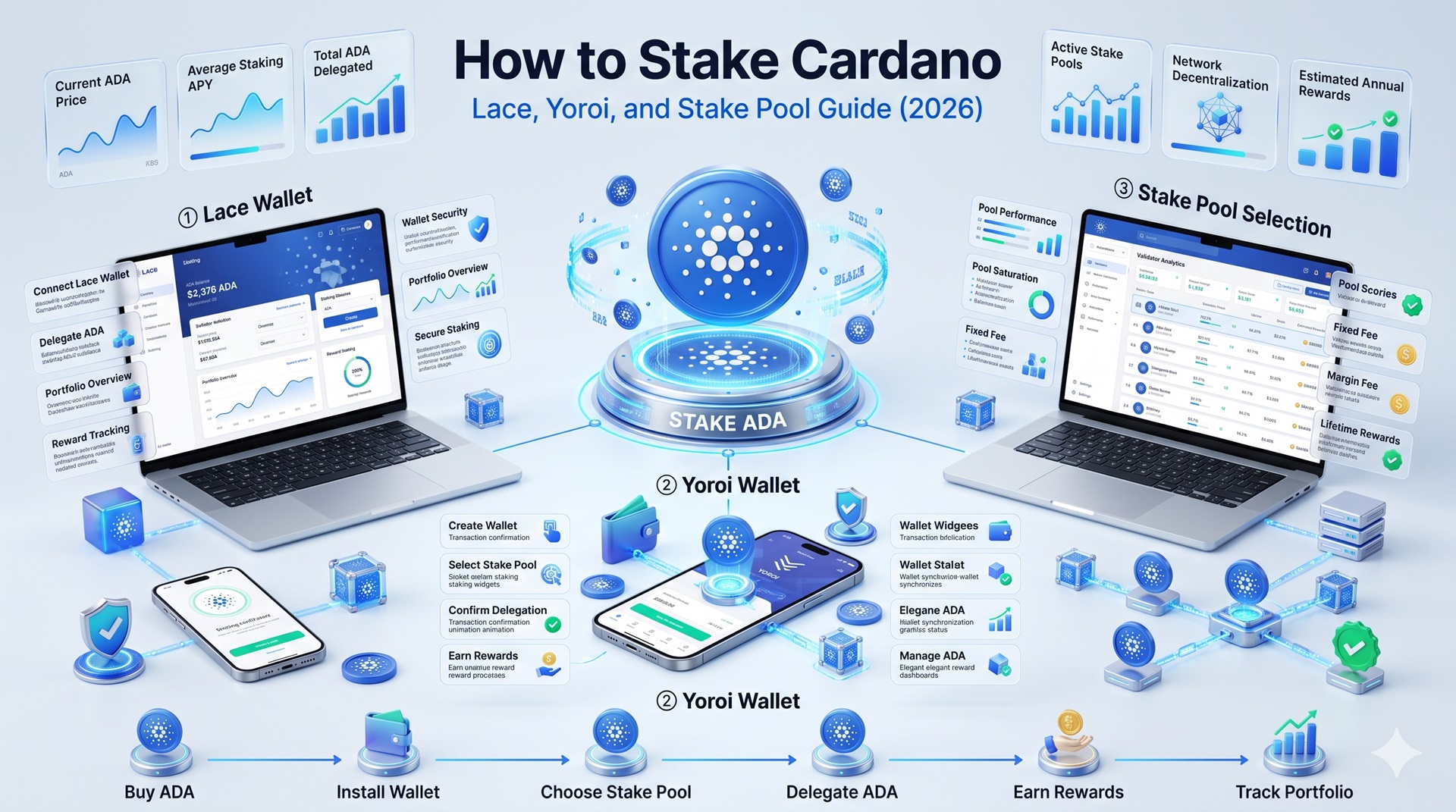
To stake Cardano, you delegate your ADA to a stake pool from a native wallet like Lace or Yoroi, and your ADA never leaves your wallet in the process.
There is no lockup, no slashing, and you can redelegate or stop at any time. The whole setup takes minutes, costs a refundable 2 ADA deposit plus a tiny fee, and the only real decision is which stake pool to pick.
This guide walks through native staking step by step, explains how to choose a pool by saturation and fees, and clears up the reward timing that confuses nearly every new staker.
What “How to Stake Cardano” Actually Means
Staking Cardano means delegating your ADA to a stake pool that validates transactions and produces blocks under Cardano’s Ouroboros proof-of-stake protocol, in return for a share of that pool’s rewards. Your ADA never leaves your wallet; you retain full ownership and control throughout, and can spend, send, or move it at any time.
This self-custody design is why Cardano staking is considered unusually low-risk. There is no unstaking process to wait through and no slashing penalty that can confiscate your principal.
Native Wallet vs Exchange Staking
Method
Custody
Pool Choice
Best For
Native wallet
Self-custody, ADA stays in wallet
Choose any of ~3,000 pools
Control and lower fees
Exchange staking
Custodial, exchange holds ADA
Exchange decides
Beginner simplicity
Native staking through Lace, Yoroi, or Daedalus gives you full custody and the freedom to pick any pool. For control and better net yield, native staking is the recommended route, which this guide focuses on.
How to Stake Cardano Natively Step by Step
The recommended non-custodial wallets are Lace, Yoroi, Daedalus, and Eternl. Before staking, you fund your wallet with ADA and keep a small buffer for fees.
1
Choose and Install a Wallet
Install a wallet such as Lace or Yoroi, create a new wallet, and back up your recovery phrase.
2
Fund Your Wallet
Transfer ADA from an exchange, keeping at least 5 ADA for fees and the delegation deposit.
3
Open the Staking Tab
Access the staking dashboard and the list of available pools.
4
Research and Select a Pool
Check saturation, fees, and performance before committing.
5
Confirm the Delegation
Enter your spending password and sign the transaction.
About the Deposit: The 2 ADA deposit is a refundable registration deposit for your stake key, not a fee paid to the pool. When you deregister, it returns to your balance in full. The only non-recoverable cost is a small network transaction fee.
Staking Cardano With a Hardware Wallet
A device like Ledger stores your keys offline and connects to a Cardano wallet app to handle the delegation, so your ADA stays protected from online threats while still earning rewards.
Pool Choice Limitation: Some hardware-native staking interfaces limit your pool choice to a single pool managed by the device maker. To choose freely among thousands of pools, connect the hardware wallet to a third-party app like Yoroi or Eternl.
How to Choose a Cardano Stake Pool
Choosing the right pool is the decision that most affects your rewards, and Cardano gives you over 3,000 pools to pick from.
Key Pool Metrics
Saturation: Avoid pools above roughly 90% saturation, since oversaturated pools cap and reduce rewards per delegator
Margin and fees: Pools take a percentage margin plus a fixed fee, deducted from rewards each epoch
Pledge: The ADA the operator has committed to their own pool, signaling skin in the game
Blocks produced: How many blocks the pool has minted recently, indicating consistent performance
The most common source for pool data is ADApools.org, which aggregates information on every Cardano pool so you can compare saturation, fees, pledge, and block history.
Why Your First Cardano Rewards Take About 15-20 Days
After you delegate, you will not see your first rewards for roughly 15 to 20 days, and this is normal, not a problem. The delay exists because Cardano’s reward cycle runs on snapshots taken at epoch boundaries, and each epoch lasts five days, so several epochs must pass before your stake is counted, used, and paid.
After this initial ramp, rewards then arrive every epoch, roughly every five days, and compound automatically as long as you keep delegating.
How to Unstake or Redelegate Cardano
Because Cardano has no lockup, changing or ending your delegation is simple and can be done at any time. To switch pools, you simply delegate to a new pool; there is no need to undelegate first, and your stake moves to the new pool at the next epoch boundary.
To stop staking entirely, you undelegate, which returns your 2 ADA deposit and ends your reward accrual.
Common Cardano Staking Mistakes
Mistake
Result
Prevention
Delegating to an oversaturated pool
Capped, reduced rewards
Pick a pool below ~90% saturation
Staking your entire balance with no fee buffer
Cannot pay delegation fee
Keep at least 5 ADA for fees and deposit
Panic-redelegating during the reward delay
Wasted fees, reset timing
Expect a 15-20 day first-reward wait
Choosing a pool on size alone
High fees or saturation erode yield
Compare margin, fixed fee, and pledge
Frequent pool-hopping
Repeated transaction fees
Switch only for a clear improvement
What Staking Cardano Cannot Guarantee
No pool or wallet can guarantee a fixed return, and the typical 3-5% range is an estimate that moves with pool performance and network parameters. A pool can underperform, raise its fees, or become oversaturated, reducing your rewards.
The good news is that the risks are limited to rewards, not principal: because ADA never leaves your wallet and Cardano has no slashing, your staked tokens cannot be confiscated or lost to pool misbehavior.
Educational Note: This guide is educational and not financial advice.
Frequently Asked Questions
Install a native wallet like Lace or Yoroi, fund it with ADA while keeping about 5 ADA for fees, open the Staking or Delegation tab, research and select a stake pool by saturation and fees, then confirm the delegation with your spending password. Your ADA stays in your wallet.
No. With native staking, your ADA never leaves your wallet; you only delegate it to a stake pool while keeping full custody. You can spend, send, or move your ADA at any time, since delegation places no lockup on your funds.
Native delegation requires a one-time deposit of about 2 ADA, which is refundable when you undelegate, plus a small network transaction fee. Keep at least 5 ADA in your wallet to cover the deposit and fees comfortably.
Compare saturation, margin and fixed fees, pledge, and recent block production. Favor pools below roughly 90% saturation with reasonable fees, a solid pledge, and consistent block minting. Tools like ADApools.org and built-in wallet rankings help you compare.
Your first rewards typically arrive about 15 to 20 days after delegating, because Cardano’s reward cycle runs on epoch snapshots that span several five-day epochs. After this initial ramp, rewards arrive every epoch, roughly every five days, and compound automatically.
Yes. Because there is no lockup, you can stop or change your delegation at any time, and your ADA stays liquid throughout. Undelegating returns your 2 ADA deposit, and switching pools just moves your stake at the next epoch boundary, with no cooldown or withdrawal wait.
Yes. Pair a hardware wallet like Ledger with a software interface to delegate while keeping your keys offline. Note that some hardware-native staking interfaces offer only one pool, so connect the device to a third-party app like Yoroi or Eternl for full pool choice.
Native wallet staking keeps your ADA in self-custody, lets you choose any pool, and usually offers better net yield. Exchange staking is more beginner-friendly but custodial and often higher-fee. For control and lower cost, a native or hardware wallet is generally the better choice.