How to Stake Bitcoin via Babylon: Step-by-Step Guide | CryptoLurk
How to Stake Bitcoin via Babylon: Step-by-Step Guide
CrisCoin 13 min readBabylon
Staking Bitcoin through Babylon requires a Bitcoin-native wallet — not MetaMask or any EVM wallet — and a Bitcoin transaction fee paid in satoshis, not ETH gas.
These two facts are consistently buried in guides that assume users approach Bitcoin staking the same way they approach Ethereum DeFi. This step-by-step guide covers how to stake BTC via the Babylon native dashboard, which wallets work, how to select a Finality Provider, and how to use Kraken as a zero-setup exchange alternative if the on-chain process is too technical.
What You Need Before Staking Bitcoin via Babylon
Compatible Bitcoin Wallet with Taproot Support
The Babylon Staking Dashboard requires a Bitcoin-native wallet. Supported options include OKX Wallet, UniSat, Leather (formerly Hiro), Phantom (Bitcoin mode), Magic Eden Wallet, Fordefi, and OneKey. MetaMask, Coinbase Wallet, and other EVM wallets cannot connect to the Babylon Staking Dashboard because they do not support Bitcoin’s UTXO transaction model.
Minimum 0.005 BTC per staking transaction: This is the protocol minimum. You also need a small additional amount of BTC to cover the Bitcoin network transaction fee (typically 1,000–10,000 satoshis depending on network congestion at the time of staking).
BABY-compatible wallet for receiving rewards: Rewards are paid in BABY tokens on the Babylon Genesis chain (Cosmos SDK-based). You need a Cosmos-compatible wallet (Keplr, Leap, or the Babylon Genesis chain address derived from your Bitcoin wallet) to receive and manage BABY rewards.
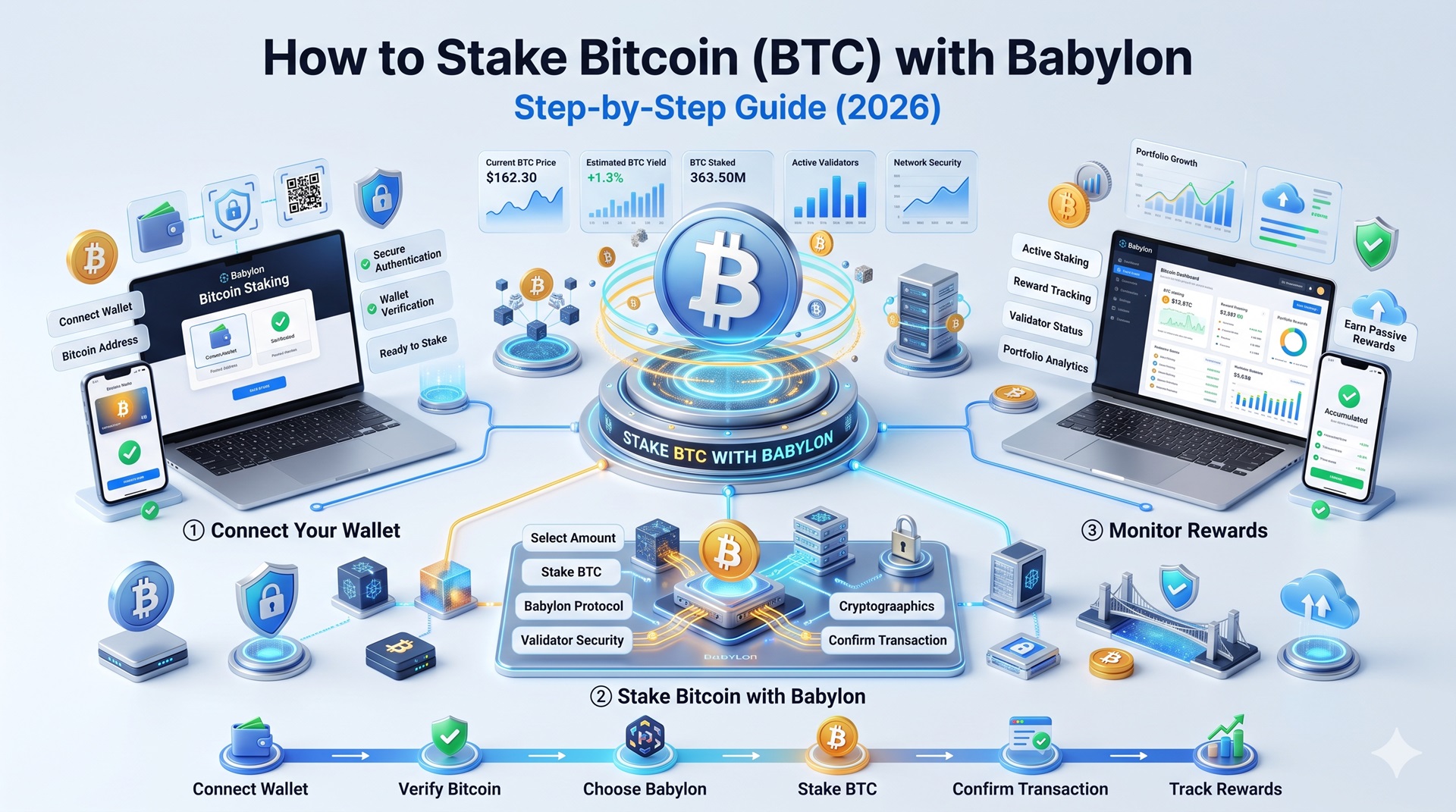
Step-by-Step: How to Stake BTC on the Babylon Dashboard
1
Install a Compatible Bitcoin Wallet
Download and install one of the supported Bitcoin wallets: OKX Wallet and UniSat are the most widely used for Babylon staking. Ensure your wallet is set to Bitcoin mainnet, not testnet. Create a new wallet or import an existing one using your seed phrase. Transfer the amount of BTC you want to stake (plus at least 0.0001 BTC extra for transaction fees) to your wallet address.
2
Prepare Your UTXO
Babylon staking locks an exact UTXO — a specific unspent Bitcoin transaction output. If your intended stake amount does not exist as a clean UTXO in your wallet, you must first send exactly that amount to yourself in a preparatory transaction to create a single UTXO of the right size. For example, if you want to stake 0.05 BTC and your wallet holds one UTXO worth 0.12 BTC, send 0.05 BTC to your own address first. Skip this step if your wallet already has a UTXO of approximately the size you wish to stake.
3
Connect Your Wallet to the Babylon Staking Dashboard
Navigate to staking.babylonlabs.io. Click “Connect Wallet” and select your installed Bitcoin wallet (e.g., UniSat or OKX Wallet). Approve the connection request in your wallet extension.
Security Check: Verify the URL is exactly staking.babylonlabs.io before connecting. Phishing sites mimicking the Babylon interface are an active threat. Do not connect your wallet from a link shared in Discord, Telegram, or social media.
4
Enter Staking Details
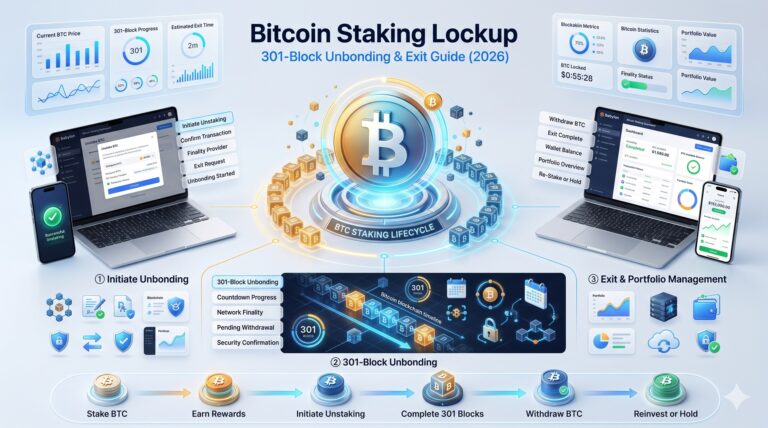
On the staking interface, enter the amount of BTC to stake (minimum 0.005 BTC per transaction, maximum 5,000 BTC) and staking duration — you are committing your BTC for a minimum period before on-demand unbonding becomes available. Current Babylon Genesis parameters set this at approximately 21 days minimum. The dashboard shows an estimated Bitcoin transaction fee in satoshis, paid to Bitcoin miners for including your staking transaction in a Bitcoin block — typically $1–$10 depending on Bitcoin network mempool congestion.
5
Select a Finality Provider
You must choose a Finality Provider (FP) from the list on the dashboard. The Finality Provider runs the infrastructure that signs finality votes for Bitcoin Supercharged Networks. Your BTC is at slashing risk if your Finality Provider double-signs a block. Evaluate providers on uptime and signing rate, commission rate, and reputation — established institutional operators (Everstake, Kiln, P2P.org, Figment) carry lower operational risk than anonymous providers. There are over 250 active Finality Providers as of mid-2026, and you can diversify across multiple providers by creating separate staking transactions.
6
Broadcast the Staking Transaction
Click “Stake” and confirm the transaction in your Bitcoin wallet. Your wallet will show the transaction details including the amount being locked and the Bitcoin fee. Review both figures before confirming. After broadcasting, your staking transaction is pending until it achieves sufficient Bitcoin block confirmations (typically 6 confirmations, roughly 60 minutes at average Bitcoin block times).
7
Track Your Position and Rewards
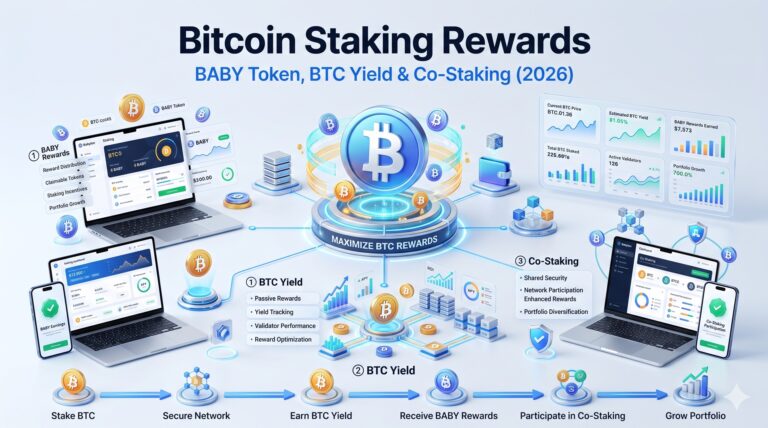
Once confirmed, your staked position appears in the Staking Terminal at terminal.babylonlabs.io. Rewards in BABY tokens accrue based on the Babylon Genesis chain’s emission schedule and are claimable through the Babylon Genesis chain interface using your Cosmos-compatible wallet address.
Wallet Compatibility — Why MetaMask Does Not Work for Bitcoin Staking
This is the most common point of confusion for users coming from Ethereum DeFi. MetaMask and all EVM wallets operate on Ethereum’s account-based model. Bitcoin uses an entirely different model — Unspent Transaction Outputs (UTXOs). The Babylon Staking Dashboard interacts directly with Bitcoin’s UTXO system via Taproot scripts, which EVM wallets cannot sign.
Wallet
Compatible with Babylon?
UniSat
Yes — most widely used for Babylon staking
OKX Wallet
Yes — multi-chain wallet with native Bitcoin support
Leather (Hiro)
Yes — Taproot-compatible
Phantom
Yes — supports Bitcoin mode
Magic Eden Wallet
Yes — Bitcoin-compatible
MetaMask
No — EVM only
Coinbase Wallet
No — EVM/Solana focus, no Babylon support
Trust Wallet
No — does not support Babylon Taproot transactions
How to Stake Bitcoin via Kraken (Exchange Alternative)
For users who find on-chain Bitcoin staking too technical, Kraken offers Babylon-powered BTC staking with no wallet setup, no UTXO management, and no Bitcoin transaction fees:
Log in to your Kraken account (or create one and complete KYC)
Deposit BTC to your Kraken spot balance
Navigate to Earn in the left sidebar
Find BTC in the list of eligible assets and click Stake
Choose Flexible (no lockup, instant withdrawal, lower APY) or Bonded (~7-day lockup, higher APY)
Enter the amount and confirm
Rewards in BABY tokens are credited to your Kraken account weekly. Kraken manages Finality Provider selection and UTXO preparation on your behalf. The trade-off: Kraken holds custody of your BTC throughout the staking period.
Availability Restriction: Kraken BTC staking is available in the US (excluding some states), UK, Australia, and UAE. Not available globally.
Frequently Asked Questions
You need a Bitcoin-native wallet that supports Taproot outputs. UniSat, OKX Wallet, Leather, Phantom, and Magic Eden Wallet are all compatible. MetaMask and other EVM wallets are not compatible — Babylon’s staking interface works with Bitcoin UTXOs, which EVM wallets cannot sign.
No. Babylon staking is a Bitcoin network transaction and requires a Bitcoin transaction fee paid in satoshis (a tiny fraction of BTC). There is no Ethereum involvement. The Bitcoin fee is typically $1–$10 depending on network congestion. If you stake via an exchange (Kraken, Binance), the exchange absorbs the Bitcoin transaction fees.
The Babylon protocol minimum is 0.005 BTC per staking transaction. You can create multiple staking transactions with 0.005 BTC each across different Finality Providers. Exchanges like Kraken and Binance have their own minimums, typically around 0.001–0.01 BTC.
Evaluate providers by their uptime history, commission rate, and operator reputation. Established institutional operators — Everstake, Kiln, P2P.org, Figment, and Simply Staking — have verifiable track records and institutional-grade infrastructure. Avoid anonymous Finality Providers with no public identity, as your BTC is slashable if they double-sign.
Yes, through Babylon’s native dashboard. Your BTC is locked in a Taproot output that you control with your private keys. No third party holds your BTC at any point. Exchange staking (Kraken, Binance) requires transferring custody to the exchange.
Final Tip: Always verify staking.babylonlabs.io directly in your browser before connecting a wallet, and double-check your chosen Finality Provider’s track record before broadcasting any staking transaction.