How to Receive Crypto in Trust Wallet: Complete Guide
How to Receive Crypto in Trust Wallet: Complete Guide
CrisCoin 11 min readTrust Wallet
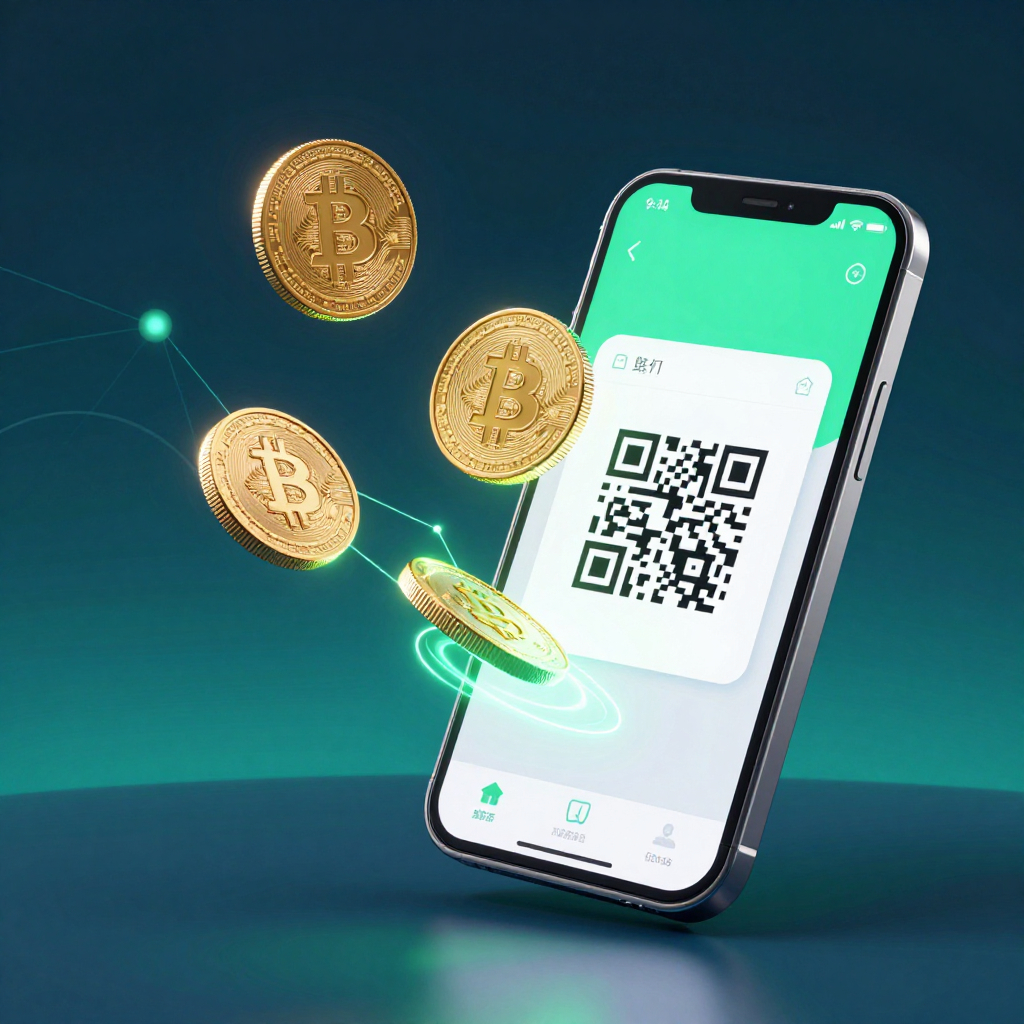
Trust Wallet receives crypto by generating a unique public wallet address per blockchain — share the address or QR code with the sender to accept funds.
Private keys stay on your device via Wallet Core. No third party holds funds at any point, and Trust Wallet supports 100+ blockchain networks.
Component
Role
Security Level
Public Wallet Address
Receives incoming funds
Safe to share publicly
Private Key
Authorizes outgoing transactions
Never share — stored on device
Recovery Phrase
Restores wallet access
Store offline, never digitally
QR Code
Encodes public address for scanning
Safe to share — contains only address
Network Mismatch Causes Irreversible LossSending or receiving on the wrong blockchain network is the top cause of permanent fund loss. Always confirm the network before sharing an address.
What Is a Trust Wallet Receive Address?
A public wallet address is a blockchain-based identifier that tells senders exactly where to route funds. It functions like a bank account number — shareable, visible on the blockchain, but incapable of granting access to your funds on its own.
How Public Addresses Work on Each Blockchain
Trust Wallet generates a unique address for each blockchain network, and the format differs by chain.
Blockchain
Address Format
Example Prefix
Length
Bitcoin (BTC)
Base58 encoding
1, 3, or bc1
26–35 chars
Ethereum (ETH)
Hexadecimal
0x
42 chars
BNB Chain
Hexadecimal
0x
42 chars
Solana (SOL)
Base58
—
32–44 chars
Tron (TRX)
Base58
T
34 chars
A public address identifies your wallet on a specific blockchain and cannot authorize transactions or reveal your private key — sharing it does not compromise wallet security.
How to Receive Crypto — Step by Step
Trust Wallet offers three receive methods. Method selection determines transaction success — choose based on sender location and asset type.
Method 1 — Using Your Deposit Address (Copy or QR Code)
1
Open Receive
Open Trust Wallet → tap Receive on the home screen.
2
Search the asset
Search for the asset you want to receive (e.g., Bitcoin, USDT, ETH).
3
Select the asset
Your wallet address appears below the QR code once selected.
4
Share the address
Copy the address, show the QR code, or use the Share button.
Verify Before SharingAlways double-check the full address after copying — verify at minimum the first 6 and last 6 characters before sharing with the sender.
Method 2 — Deposit from Exchange (Binance / Coinbase)
Deposit from Exchange connects Trust Wallet directly to Binance or Coinbase, eliminating manual address entry by routing the transfer automatically.
Feature
Deposit from Exchange
Manual Address Method
Address copy-paste required
No
Yes
Risk of wrong address
Very low
Medium
Asset compatibility
Selected assets only
All assets
Speed
Fast
Depends on blockchain
Method 3 — Cash Deposits
Cash Deposits lets U.S. users convert physical cash into crypto at retail locations, powered by Coinme — a FinCEN-registered cash-to-crypto provider. Crypto arrives directly into self-custody within roughly 10 minutes.
Detail
Value
Powered by
Coinme (FinCEN registered)
Available states
48 U.S. states (excludes New York, Texas)
Service fee
4% + $3.95 flat fee
Minimum deposit
$20 per transaction
Bank account required
No
Receiving from Binance to Trust Wallet
Open Trust Wallet, tap Receive, select the asset, copy the deposit address, then in Binance go to Withdraw, paste the address, and select the identical network shown in Trust Wallet.
Scenario
Result
ETH on ERC-20 → ERC-20 address
Funds arrive correctly
ETH on BEP-20 → ERC-20 address
Wrong chain — not visible
USDT on TRC-20 → ERC-20 USDT address
Permanent loss
BNB on BEP-20 → BEP-20 address
Funds arrive correctly
QR Code vs Manual Address — Which Is Safer?
A QR code encodes the public wallet address into a machine-readable format. Scanning auto-populates the sender’s address field, eliminating manual character entry.
Situation
Best Method
Sender is nearby with phone
QR Code scan
Sending address via messaging app
Copy address
Receiving ETH from an Ethereum wallet
ENS name (yourname.eth)
Receiving across multiple chains
FIO Handle
Receiving from an exchange
Deposit from Exchange feature
ENS and FIO Handle — Receiving Without a Long Address
ENS (Ethereum Name Service) replaces complex Ethereum addresses with human-readable names, such as yourname.eth. FIO Handle is a cross-chain alternative — a single handle like yourname@wallet works across multiple blockchains, not just Ethereum.
Feature
ENS
FIO Handle
Chain coverage
Ethereum only
Multi-chain
Format
yourname.eth
yourname@wallet
Registration required
Yes — requires ETH gas
Yes
Supported in Trust Wallet
Yes
Yes
Is It Safe to Share Your Receive Address?
What Sharing Reveals
What It Does NOT Reveal
Wallet balance on that chain
Your private key
Transaction history (public)
Your seed phrase
Incoming and outgoing amounts
Access to move your funds
Watch for Phishing During the Receive WindowFraudsters target users actively expecting a deposit — claiming your address needs “activation” or asking you to click a “verify” link. Trust Wallet never asks for your seed phrase or private key.
Why Isn’t Received Crypto Showing?
Cause
Solution
Wrong network by sender
Check if Trust Wallet supports that network
Asset not added to wallet
Add token manually via contract address
Transaction still pending
Wait and check a block explorer
App not updated
Update Trust Wallet to the latest version
Frequently Asked Questions
Open the app, tap Receive, search for the asset you want to receive, and share your wallet address or QR code with the sender. Funds appear after blockchain confirmation.
Tap Receive on the home screen and search for the specific asset. Your deposit address appears as both a text string and a QR code beneath the asset name.
Most commonly the sender used a different blockchain network, the token wasn’t added manually, or the transaction is still pending. Check the transaction hash on a block explorer.
Yes. A public address cannot access your wallet or move funds. Only your private key and seed phrase provide access — never share those.
Yes, across Ethereum, BNB Chain, Solana, and Polygon. Share your wallet address for the correct network, and NFTs appear in the NFTs section after confirmation.