Physical Address
304 North Cardinal St.
Dorchester Center, MA 02124
Physical Address
304 North Cardinal St.
Dorchester Center, MA 02124

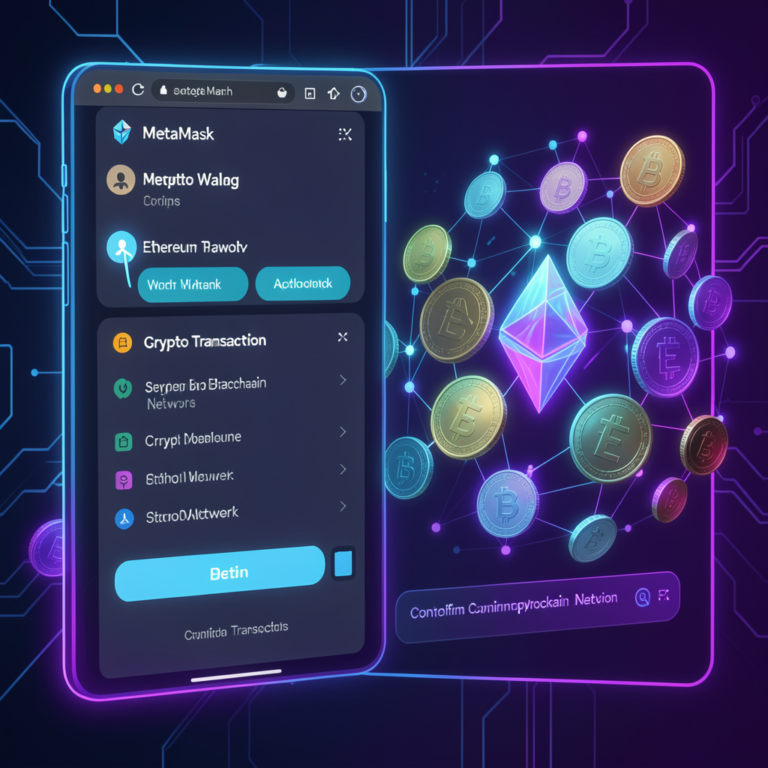
MetaMask sends crypto by signing a transaction with a private key and broadcasting it to a blockchain network. The wallet validates inputs, calculates gas fees, and confirms execution on-chain. Next, define required conditions What Conditions Must Exist Before Sending Crypto…
You connect to MetaMask Wallet by opening a Web3 site, clicking “Connect Wallet,” selecting MetaMask, and approving the connection request. MetaMask signs transactions locally while the dApp interacts with blockchain nodes. MetaMask acts as a client-side cryptographic signer that connects…
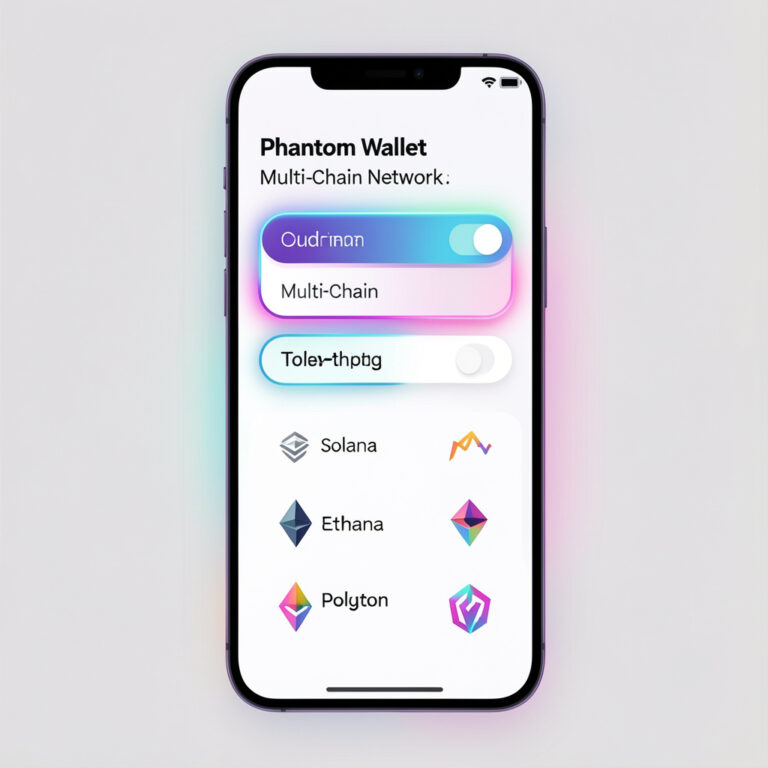
You add a network in Phantom Wallet by opening Settings → Manage Networks → Toggle network on. Phantom activates Ethereum or Polygon instantly without RPC input. Phantom Wallet supports multi-chain interaction through built-in network toggles. The wallet removes manual configuration…
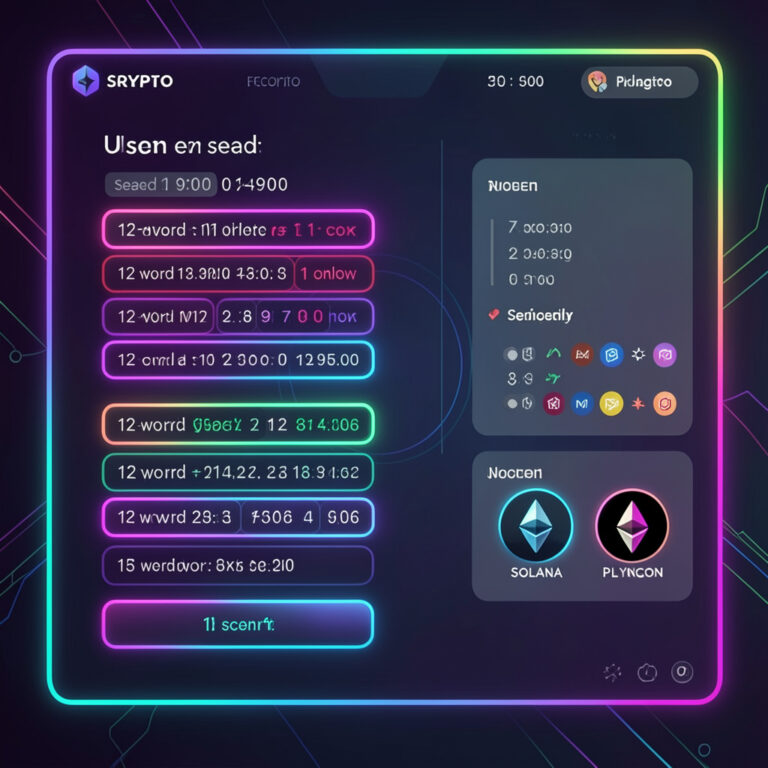
Recovering a Phantom Wallet means restoring access to your crypto assets using your secret recovery phrase (seed phrase). Phantom Wallet uses this phrase to regenerate your private keys, wallet addresses, and blockchain accounts across supported networks like Solana, Ethereum, and…
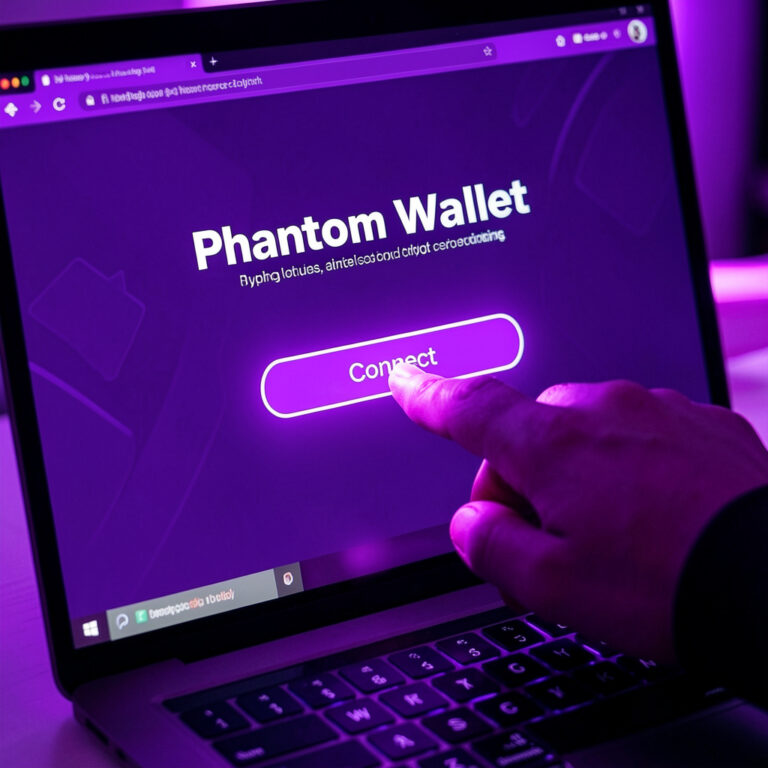
Users connect Phantom Wallet by installing the Phantom extension, unlocking the wallet, opening a supported decentralized application (dApp), and approving the connection request in the Phantom interface. Phantom Wallet functions as a browser extension wallet and mobile crypto wallet that…
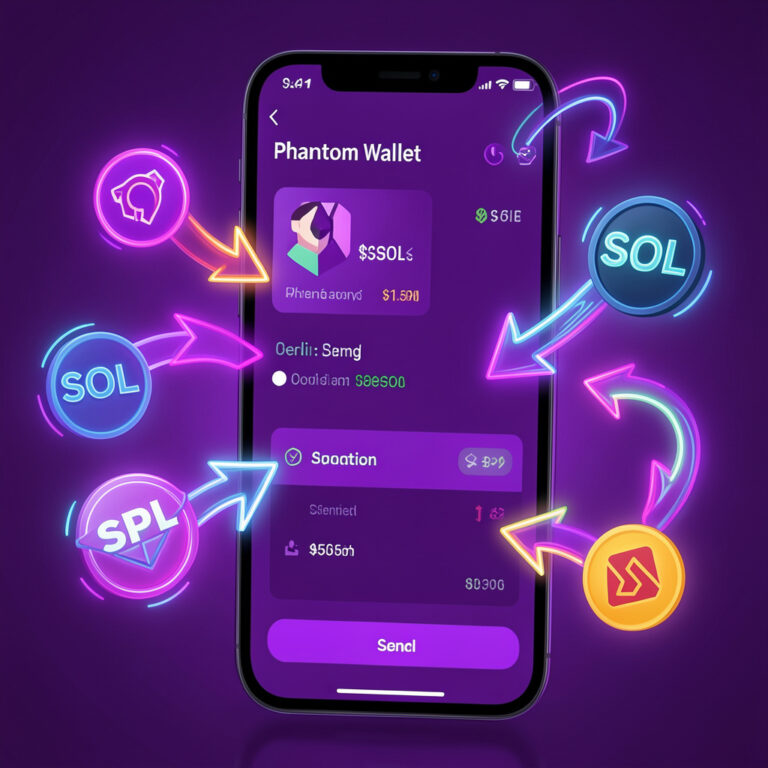
Sending cryptocurrency is one of the most basic yet important actions in the blockchain ecosystem. Whether you’re transferring tokens to an exchange, paying someone, or interacting with a decentralized application, knowing how to send assets safely is essential. Phantom Wallet…
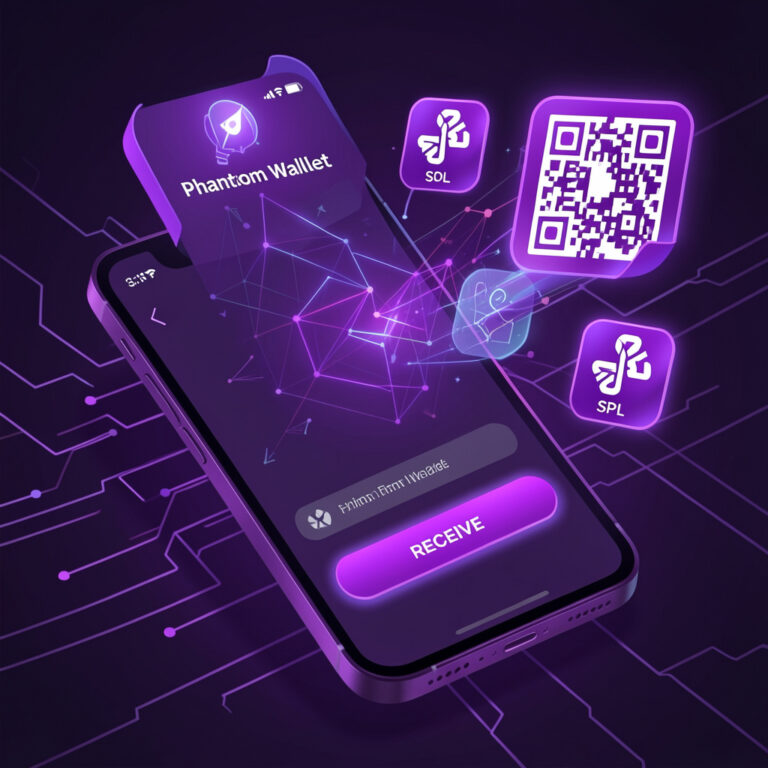
Receiving cryptocurrency in Phantom Wallet requires sharing your wallet address with the sender on the correct blockchain network. Phantom Wallet supports Solana, Ethereum, and Polygon, allowing users to receive tokens, NFTs, and other digital assets securely. Phantom Wallet enables users…

Phantom Wallet allows users to store, send, swap, and withdraw cryptocurrency across the Solana, Ethereum, and Polygon networks. A withdrawal occurs when a user transfers tokens from Phantom Wallet to another wallet, exchange, or fiat off-ramp platform. Users commonly withdraw…
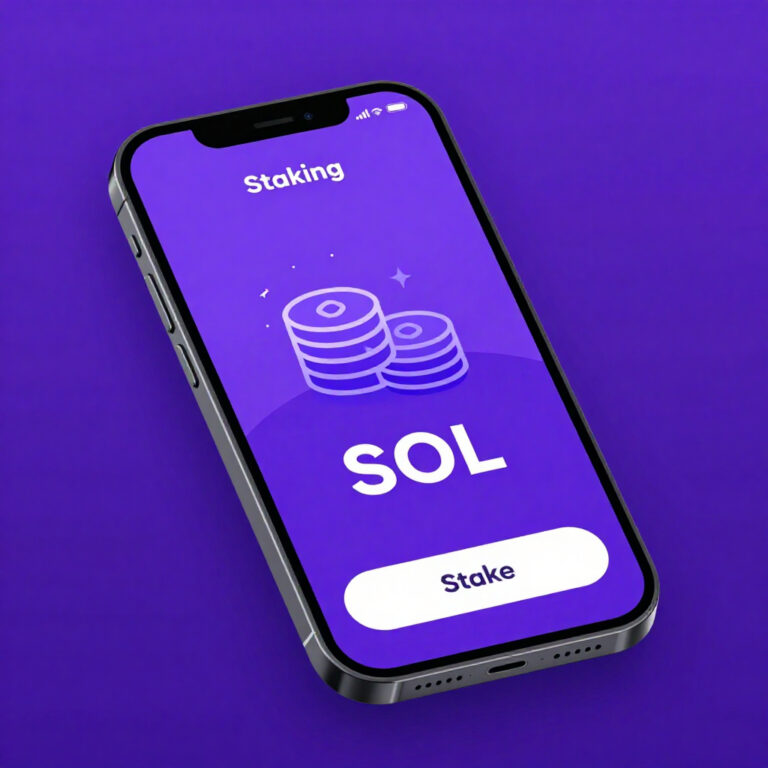
Phantom Wallet allows users to stake SOL tokens by delegating them to Solana validators. The Solana blockchain uses a delegated Proof-of-Stake (PoS) consensus model where token holders delegate SOL to validators who secure the network and produce blocks. When users…



