How to Receive Crypto in MetaMask Wallet: Complete Guide
How to Receive Crypto in MetaMask Wallet: Complete Guide
CrisCoin 10 min readMetaMask
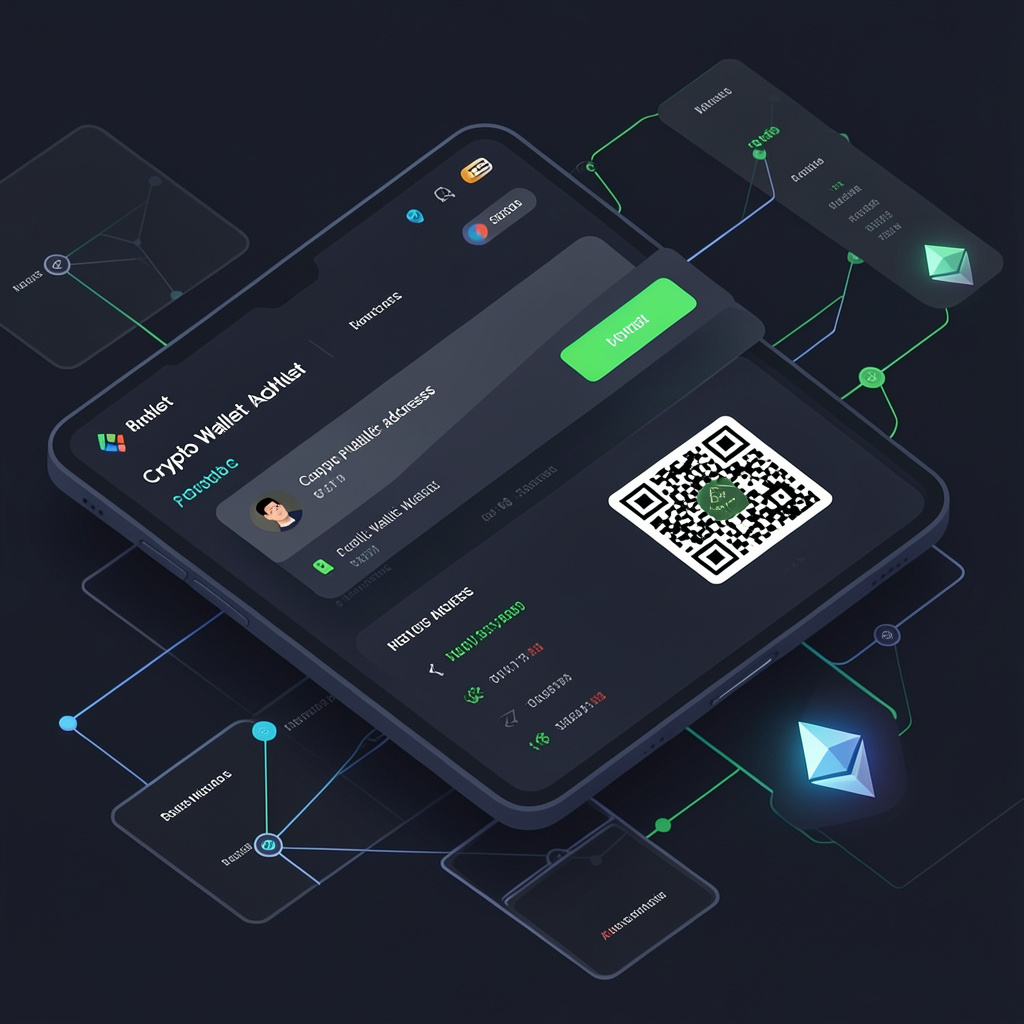
MetaMask Wallet receives crypto through a public address on a selected blockchain network — you copy the address or QR code, share it, and the sender initiates the transaction.
Receiving crypto never requires a gas fee from you — the sender always pays the network cost. The only real risk is selecting the wrong network.
Element
Function
Format
Public Address
Receives crypto
0x… string
QR Code
Simplifies address sharing
Scannable image
Copy Function
Prevents manual errors
Clipboard action
What Is the MetaMask Receiving Address?
MetaMask Wallet assigns a public address that identifies your account on the Ethereum blockchain. The address functions as a destination for crypto transfers, and it maps directly to a private key that only you control.
Key Facts
Address always starts with 0x
Address maps to your private key
Address supports ERC-20 tokens and NFTs
How Do You Receive Crypto in MetaMask Wallet?
You receive crypto by copying your MetaMask public address, selecting the correct network, and sharing it with the sender.
1
Open MetaMask and select account
Choose the account you want to receive funds into.
2
Select the correct network
Ethereum Mainnet for real funds, Testnet only for testing.
3
Copy your wallet address
Use the built-in copy function to avoid typing errors.
4
Share the address or QR code
Send it directly to the sender.
5
Wait for blockchain confirmation
MetaMask updates the balance once the transfer confirms, and the transaction hash verifies the transfer status.
What Is a MetaMask Wallet Address and QR Code?
The wallet address identifies your account on the blockchain, while the QR code simply encodes that same address so it can be scanned instead of typed.
Element
Identifies
Reduces
Wallet Address
Account on blockchain
Ambiguity
QR Code
Same address, scannable
Input errors
Why Does Network Selection Matter When Receiving Crypto?
Network selection determines compatibility. Sending assets on the wrong network can result in lost or inaccessible funds.
Network Type
Supported Assets
Risk if Wrong Network
Ethereum Mainnet
ETH, ERC-20 tokens, NFTs
Funds may be lost
Testnet
Test ETH only
No real value
Other Chains
BSC, Polygon (if configured)
Requires bridging
Check Before You Share Your AddressVerify the network matches the sender’s network, confirm the token type (ERC-20 or NFT), and make sure your wallet supports the selected blockchain.
What Types of Assets Can You Receive in MetaMask?
MetaMask supports ETH, ERC-20 tokens, and NFTs, depending on the selected network.
Supported Assets
ETH — the native asset of Ethereum
ERC-20 tokens — USDT, USDC, DAI
NFTs — ERC-721, ERC-1155
Smart contracts govern how these token transfers execute, and the wallet updates balances automatically once a transaction confirms.
Are There Fees When Receiving Crypto in MetaMask?
Receiving crypto does not require gas fees — the sender pays the transaction fee on the blockchain, so you incur zero cost.
Exceptions to KnowToken swaps after receiving require gas, and cross-chain bridging may also incur additional fees.
How Do You Verify a Received Transaction in MetaMask?
You verify a transaction using the transaction hash (TxID) on a blockchain explorer such as Etherscan.
1
Watch the status change
MetaMask shows the transaction moving from pending to confirmed.
2
Open the TxID on Etherscan
The TxID links directly to the block explorer.
3
Confirm block inclusion
Check that the block is confirmed and the gas fee was paid by the sender.
How Do You Secure Your MetaMask Wallet When Receiving Crypto?
You secure MetaMask by protecting your private keys and sharing only your public address.
Security Rules
Never share your private key
Never expose your seed phrase
Only share your public address
Use the official MetaMask app to avoid phishing
The seed phrase restores full wallet access, while the private key controls the funds directly — both must stay private.
Why Is Crypto Not Showing in MetaMask After Receiving?
Missing crypto usually results from an incorrect network selection, an unsupported token, or a delayed confirmation.
Common Issue
Fix
Wrong network selected
Switch to the correct network
Token not added
Import the token manually using its contract address
Pending transaction
Wait for confirmations to complete
After Receiving CryptoMetaMask updates your wallet balance once the blockchain confirms the transaction. Some tokens may require manual addition, and NFTs appear separately under the collectibles tab.
Frequently Asked Questions
Open MetaMask, select the correct account and network, copy your public wallet address or QR code, and share it with the sender. Once the blockchain confirms the transaction, your balance updates automatically.
No. Receiving crypto in MetaMask never requires a gas fee from you — the sender always pays the network fee to execute the transaction.
It’s usually a wrong network selection, an unsupported token that needs to be added manually, or a transaction still waiting for confirmations.
Yes. Sharing your public address is completely safe. Never share your private key or seed phrase — those are the only credentials that control your funds.
MetaMask supports ETH, ERC-20 tokens like USDT and USDC, and NFTs (ERC-721 and ERC-1155), depending on which network is selected.