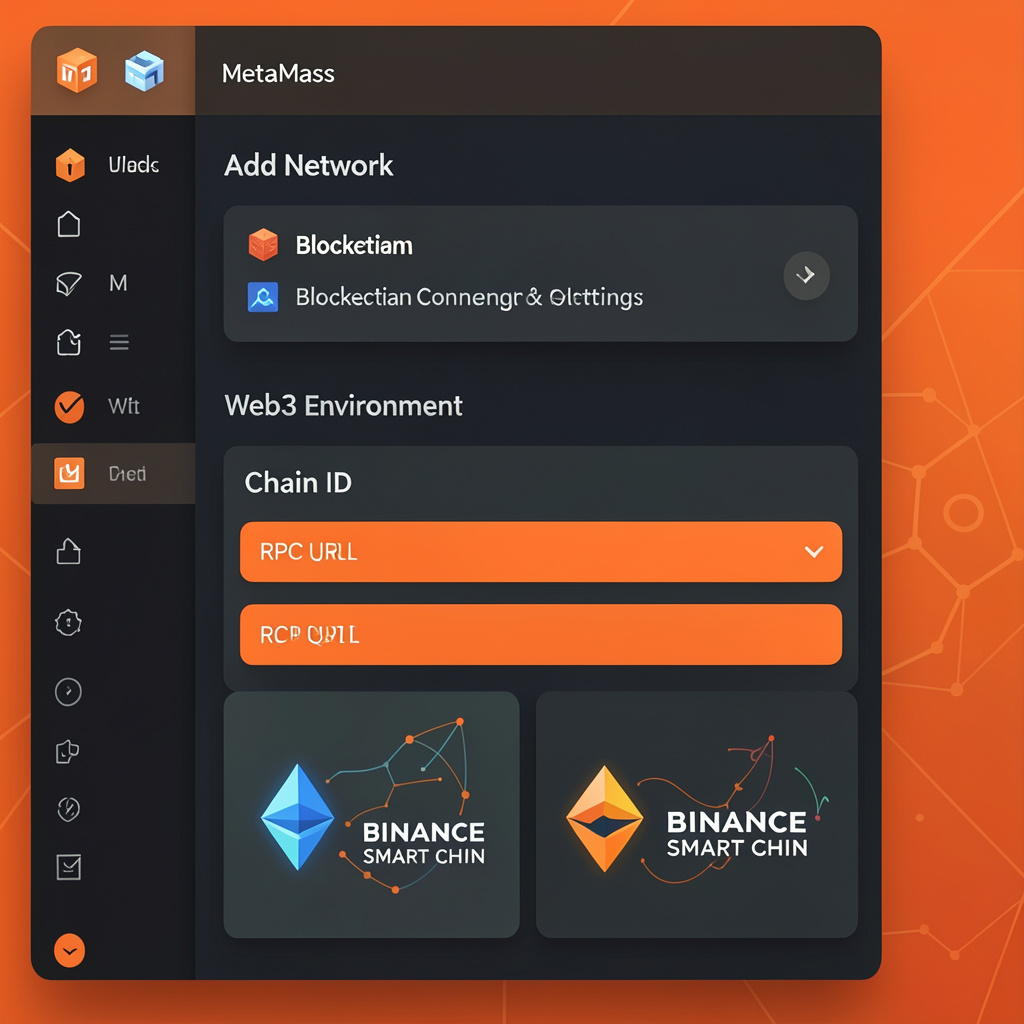
You add a network to MetaMask Wallet by entering a valid RPC URL, Chain ID, and network details in the “Add Network” settings. MetaMask connects to blockchain nodes through RPC endpoints.
MetaMask Wallet lets you add networks through Settings → Networks → Add Network. You enter RPC details or select pre-listed networks. This action enables Web3 access across Ethereum, BNB Chain, Polygon, and other EVM-compatible chains.
Browser Extension (Chrome, Firefox, Edge)
Open MetaMask browser extension
Click network dropdown (top center)
Select “Add network”
Click “Add a network manually”
Enter RPC URL, Chain ID, and details
Click “Save”
MetaMask Mobile App (iOS, Android)
Open MetaMask app
Tap menu → Settings
Tap “Networks”
Tap “Add Network”
Enter network credentials
Tap “Save”
What is MetaMask Wallet and how does it manage networks?
MetaMask Wallet is a Web3 browser extension and mobile app that connects users to blockchain networks like Ethereum, Binance Smart Chain, and Polygon.
MetaMask validates Chain ID uniqueness before saving.
What are example networks you can add to MetaMask?
You can add EVM-compatible networks to MetaMask using verified RPC data. Each network requires a unique Chain ID and RPC endpoint to enable transactions and balance tracking.
Binance Smart Chain processes → low-cost transactions with fast block times (~3 seconds)
Polygon reduces → gas fees using sidechain architecture
Sepolia supports → smart contract testing with faucet ETH
MetaMask supports Custom RPC integration for all EVM-based blockchains.
Why should you add a custom network in MetaMask?
Adding a custom network expands MetaMask Wallet functionality across multiple blockchain ecosystems. It enables cross-chain interaction, cost optimization, and broader dApp access.
Enables → access to DeFi platforms on Binance Smart Chain, Polygon, and other EVM networks
Reduces → transaction costs by switching from Ethereum to low-fee networks
Supports → Web3 dApps across multiple chains using the same wallet
Allows → smart contract testing on testnets before mainnet deployment
Cost comparison across networks
Network
Typical Gas Fee Range
Use Case
Ethereum Mainnet
$5–$50 (can exceed $100)
High-value DeFi, NFTs
Polygon
<$0.01
Microtransactions, gaming
BSC
~$0.05–$0.30
Trading, DeFi, staking
Ethereum gas fees increase during congestion due to limited block space and high demand. Polygon and BSC use different consensus mechanisms, which reduce fees and improve throughput.
Is adding a custom network in MetaMask safe?
Adding a network is safe if you use trusted RPC sources.
MetaMask never exposes your private key.
Malicious RPC endpoints can log requests.
Always verify Chain ID and explorer URL.
Use official sources like project documentation.
Security depends on RPC trustworthiness.
MetaMask does not store blockchain data; it signs transactions locally.
What is an RPC URL and why does it matter?
An RPC URL is a gateway that connects MetaMask to blockchain nodes.
Infura provides Ethereum RPC endpoints.
Public RPCs offer free but rate-limited access.
Private RPCs improve speed and reliability.
Incorrect RPC URLs cause transaction failures.
Reliable RPC improves gas fee estimation accuracy.
How do networks affect gas fees in MetaMask?
Different networks define different gas fee structures.
Ethereum uses dynamic gas (gwei-based pricing).
BSC uses lower fixed gas fees.
Polygon uses low-cost MATIC-based fees.
Testnets use free faucet tokens.
Users switch networks to reduce transaction costs.
What problems occur when adding a network in MetaMask?
Common MetaMask network errors occur due to incorrect RPC parameters or local app issues. MetaMask validates network data before establishing a connection.
Frequent errors and causes
Wrong Chain ID triggers → network conflict or mismatch error
Invalid RPC URL causes → connection failure or timeout
Missing block explorer reduces → transaction visibility and tracking
Network not switching indicates → cached state or UI sync issue
Fix methods for MetaMask network errors
Re-enter → correct RPC URL, Chain ID, and symbol
Verify → network details from official documentation
Restart → browser extension or MetaMask mobile app
Clear → extension cache or app data (if issue persists)
MetaMask resolves most network issues after parameter correction and session reset.
How do you switch between networks in MetaMask?
You switch networks in MetaMask using the network selector dropdown in the interface. MetaMask updates the active blockchain context instantly after selection.