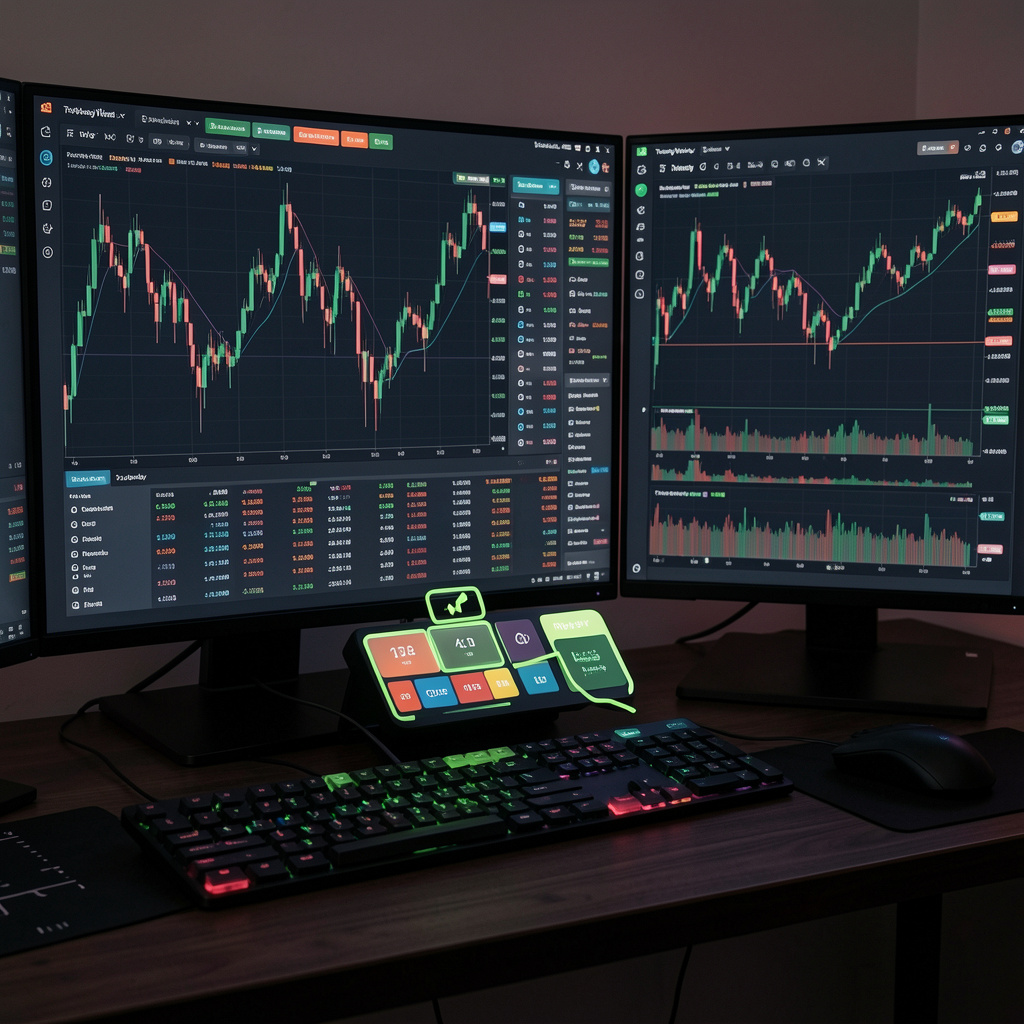
TradingView Replay Mode replays historical price data candle-by-candle to simulate live market conditions.
Replay Mode displays past candles sequentially
User decisions simulate real-time trading
Strategy validation improves through repetition
Example: You test EUR/USD on a 1H chart and validate breakout behavior across 200 candles.
Where Is Replay Mode Located in TradingView? TradingView Replay Mode is placed in the top chart toolbar as a replay icon.
Interface → displays → replay button on chart header
System → requires → historical data availability
Subscription → limits → replay depth (Free vs Premium)
Element Function Replay Button Activates simulation mode Timeline Selector Chooses starting candle Playback Controls Adjusts replay speed
How Do You Start Replay Mode Step-by-Step? You can start TradingView Replay Mode by selecting a historical candle and initiating playback.
Select a candle in the past
Click the replay button
Press “Play” to begin simulation
Adjust speed using controls
Playback speed ranges from slow to fast
Step-forward allows precise candle analysis
Example: You simulate Bitcoin price action during a volatile session to test scalping entries.
How Does Replay Mode Support Backtesting vs Forward Testing? TradingView Replay Mode enables manual backtesting and simulated forward testing using historical data.
Backtesting → evaluates → completed datasets
Forward simulation → mimics → unknown future candles
Replay → removes → hindsight bias
Method Data Type Purpose Backtesting Historical Validate strategy rules Forward Testing Simulated live Test decision-making
Data point:
Manual backtesting identifies repeating setups across 100–300 trades
Traders require 30–50 sample trades to validate edge reliability (Van Tharp research)
How Do You Test a Trading Strategy in Replay Mode? You test a trading strategy by executing predefined entry, exit, and risk rules during replay.
Strategy → defines → entry, exit, stop-loss
Trader → tracks → win rate and drawdown
Replay → enforces → rule consistency
Example setup:
Entry: Break of resistanceExit: 2:1 risk-reward ratioStop-loss: Below support level
How Does Replay Mode Improve Entry and Exit Timing? TradingView Replay Mode improves entry and exit timing by forcing decisions without future data visibility.
Entry aligns with real-time confirmation
Exit follows predefined rules
Bias reduction increases accuracy
Example: You avoid early entries by waiting for candle close confirmation.
How Do You Analyze Market Structure With Replay Mode? TradingView Replay Mode reveals market structure through sequential highs, lows, and trend shifts.
Uptrend forms higher highs and higher lows
Downtrend forms lower highs and lower lows
Ranges show horizontal consolidation
Example: You identify a trend reversal after a break of structure (BOS).
How Do Technical Indicators Perform in Replay Mode? Technical indicators update dynamically during replay, reflecting real-time signal behavior.
Moving averages show trend direction
RSI identifies overbought/oversold zones
MACD confirms momentum shifts
Indicator Function Limitation RSI Momentum False signals in trends MA Trend Lagging response MACD Momentum shift Delayed confirmation
How Do Candlestick Patterns Form in Replay Mode? Candlestick patterns form sequentially, enabling objective price action analysis.
Patterns → confirm → entries
Price action → reveals → liquidity zones
Sequence → removes → hindsight bias
Examples:
Bullish engulfing signals reversal
Pin bar indicates rejection
Doji signals indecision
How Do Timeframes Affect Replay Mode Results? Timeframes determine signal frequency, accuracy, and trade duration.
Lower timeframes increase trade frequency
Higher timeframes improve trend clarity
Multi-timeframe analysis strengthens decisions
Timeframe Signal Type Trade Style 1M–15M High frequency Scalping 1H–4H Balanced signals Day trading Daily Strong trends Swing trading
How Do You Apply Risk Management in Replay Mode? TradingView Replay Mode enables risk management testing through position sizing and stop-loss placement.
Risk per trade typically ranges 1–2%
Stop-loss defines maximum loss
Risk-reward ratio guides profitability
Example: A 1:2 ratio requires 50% win rate for breakeven.
How Do You Track Trading Performance in Replay Mode? You track win rate by recording outcomes of each simulated trade.
Win rate → equals → wins / total trades
Drawdown → measures → capital decline
Profit factor → evaluates → profitability
Metric Definition Win Rate % of profitable trades Drawdown Peak-to-loss decline R:R Ratio Risk vs reward balance
Why Does Trading Psychology Matter in Replay Mode? Trading psychology determines consistency, discipline, and decision quality.
Discipline → enforces → rule adherence
Emotional control → reduces → impulsive trades
Patience → improves → entry timing
Example: You avoid revenge trading after consecutive losses.
How Do You Journal Trades During Replay Mode? You journal trades by recording setups, logic, and outcomes.
Journal → tracks → entry, exit, reasoning
Records → reveal → recurring mistakes
Analysis → improves → strategy refinement
Sample journal fields:
Asset and timeframe
Setup type
Outcome (win/loss)
How Accurate Is TradingView Replay Mode? TradingView Replay Mode is structurally accurate but lacks real execution conditions.
TradingView → uses → OHLC candle data
Brokers → apply → spread (0.1–3.0 pips Forex)
Markets → include → latency (50–300 ms)
Result: Replay often overestimates profitability.
What Is the Difference Between Replay Mode and Paper Trading? TradingView Replay Mode uses historical simulation, while paper trading uses live market data.
Replay Mode → replays → past data
Paper trading → streams → live prices
Both → avoid → real capital risk
What Are the Limitations of TradingView Replay Mode? TradingView Replay Mode lacks real execution conditions such as slippage and broker latency.
No automated strategy execution
No real market liquidity simulation
Limited historical depth on free plans
These constraints affect real-world accuracy.
Can You Use Replay Mode for Scalping Strategies? TradingView Replay Mode supports scalping simulation but lacks execution realism.
Lower timeframes → enable → rapid setups
Missing spread → distorts → scalping accuracy
No latency → overestimates → execution speed
What Are Best Practices for Using TradingView Replay Mode Effectively? Effective use requires structured testing, consistent rules, and performance review.
Follow fixed strategy rules
Use multi-timeframe confirmation
Journal every trade
Best practice checklist:
Test at least 100 trades per strategy
Maintain consistent risk per trade
Review weekly performance data
Data insight: Traders who journal improve performance consistency by over 20% based on behavioral finance studies.